



LightningChart JS v.4.1 has been released!
Adding new product features, visual quality and performance improvements, and more.
Introducing dashed Lines
We’ve been listening closely to your feedback and are thrilled to announce that we’re now introducing dashed line patterns available for line-based series, gridlines, and constant lines.
An example use-case for dashed lines is, e.g., when comparing two types of values using solid lines for certain data and dashed lines for uncertain data.
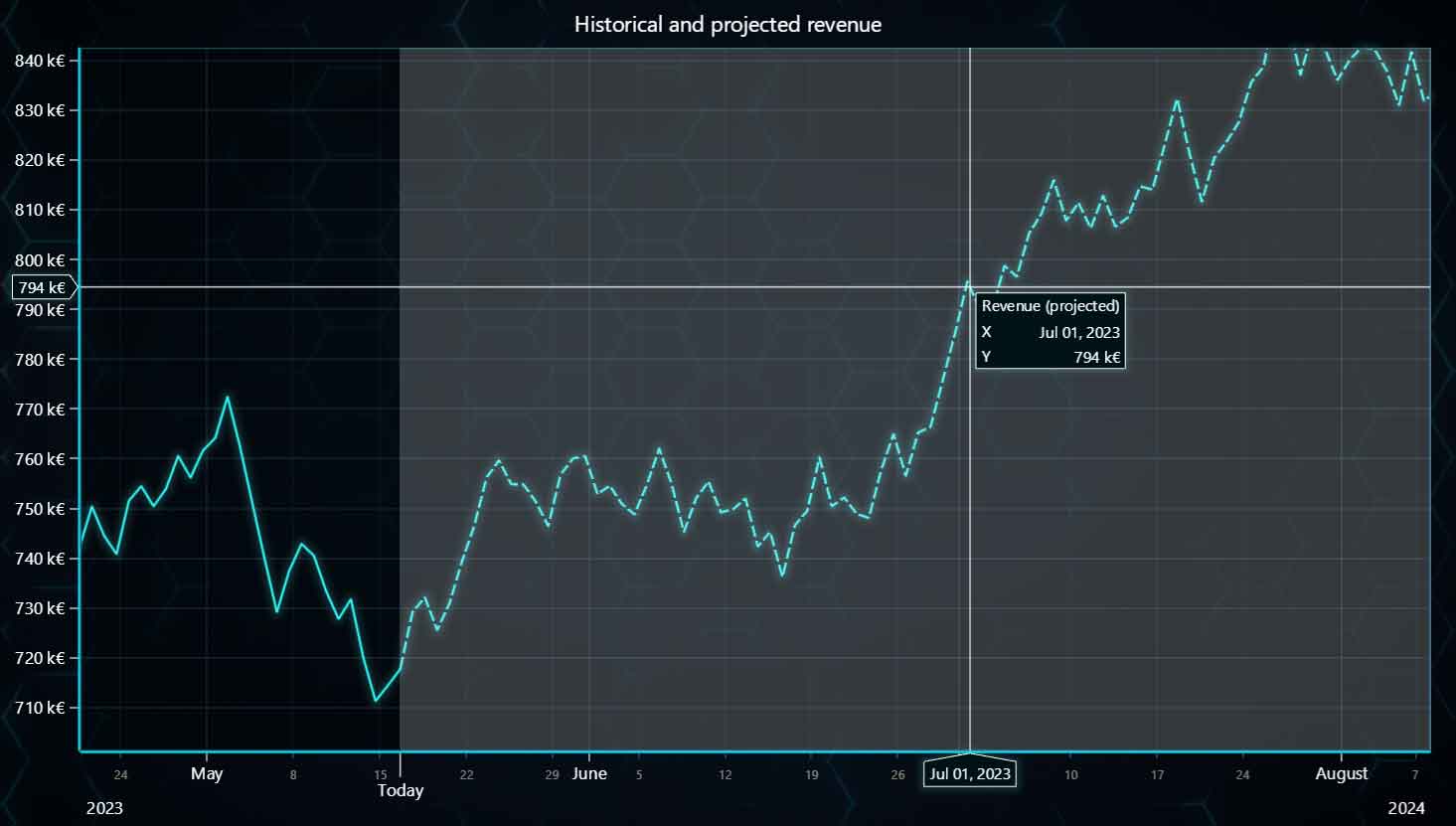
Historical and projected revenue (dashed line)
Custom ticks in 3D charts
You can now manually place custom ticks within 3D charts. You’ll likely use this new feature in the following cases:
- Whenever a user needs a tick to be placed at a specific location.
- When using the categorical axis.
chart3D
	.getDefaultAxisZ()
	.addCustomTick()
	.setValue(1)
	.setTextFormatter((_) => 'Category 1')
Flat themes & No-code editor
Flat color themes are simple yet elegant color variants that are now available as open-source which you can access in GitHub.
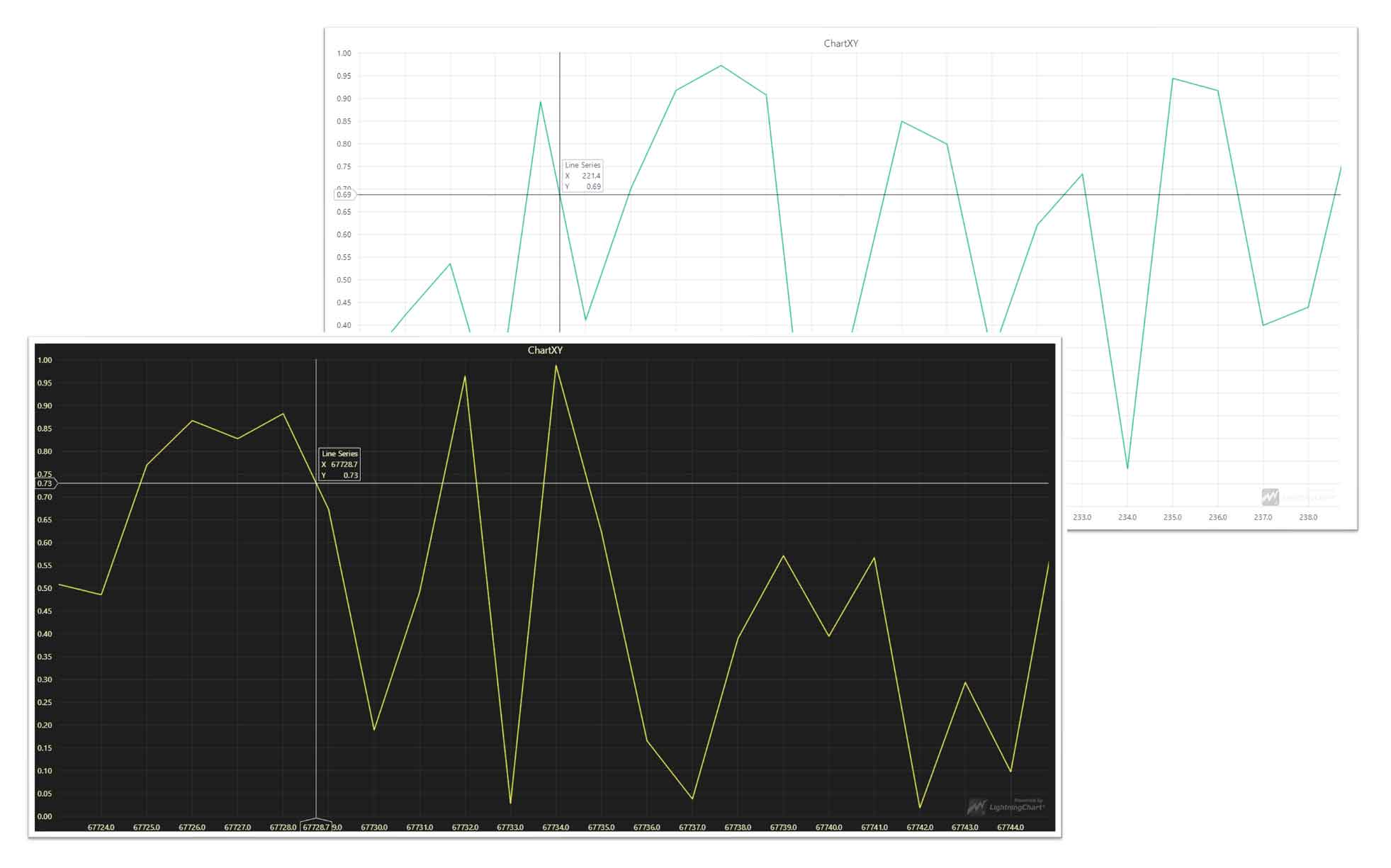
Flat themes examples
We have decided to make our flat themes available as open-source for those users who would like to use them as a reference for creating their own themes. This can help you develop a custom theme faster than starting from scratch.
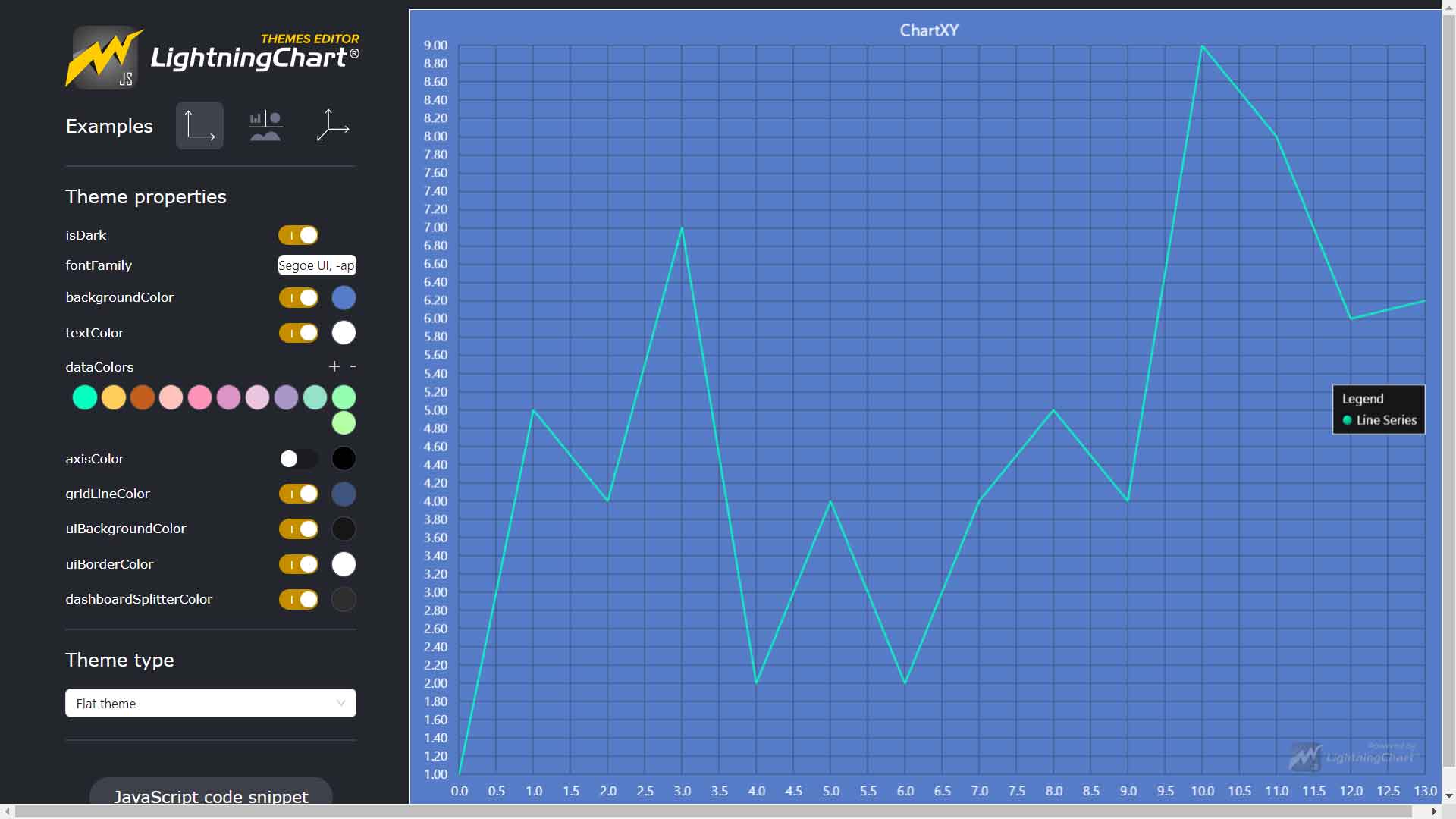
No-code Themes Editor
In addition to the open-source flat themes, we’re releasing a free-to-use no-code Themes Editor that will help you fasten the creation of a custom theme, quickly modify fonts and colors, and directly export it to your application.
Visual improvements on MapChart
In LightningChart JS v.4.1 regions in a map chart can now be individually highlighted on hover.
Other Improvements
Performance has been an important topic in this new LightningChart JS v.4.1 release, especially for map charts:
- We’ve improved to loading speed to 5x faster from 250ms to 50 ms.
- CPU consumption in stress testing has been reduced to 15x less than previously.
- The GPU consumption has been reduced to half.
Get started with LightningChart JS v.4.1
See more news
LightningChart .NET v.12.6.1
LightningChart .NET v.12.6.1 is out now!Features of LightningChart® .NET version 12.6.1In this release we added new features, made several improvements and fixed dozens of errors. We upgraded target framework (from .NET 8.0 to 10.0), added Universal-Data-Parser...
Trend Lines in Trading
Trend lines are among the simplest yet most powerful tools in technical analysis. They help traders visualize market direction, identify potential support and resistance levels, and make more informed trading decisions. Despite their simplicity, trend lines remain a...
Announcement: Baumer as LightningChart customer
Enabling High-Performance Visualization of Industrial Sensor Data with LightningChartDiscover how Baumer uses LightningChart to configure and visualize data from a wide variety of industrial sensors and create responsive, data-rich visualization...
Best Python Charting Library in 2026
Python's charting ecosystem is large, overlapping, and regularly misunderstood. Most comparison guides stop at Matplotlib, Plotly, and Seaborn. This one goes further: it covers what happens when your datasets grow large, your update rates increase, or your chart types...



If you have any questions, feel free to contact us!



©LightningChart Ltd 2026. All rights reserved.