




LightningChart JS v.6.1 has been released!
The v.6.1 release includes new product features and developer experience improvements.
New Product Features
LightningChart JS v.6.1 introduces new chart types and features. Here’s an overview:
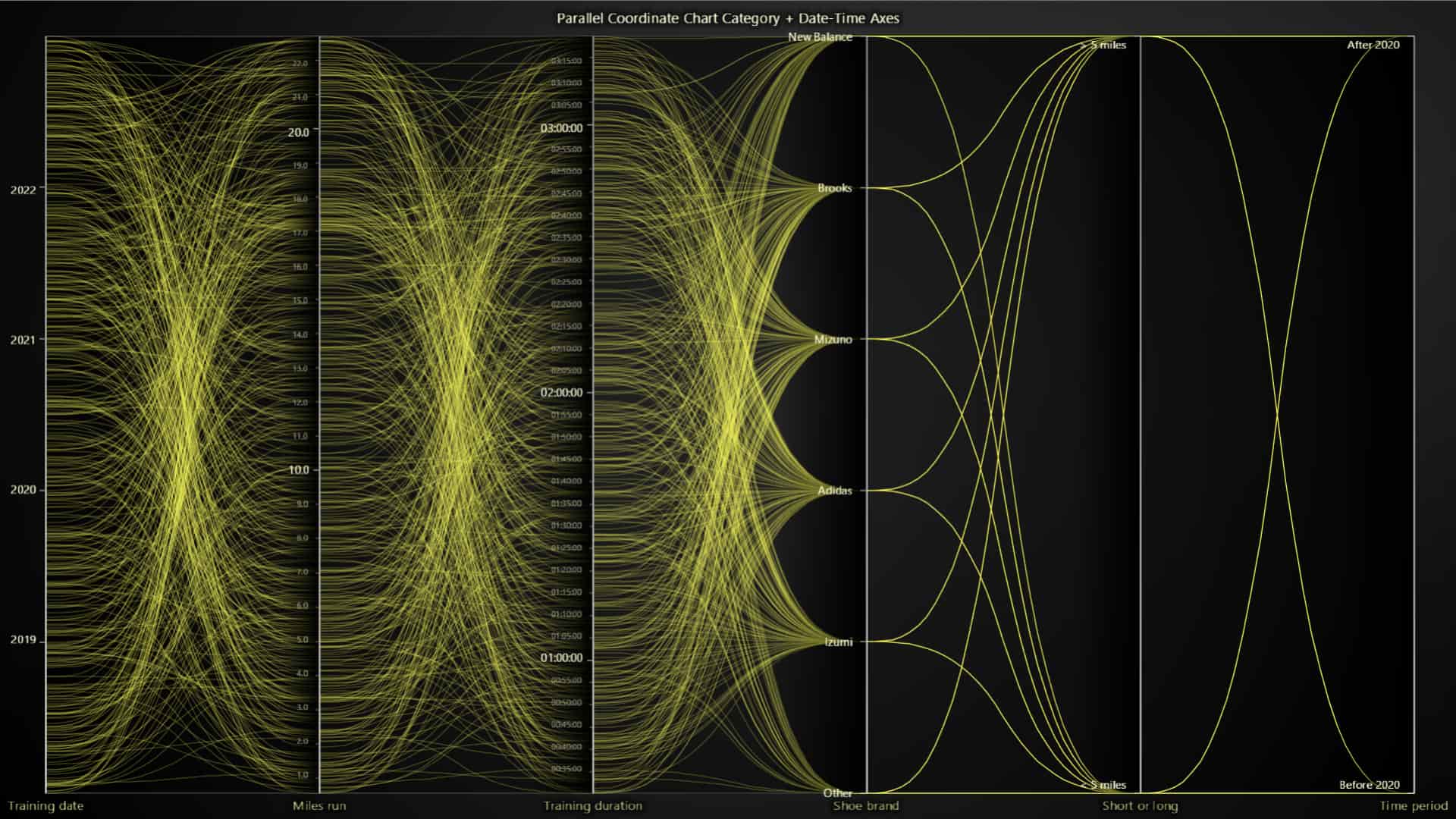
Parallel Coordinate Chart
This is a new chart type that is available to everyone with an active LCJS subscription. The Parallel Coordinate Chart is a widely known and specialized type of chart with powerful built-in data exploration interactions, including:
- Displaying large datasets above 100,000 series and more than 10 axes
- Supporting real-time data input with high stream rates
- Supporting coloring by values
- Can highlight series in value ranges using range selectors
- Supports intuitive data cursors


Orthographic 3D projections
The Orthographic view can now be enabled with chart3D.setProjection(‘orthographic’) as opposed to the default perspective projection.

Extended dashed line support
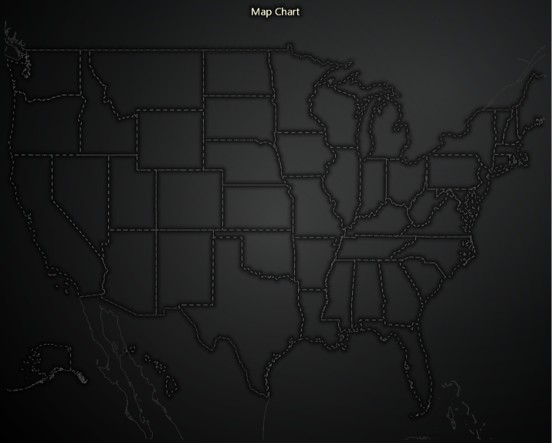
We have added wider support for the DashedLine style:
- RectangleFigure border
- PolygonFigure border
- EllipseFigure border
- BoxFigure border
- BarChart bar borders
- MapChart borders
- TreeMapChart borders
Quaternion rotation API for Mesh Model 3D
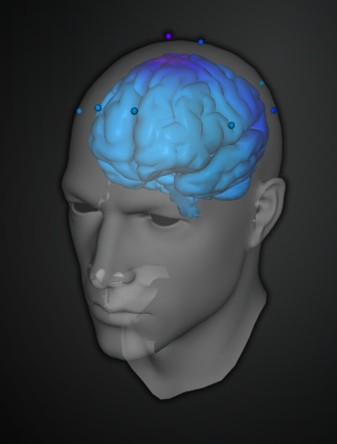
Mesh models can now be rotated with quaternions. Quaternions are a mathematical concept that allows for smooth and efficient 3D rotations of mesh models. Quaternions are especially useful in 3D graphics and computer simulations because they avoid some issues associated with traditional rotation methods like Euler angles, such as gimbal lock (a problem where you lose a degree of freedom in rotation). Previously only Euler angles were supported in LightningChart JS.
Developer Experience Improvements
Stepped axis scrolling
- A new
AxisScrollStrategies.fittingSteppedoption has been added. It fits the view to the data but, when data exceeds the current view, it expands the view by 2x instead of just enough to show the new points. This helps reduce visual distractions and is useful when the data range is unknown.
Fixes and small quality-of-life improvements
ChartXY.getAxes()now returns axes in the same order as they appear on the screen, useful for stacked axes.- Added a warning if
DataSetXYreceives strings instead of numbers. - Fixed a GPU driver issue on Apple Silicon M1/M2/M3, which affected high-precision axes.
Other Improvements & Chart Examples
Moving forward with new code XY features.
Point line area series now supports all of the same use cases as the previous XY series:
- ProgressiveY, RegressiveY, and RegressiveX data patterns
- Inverted axes
With this, we have deprecated the old XY features. Soon, they will be removed and every XY use case should move to using point line area series. Read more in the documentation.
We have added new chart examples based on the Parallel Coordinate chart. You can see them all in the Interactive Examples.


Get started with LightningChart JS v.6.1
All in all, LightningChart JS v.6.1 presents several new features, improvements, and chart types that enhance data application development, every previous release can be accessed in the changelog.
See more news
LightningChart .NET v.12.6.1
LightningChart .NET v.12.6.1 is out now!Features of LightningChart® .NET version 12.6.1In this release we added new features, made several improvements and fixed dozens of errors. We upgraded target framework (from .NET 8.0 to 10.0), added Universal-Data-Parser...
Trend Lines in Trading
Trend lines are among the simplest yet most powerful tools in technical analysis. They help traders visualize market direction, identify potential support and resistance levels, and make more informed trading decisions. Despite their simplicity, trend lines remain a...
Announcement: Baumer as LightningChart customer
Enabling High-Performance Visualization of Industrial Sensor Data with LightningChartDiscover how Baumer uses LightningChart to configure and visualize data from a wide variety of industrial sensors and create responsive, data-rich visualization...
Best Python Charting Library in 2026
Python's charting ecosystem is large, overlapping, and regularly misunderstood. Most comparison guides stop at Matplotlib, Plotly, and Seaborn. This one goes further: it covers what happens when your datasets grow large, your update rates increase, or your chart types...



If you have any questions, feel free to contact us!



©LightningChart Ltd 2026. All rights reserved.





