









LightningChart JS v.8.0 has been released!
New product features, visual quality, performance, dev experience improvements, and more.
New Product Features
LightningChart JS v.8.0 introduces new product features. Here’s an overview:
Legend Rework
In this 8.0 release, we completely rebuilt how Legends work. We focused on a few main things:
- Better Chart Look: Legends now get out of the way of your data and fit better in the space available.
- Easier Setup: The settings for legends are simpler to learn and use, but also more powerful.
- More Built-in Options: We added more ways to use legends without extra work.
- Plugins for Customization: You can now add your own legend features using plugins, so you don’t have to start from scratch.
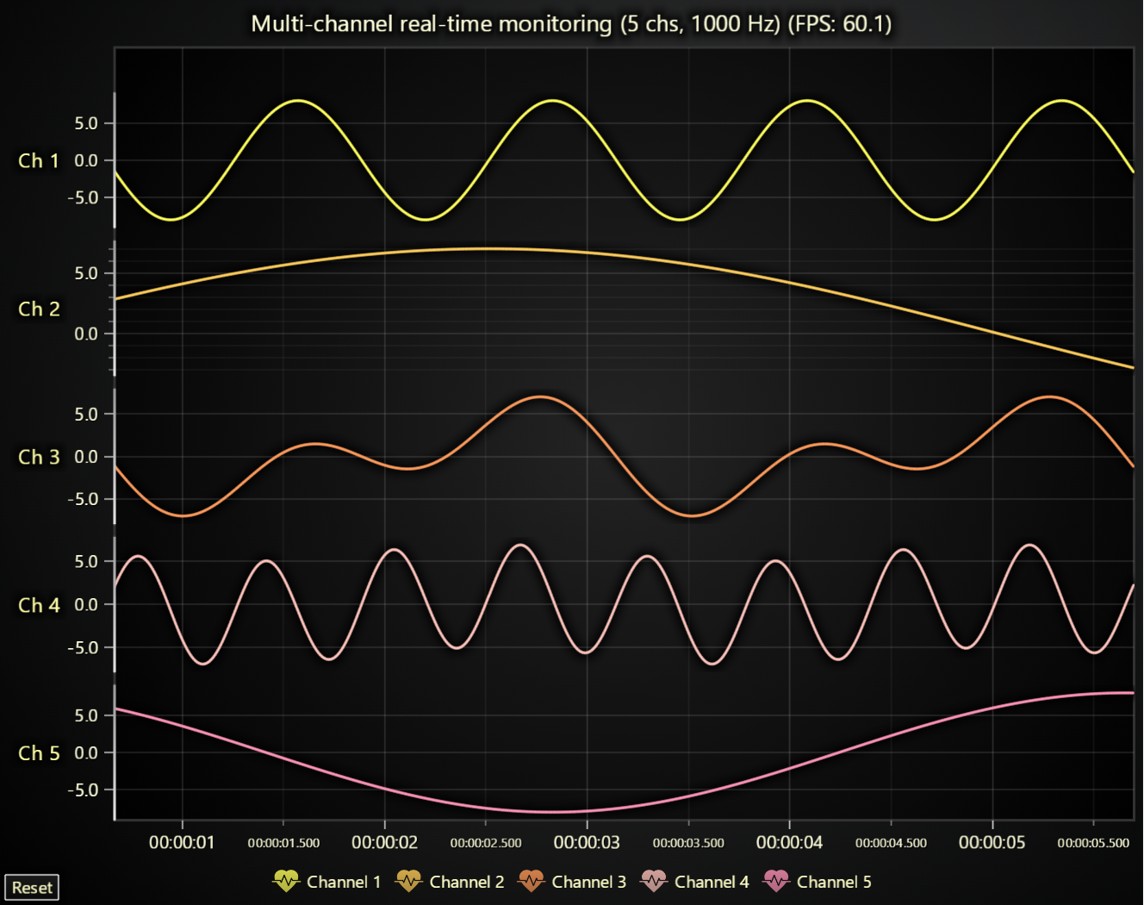
New legends now appear automatically below trends, though you also have the option to manually create multiple legends. You can choose from built-in or custom positions for your legends, and define their click behavior using either built-in or custom options. It is also possible to exclude specific series from legends when you create them.
For all the details about the Legend Rework update, see the migration guide.
// Set legend position to TopRight
chart.legend.setOptions({
    position: LegendPosition.TopRight
});

// Set legend entry click behavior to focus clicked
chart.legend.setOptions({
    entries: {
        events: {
            click: LegendEntryClickBehaviors.focusClicked
        }
    }
});

// Add a line series and hide it from the legend
const series = chart.addLineSeries({
    legend: { show: false }
});
Point Stroke API
PointLineAreaSeries, PolarPointSeries, and Point markers now support rendering a border stroke. This can be configured or disabled using the setPointStrokeStyle method.

Axis Title Positioning
In v8, the positioning of axis titles has been improved. Previously, axis titles were always centered on the axis itself. Now, a new center-chart position option has been introduced. This option is useful for better aligning axis titles in charts that have padding on specific sides. If a chart has only one X and one Y axis, center-chart is now the default positioning option.
Visual Quality Improvements
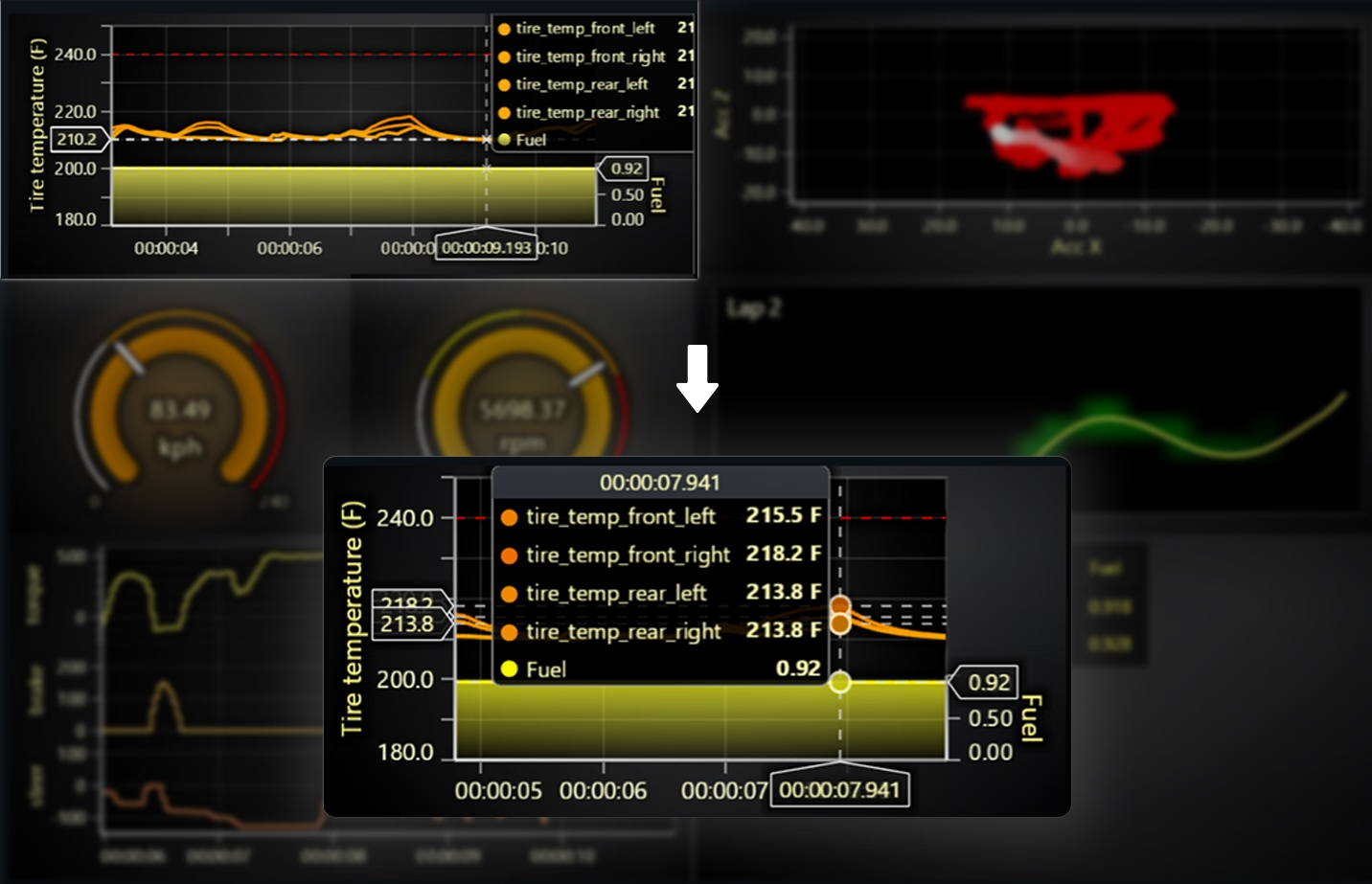
This version introduces Cursor point marker changes. We have changed the default style for the cursor point marker to a transparent circle which improves how the data value is highlighted. Here are two examples:


Improved Cursor Fitting for Small Charts
Cursor fitting has been improved for use cases with small charts. We’ve added more built-in logic to prevent situations where cursor content is not visible due to little available space.
DataSetXY Rework & Performance Improvements
V8 includes a variety of performance improvements. The most significant of these can be enabled by utilizing the new DataSetXY functionalities:
- Shared timestamps can reduce chart memory consumption by up to 2x.
- Separate data storage format configurations can further decrease memory consumption if some measurements do not require full 64-bit precision.
- Data mapping can massively speed up switching displayed channels and improve memory efficiency.
Racing Dashboard Demo: A Practical Example of DataSetXY
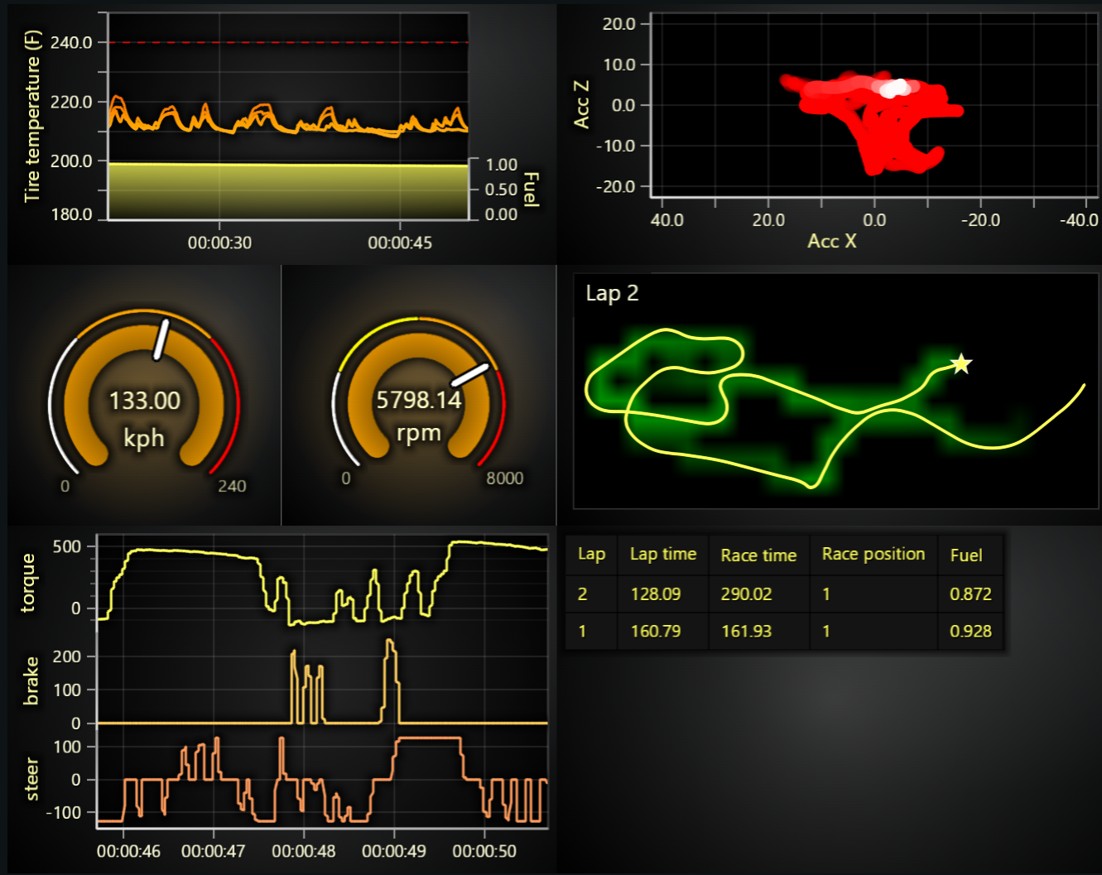
Our Racing Dashboard demo serves as a practical example of the new DataSetXY API’s benefits. In this demo, the dataset features shared timestamps across various channels like tire temperatures, velocities, and acceleration.
With the new DataSetXY API, only a single data set is created, and all data is pushed to it. Then, through data mapping, multiple series are connected to this same data set. This approach eliminates duplicate data and significantly reduces data input processing time.
More detailed information on this rework, which is mostly backwards compatible despite being a significant internal change, can be found in the migration guide under “DataSetXY and PointLineAreaSeries rework.”
Multi-Channel EEG Test Case & Further Performance Gains
In a multi-channel EEG shared timestamp test case, we successfully loaded data sets 8 times larger than before, reaching an incredible 8,000,000,000 data points. This is an unprecedented achievement in web data visualization.
Beyond the previously mentioned improvements, v8 also delivers additional out-of-the-box performance enhancements:
-
Real-time streaming line series CPU usage has been reduced by approximately 63%.
-
Real-time streaming scatter series CPU usage has been reduced by approximately 245%.
Developer Experience Improvements
Developers can now individually highlight different figures such as rectangles, polygons, segments, and text. Previously, figures belonging to the same series could only be highlighted all at once.
This is a significant improvement, particularly due to the performance benefits of not having to separate figures into many different series. It makes histogram use cases much more convenient to implement. We have also updated our online histogram example code to reflect this new capability.
LUT formatter
We have added a convenient centralized way to configure LUT units formatting, which affects how LUT values are formatted (i.e. decimal counts, units, etc.) in legends and cursors primarily.
new LUT({
    steps: [
        { value: 0, color: ColorHEX('#000000') },
        { value: 100, color: ColorHEX('#ff0000') },
    ],
    interpolate: true,
    formatter: (value) => `${value.toFixed(1)} Hz`,
})
Get started with LightningChart JS v.8.0
LightningChart JS 8.0 is a backward-incompatible version release, which means that some previous API syntaxes have changed. Users upgrading to version 8.0 may need to update their application code. We have prepared a detailed migration guide to assist with this transition.
See more news
LightningChart .NET v.12.6.1
LightningChart .NET v.12.6.1 is out now!Features of LightningChart® .NET version 12.6.1In this release we added new features, made several improvements and fixed dozens of errors. We upgraded target framework (from .NET 8.0 to 10.0), added Universal-Data-Parser...
Trend Lines in Trading
Trend lines are among the simplest yet most powerful tools in technical analysis. They help traders visualize market direction, identify potential support and resistance levels, and make more informed trading decisions. Despite their simplicity, trend lines remain a...
Announcement: Baumer as LightningChart customer
Enabling High-Performance Visualization of Industrial Sensor Data with LightningChartDiscover how Baumer uses LightningChart to configure and visualize data from a wide variety of industrial sensors and create responsive, data-rich visualization...
Best Python Charting Library in 2026
Python's charting ecosystem is large, overlapping, and regularly misunderstood. Most comparison guides stop at Matplotlib, Plotly, and Seaborn. This one goes further: it covers what happens when your datasets grow large, your update rates increase, or your chart types...



If you have any questions, feel free to contact us!



©LightningChart Ltd 2026. All rights reserved.