



WPF Charts Implementation Guide | LightningChart
Tutorial
Written by a Human
Learn about the differences between different WPF charts and how to choose the best library for developing applications.
Omar Urbano
Software Engineer

Introduction
In this article, we will review in more detail three different libraries to create WPF charts. We’ll also review and briefly compare LightningChart .NET, Microsoft WPF Chart controls, and OxyPlot WPF Chart controls. I’ll explain the advantages and disadvantages of each library, and we’ll review three examples of WPF charts used in industry applications. Before we begin, I’d like to review some basic theory to get some context.
What are WPF charts?
Charts in WPF are graphs you can use within your application to visually display data. These graphs can be, for example, bar charts, line charts, or pie charts. But WPF charts can also be more advanced and cover different cases, for example, for industries that require visualizing more complex data. More advanced WPF charts include spectrograms, EEG visualizations, heatmaps, etc. WPF charts are particularly useful when you want the user to understand trends, comparisons, or changes without having to read data in a simple tabular form.
Why use charts in WPF applications?
WPF itself doesn’t support many charting features, and considering implementing native and advanced WPF charts is just not possible. But there are external libraries that handle charting functions for you. Some of the most popular ones include both paid and open source.
- OxyPlot is an open-source and lightweight library that features basic charting functions, but it is not performance-oriented.
- LightningChart .NET is a paid library, but extremely powerful if your project requires scientific, engineering, and more advanced applications.
What are WPF charts used for?
For example, an application that needs WPF charts is likely to require a charting library to
- Monitor real-time data from sources such as sensors and other live streaming sources
- Building dashboards
- Clearly displaying data analysis
Seeing a chart is a thousand times faster and easier than reading tables full of data. If you want your user to understand what’s going on without having to analyze too much, a chart says it all immediately. Using line charts to see how something changes over time, bar charts for comparisons, or pie charts to view proportions is ideal for sales, metrics, production, sensors, etc.
With WPF and a good charting library, you can update data live (perfect for monitoring sensors, networks, or anything that’s constantly changing). If you need a powerful desktop application for Windows, with system access and a rich visual interface, WPF with C# is a great choice. Plus, you’ll be able to take full advantage of your computer’s resources, making it possible to render more complex charts with thousands of data points smoothly.
Industries using WPF charts
Medical Industry: Real-Time Vital Signs Monitoring

In the hospital setting, clinical monitoring systems must display critical patient data (such as heart rate, blood pressure, or blood oxygen levels) clearly and in real time. In this context, charts are not just a visual tool, but a vital interface for medical decision-making.
A WPF application equipped with well-optimized charts allows doctors and nurses to observe trends in a matter of seconds and detect critical deviations that could mean the difference between life and death. Moreover, these charts must update constantly without interruptions or visual glitches, even when multiple patients are being monitored simultaneously. WPF’s ability to integrate with medical sensors and with advanced charting libraries makes it possible to build dashboards with high efficiency and clinical reliability.
Automotive Industry: Production Plant Condition Monitoring
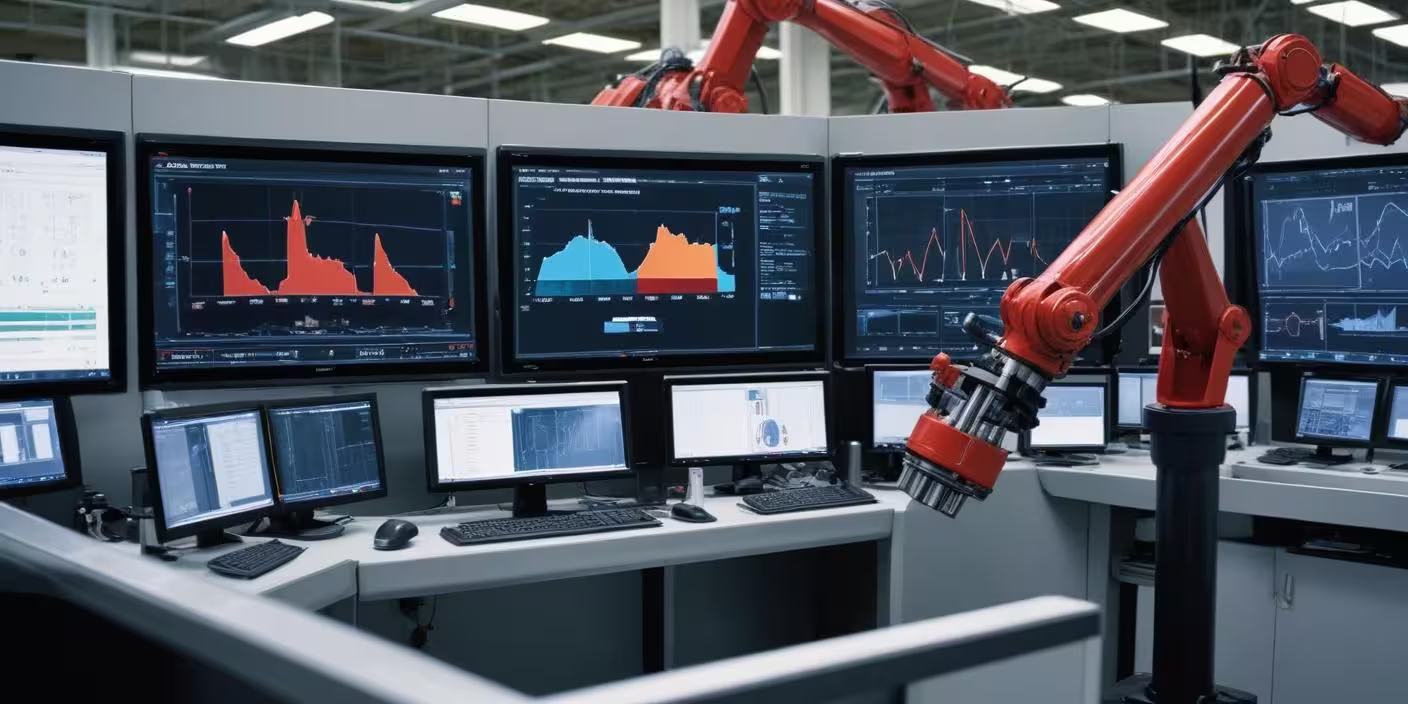
In industrial environments (especially in automotive assembly lines or robotic factories), continuous machinery monitoring is key to maintaining productivity and avoiding costly downtime. In this case, charts play a crucial role in displaying the behavior of variables such as motor temperature, bearing vibration, or hydraulic system pressure.
Monitoring software built with WPF can offer a rich interface, integrating real-time charts that visually alert the operator to any abnormal behavior. For example, a progressive increase in a motor’s vibration can signal component wear, allowing for predictive maintenance instead of reactive repairs. This type of visual system, when efficient and smooth, can save millions of dollars annually in downtime and unnecessary replacement parts.
Oil & Gas Industry: Seismic and Drilling Data Visualization

In the oil and gas industry, the analysis and visualization of geological and drilling data is essential for making decisions related to exploration, extraction, and operational safety. One of the clearest examples is real-time monitoring of sensors during well drilling. Sensors installed at the drill head continuously send information about depth, pressure, temperature, vibration, torque, and direction.
This data must be visualized immediately through charts so that engineers can identify abnormal conditions (such as high-pressure zones or unexpected deviations) that could jeopardize the operation. A desktop application developed with WPF can leverage its graphic capabilities and performance to display multiple charts in parallel, comparing historical data with real-time data.
It’s also common to use multi-axis charts, overlapping series, and logarithmic scales to represent the various types of variables involved in deep drilling.
Libraries like LightningChart are especially valuable in this context, as they can render millions of data points without compromising smoothness. This is crucial when dealing with high-resolution seismic or LWD/MWD sensor logs. In short, charts in WPF in this industry not only enhance the interpretation of complex data, but also directly contribute to the efficiency, safety, and profitability of operations that can cost hundreds of thousands of dollars per day.
Why is performance important in WPF chart applications?
Performance is critical in WPF applications that use charts, since graphs often handle large amounts of data, update in real time, and are constantly being redrawn. If performance is poor, the application becomes slow, unresponsive, or lags, completely ruining the user experience.
Moreover, in scenarios like real-time monitoring, business dashboards, or data analysis, a slow application can lead to critical information being missed or users making decisions based on outdated data. In short, good performance equals a smooth, reliable, and useful application.
Here are some key points to better understand the importance of performance:
- Real-time updates: Charts often display live data (e.g., sensors, sales, etc.), and poor performance causes delays in that information.
- Handling large volumes of data: Many charts display thousands of data points; without optimization, the app can slow down or freeze.
- Smooth interactivity: Zooming, scrolling, tooltips… All these features need good performance so the user doesn’t feel the app is lagging.
- Improves user experience:
A fast application feels professional, reliable, and pleasant to use. - Prevents crashes or hangs:
Poor performance management can cause the app to crash, especially in production environments or on low-resource machines. - Saves system resources:
Efficient performance avoids excessive CPU and memory usage, which is crucial for apps running for long periods or in the background.
LightningChart .NET
LightningChart .NET is a commercial library, meaning you’ll need to purchase a license. If your budget is tight or you’re still in early development, this could be a limitation. Although this may sound like a drawback, the reality is that LightningChart .NET justifies its cost with the extensive documentation, articles, tutorials, and sample projects available through its official website. Here’s a breakdown of some of its technical capabilities:
2D Charts
LightningChart .NET includes Line, area, bar, point, column, bubble, candlestick, waveforms, EEG/EKG, heatmaps, ViewXY, and more than 200 chart types. It supports millions of points per series without performance loss. It supports GPU-accelerated optimization.
3D Charts
For 3D charts, it supports 3D surfaces (Surface Mesh, Waterfall, PointCloud, 3D Heatmaps). Support for rotation, zoom, and camera panning. Volumetric rendering, interactive 3D axes, and customizable perspective.
Scientific / Medical Visualization
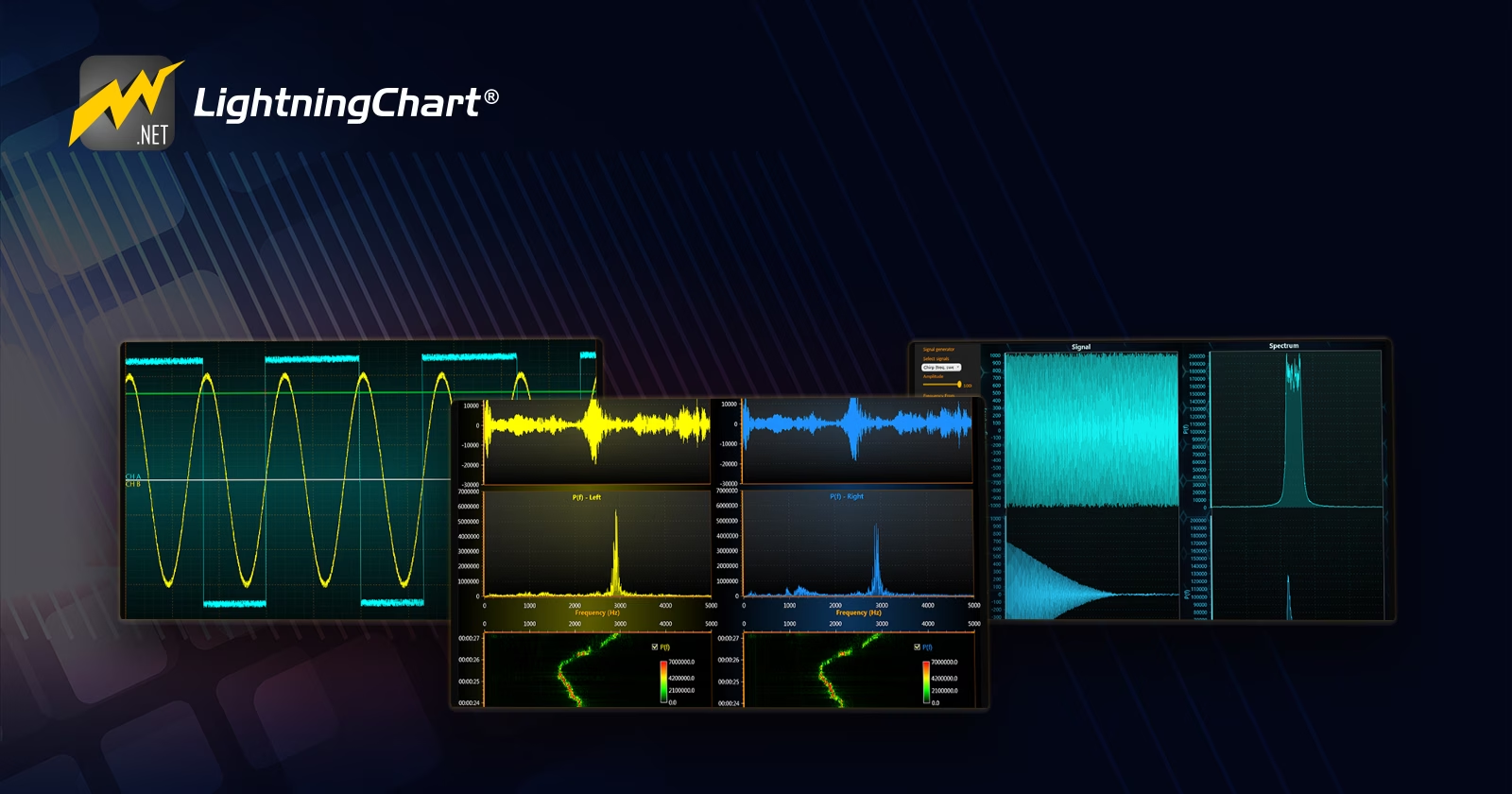
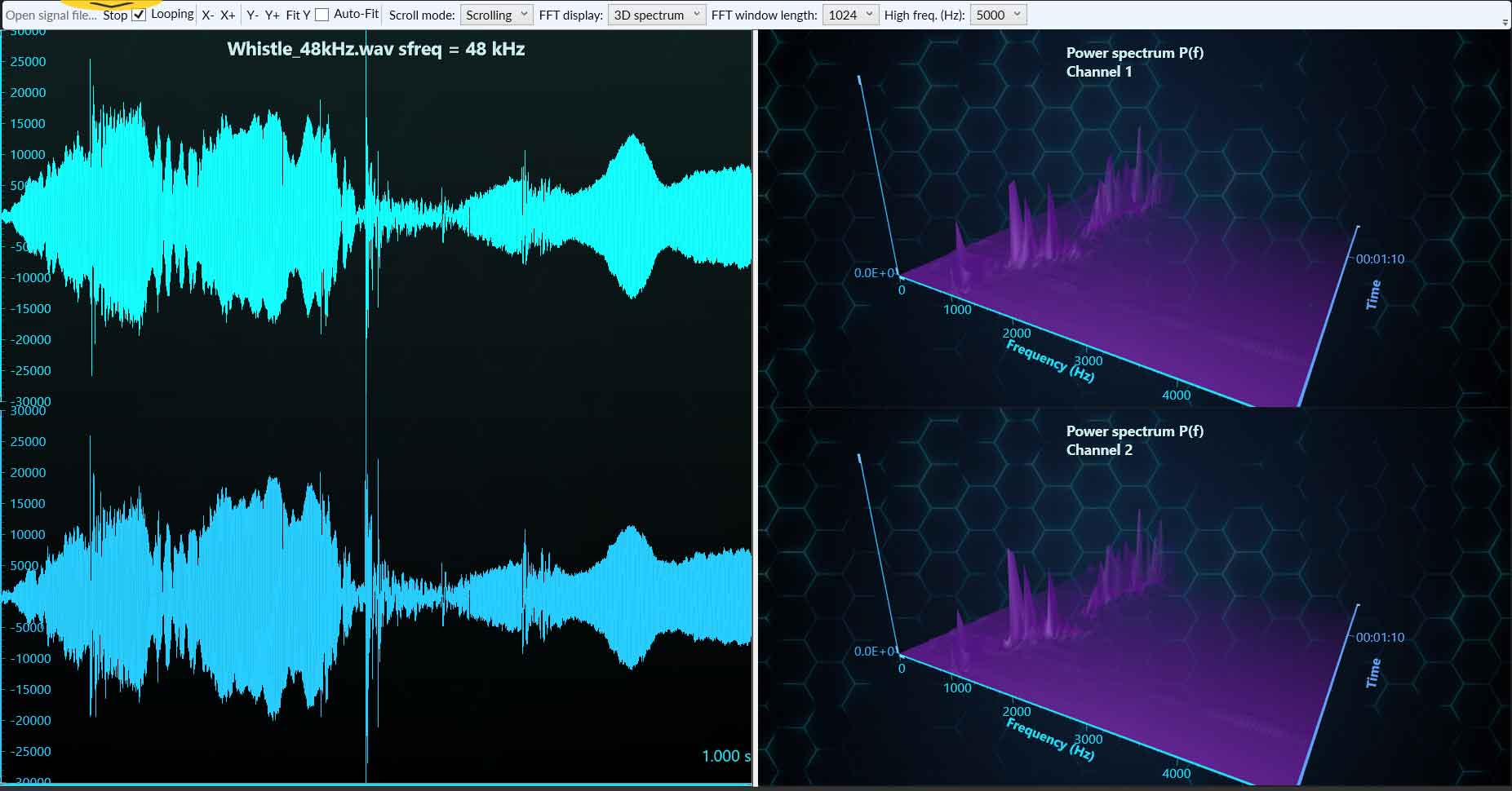
Specifically for the scientific and medical industry, LightningChart .NET supports ECG, EMG, and real-time signal monitoring. It also features oscilloscope mode with auto axis adjustment and frequency spectra, FFT (Fast Fourier Transform).
Geospatial Mapping (Maps and GIS)
For the geospatial industry, LightningChart .NET can display data over heatmaps and geographic data layers, supporting Cartesian and geographic coordinates (lat/lon).
Advanced Series Types
Other advanced chart types include polar series, radial series, spline series, Gantt charts, gauges, speedometers, and radar charts.
Multichannel / Real-Time
LightningChart .NET also features multichannel data visualizations, simultaneously rendering hundreds of series or signals. Key features of multi-channel charts include ultra-low latency, which is ideal for live monitoring and data acquisition systems.
Advanced Interaction
LightningChart .NET also features advanced user interactions, for example, legend boxes, zoom, pan, and point selection. Other UI features include synchronized coordinates, smart cursors, linked charts, nested charts, and floating visual windows.
Rendering Engine
One of the greatest advantages of LightningChart .NET over traditional WPF charting libraries is its rendering engine based on DirectX (not just GDI+ or CPU). This enables extreme performance, even with millions of visible data points.
If your application is high-end and demands performance, accuracy, and modern visualization features, LC .NET is the best WPF charting library for your project.
Conclusion
Given all the information, it’s easy to see which library is the most powerful and useful for high-precision scientific analysis. That doesn’t take away from the importance and usefulness of OxyPlot and MS Charting Tools. It all depends on the objective of your project, whether it’s commercial or educational.
LightningChart .NET is a commercial library, which may not be ideal for non-commercial projects or those in an early development phase. If your project has a commercial focus, it is highly recommended to use a powerful library like LightningChart .NET, due to its ability to render millions of data points without sacrificing performance. This is especially useful in real-time monitoring systems, where instant data is critical. Let’s not forget its 3D rendering capabilities, which allow you to provide important tools in medical and engineering fields. Now, if you had to choose an open-source library, OxyPlot is worth considering.
It offers more advanced charting options compared to Microsoft’s library, while maintaining good performance with thousands of data points. I hope this article has been helpful. I recommend checking out the project examples on LightningChart .NET’s official site and trying out the trial version. You’ll be pleasantly surprised by how easy it is to implement and by the variety of charts it offers.
Continue learning with LightningChart
Horizontal Bar Chart of Russia-Ukraine War Weaponry Data
Written by a human | Updated on April 10th, 2025 JavaScript Horizontal Bar Chart In this article, we aim to respectfully create a JavaScript horizontal bar chart that simulates the weaponry usage on recent war conflicts. While the data have been taken from Kaggle and...
Create a vibration charts application with 2D & 3D spectrograms
Written by a human | Updated on April 10th, 2025JS Spectrogram ApplicationHello, in this article we will create a JS dashboard with 2D and 3D spectrogram charts. The purpose of creating this project is to explain how to create a vibration analysis application that...
Ionic app development
Written by a human | Updated on April 10th, 2025Beginning Ionic App Development with Capacitor, Angular & LightningChart JS [This is the second part of the article "Data Visualization with Ionic Capacitor, Angular & JS Charts (Part 1)"] In the previous...



If you have any questions, feel free to contact us!
©LightningChart Ltd 2025. All rights reserved.





