v1.2.0
PyQt usage
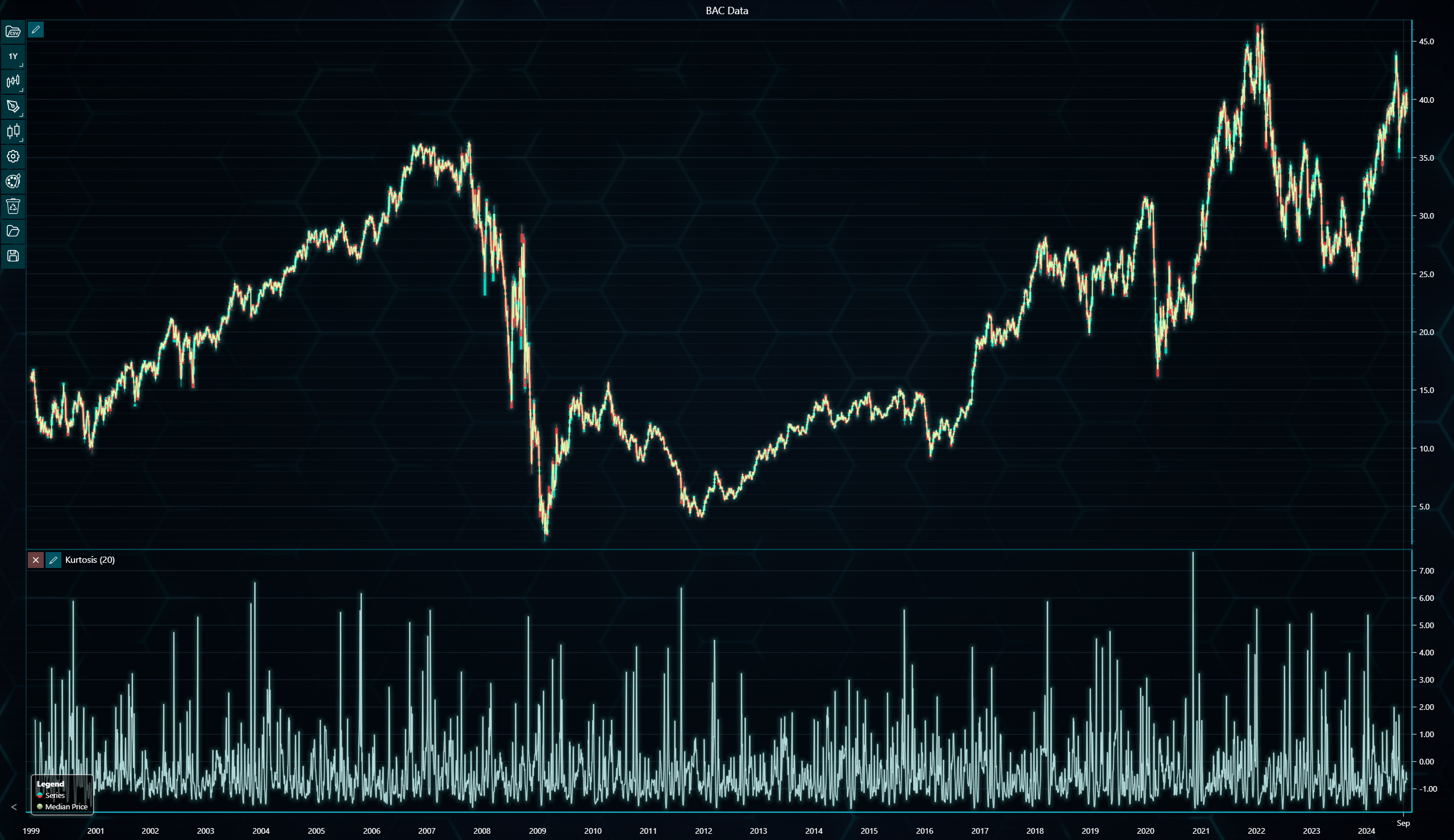
The following example demonstrates how to integrate LightningChart Python into a PyQt application.
import sys
from PyQt5.QtCore import QUrl
from PyQt5.QtWidgets import QMainWindow, QApplication
from PyQt5.QtWebEngineWidgets import QWebEngineView
from lightningchart_trader import TAChart

LICENSE_KEY_PATH = 'license_key.txt'
BAC_DATA_PATH = 'Bank of America Corp (BAC).csv'

class TraderWindow(QMainWindow):
    def __init__(self, url):
        super().__init__()
        self.setWindowTitle('LightningChart Trader - BAC Data')
        self.setGeometry(100, 100, 1400, 800)

        # Create web view and set as central widget
        self.web_view = QWebEngineView()
        self.setCentralWidget(self.web_view)

        # Load the trader URL
        self.web_view.setUrl(QUrl(url))

# Load the license key
license_key = open(LICENSE_KEY_PATH).read()

# Initialize Trading chart
chart = TAChart(license_key=license_key)

# Load CSV files into TAChart instances
chart.load_csv(csv=BAC_DATA_PATH, dataset_name='BAC Data')

# Configure indicators for each chart
chart.add_kurtosis()
chart.add_median_price()

# Get URL for PyQt integration
url = chart.open(method='link')

# Create PyQt application
app = QApplication(sys.argv)
window = TraderWindow(url)
window.show()

sys.exit(app.exec())