v1.2.0
Background Image
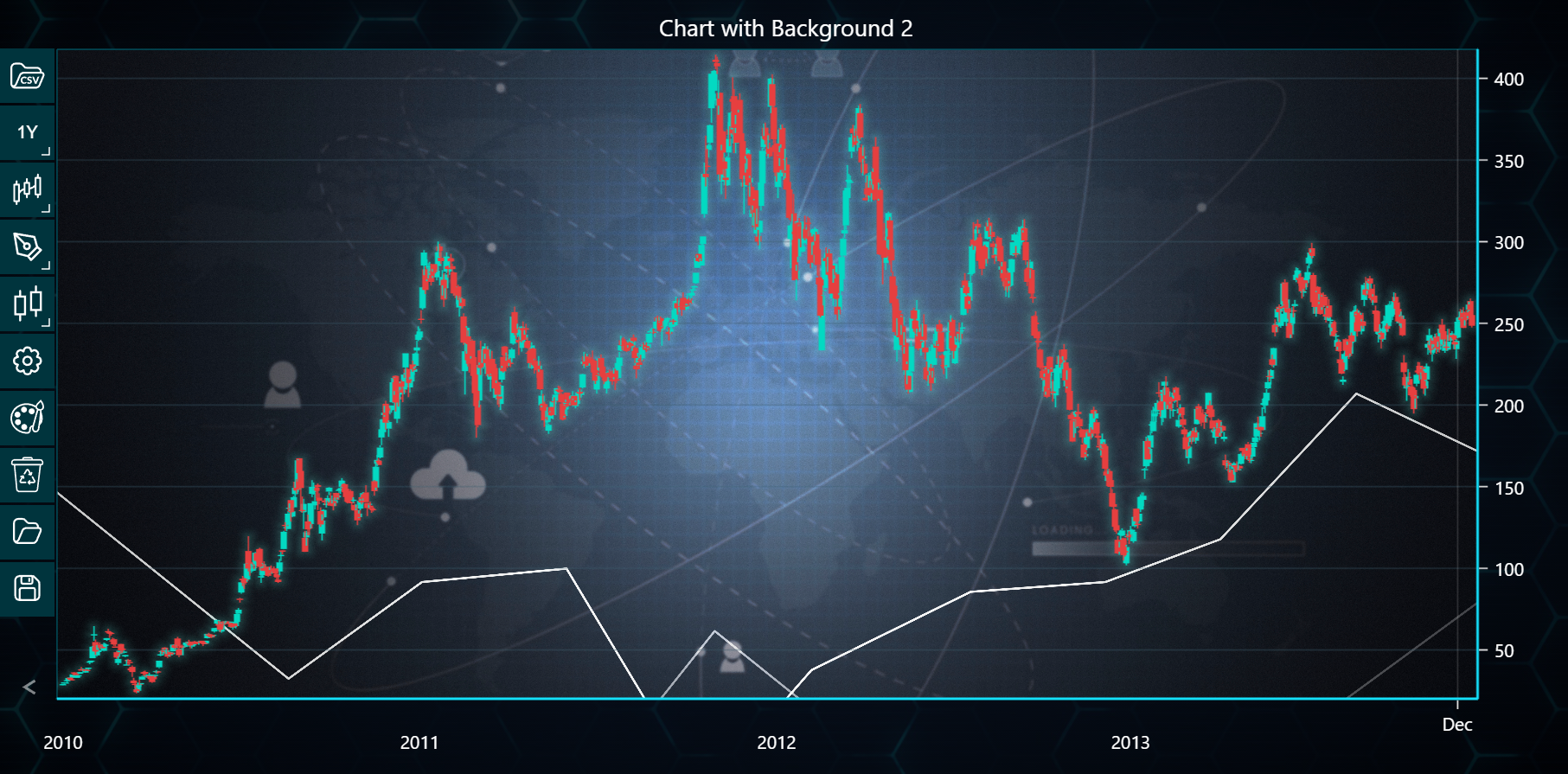
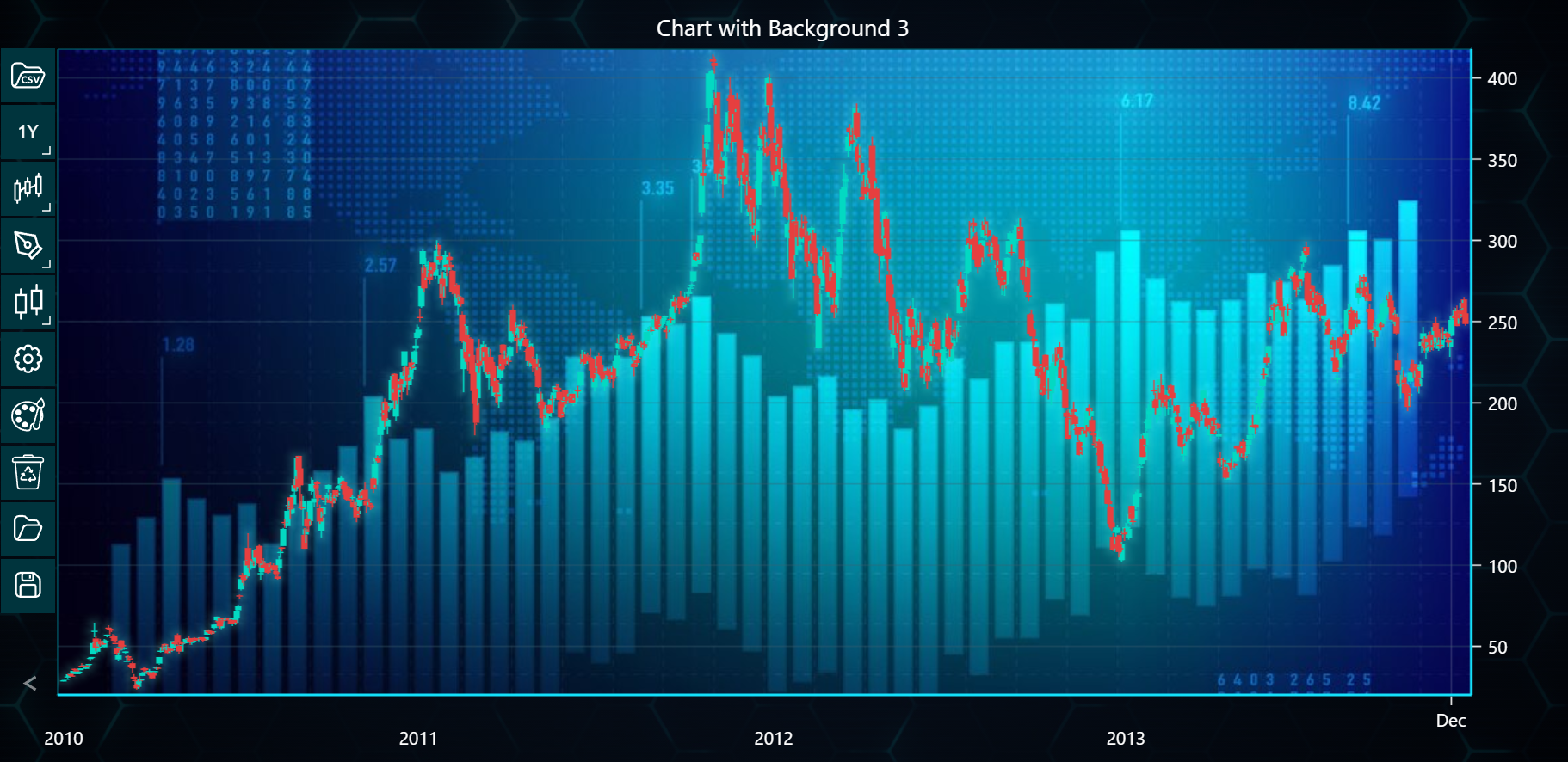
In the example below, you can explore how to apply different images as chart backgrounds using the LightningChart Python Trader. Full code and dataset are provided at the bottom of the page.
from lightningchart_trader import TAChart

LICENSE_KEY_PATH = "license_key.txt"
DATA_PATH = "Tesla.csv"

# Load the license key
license_key = open(LICENSE_KEY_PATH).read()

# List of direct Google Drive links
background_images = [
    'https://drive.google.com/uc?id=1Uuw6CyyqL8xYsjlx5VdWOvAG4dHFYJNK',
    'https://drive.google.com/uc?id=1cfFBR2RtZ7izI3iN-gGjTQ3mxqiittaP',
    'https://drive.google.com/uc?id=1jk1_0k-hrt5FqwVyxcxK_cCvqcMszpDU',
]

# List to hold chart instances for each chart
charts = []

# Open a chart for each background image
for idx, background_image in enumerate(background_images):
    trader = TAChart(license_key=license_key)
    trader.load_csv(csv=DATA_PATH)
    trader.set_price_chart_type('CandleStick')
    trader.set_chart_title(f'Chart with Background {idx + 1}')
    trader.set_background_image(background_image)

    # Add trader to charts list
    charts.append(trader)

# Open charts
for chart in charts:
    chart.open()