v1.2.0
Color themes
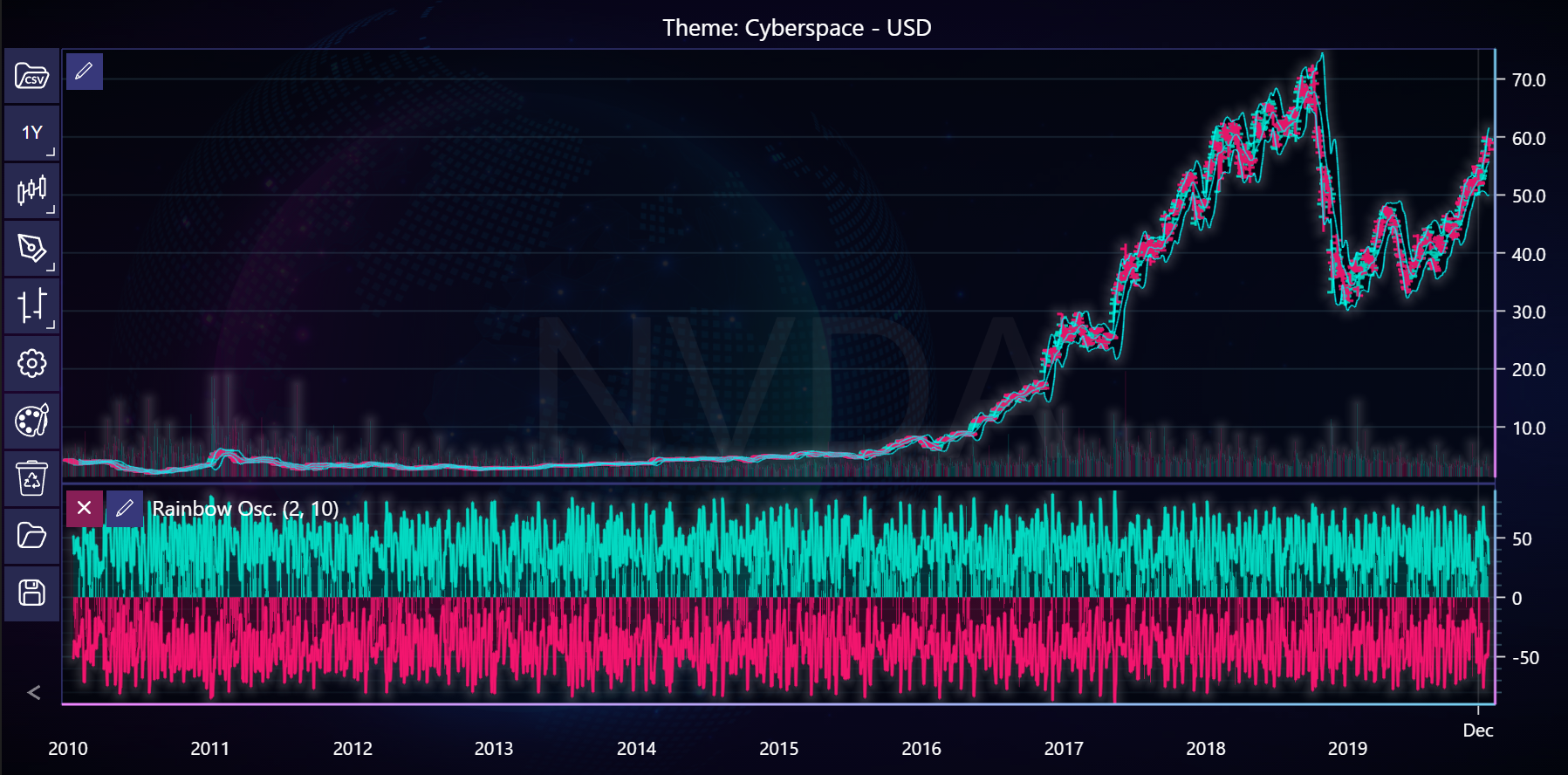
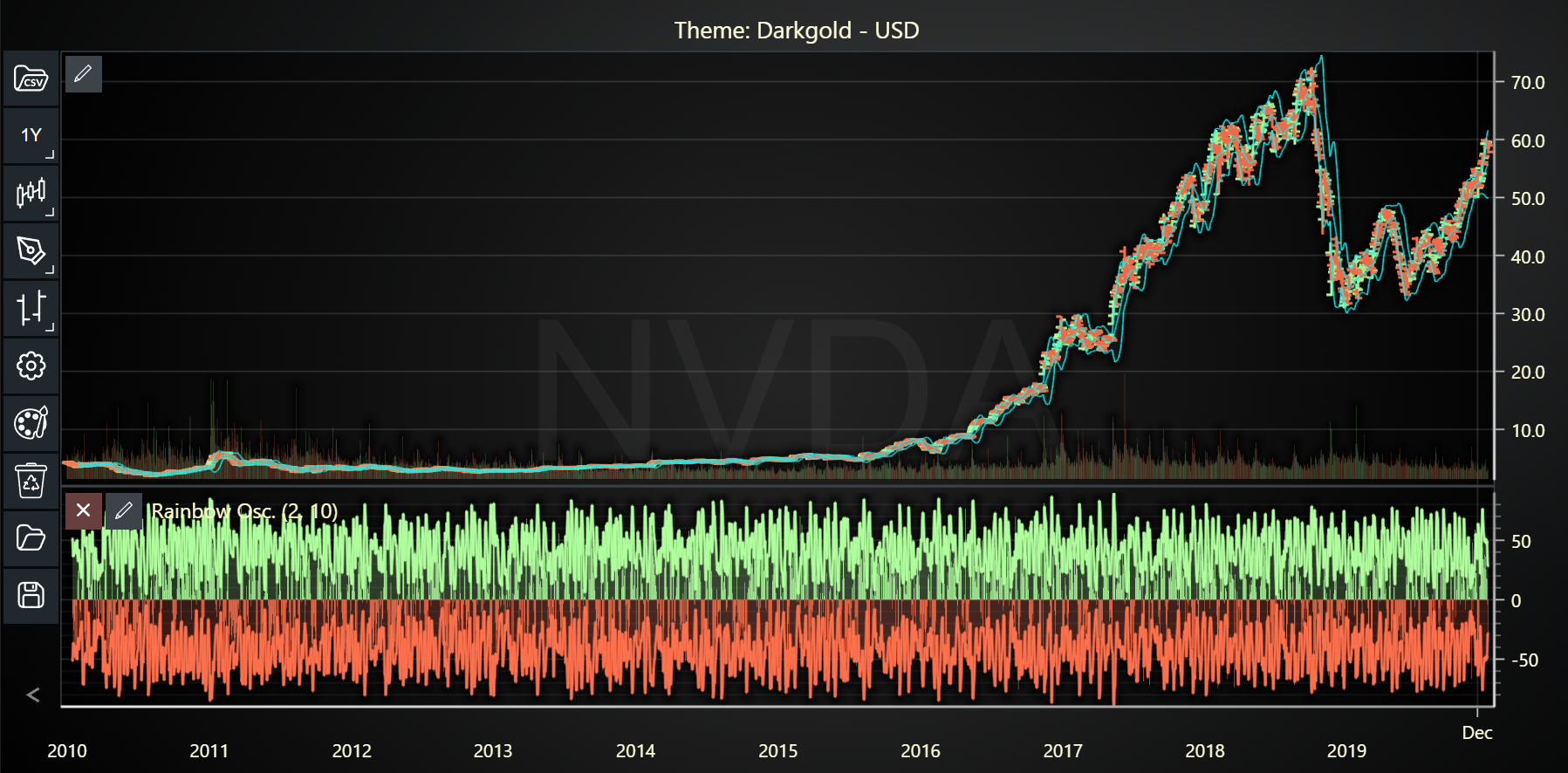
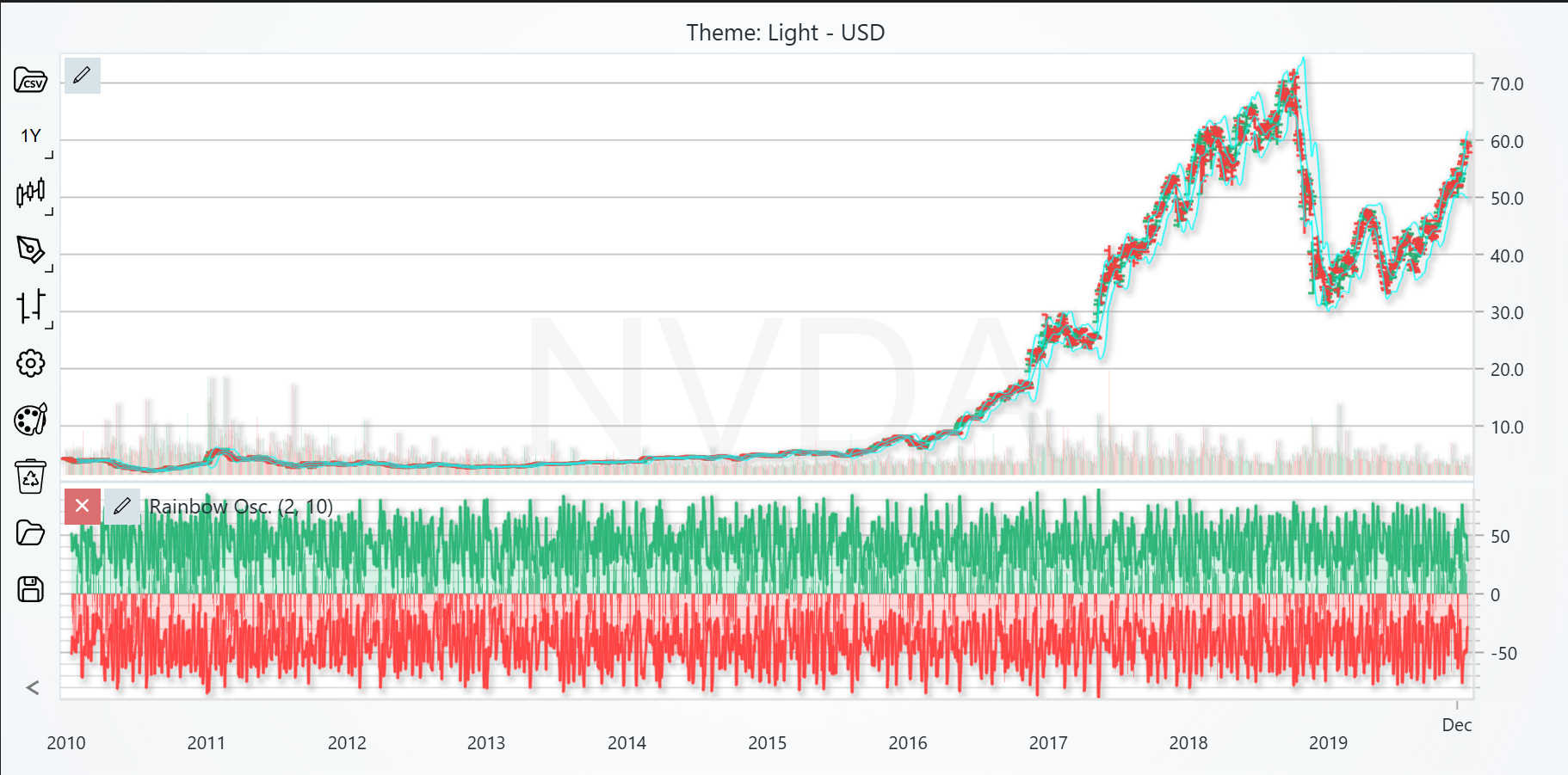
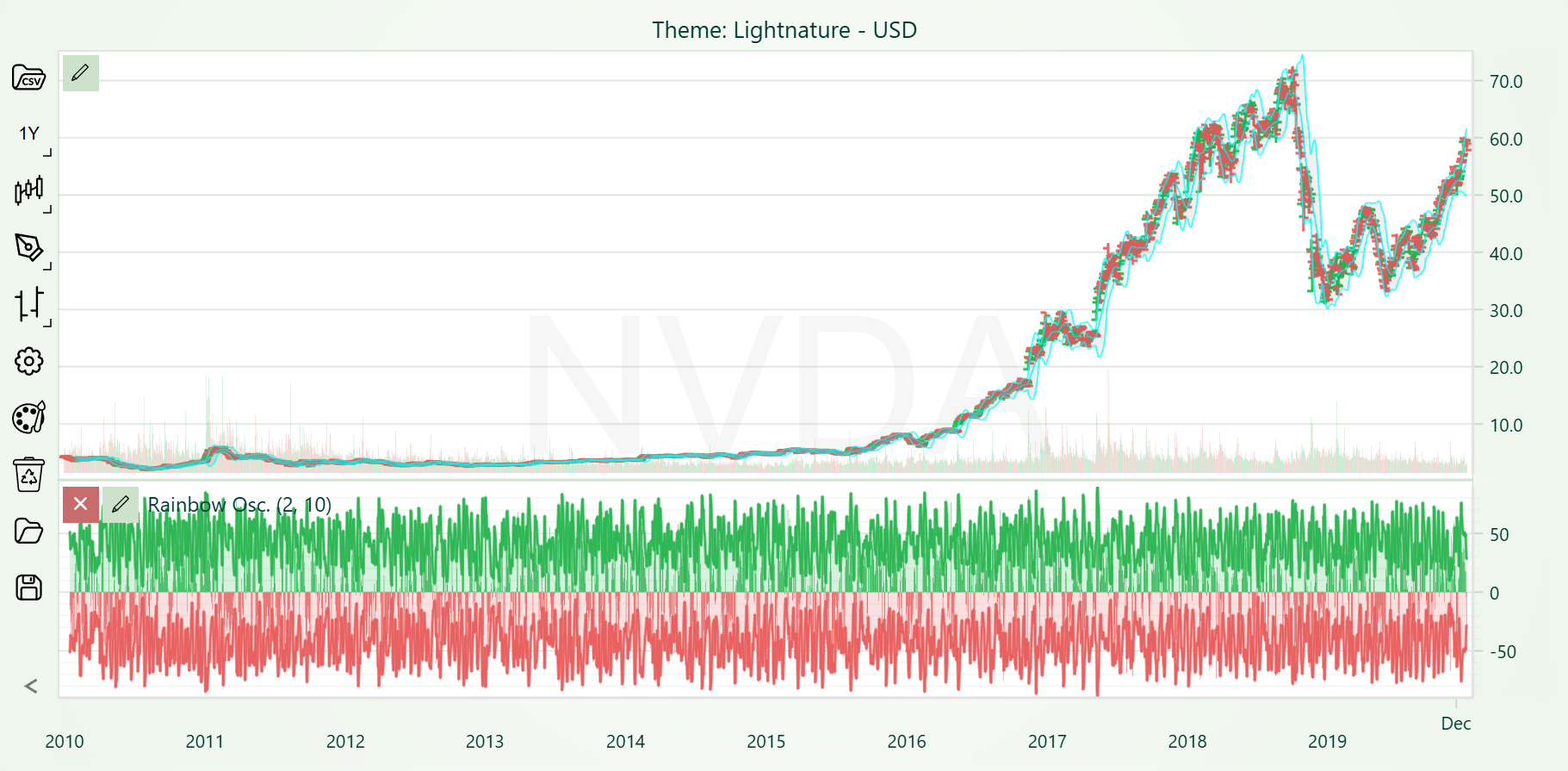
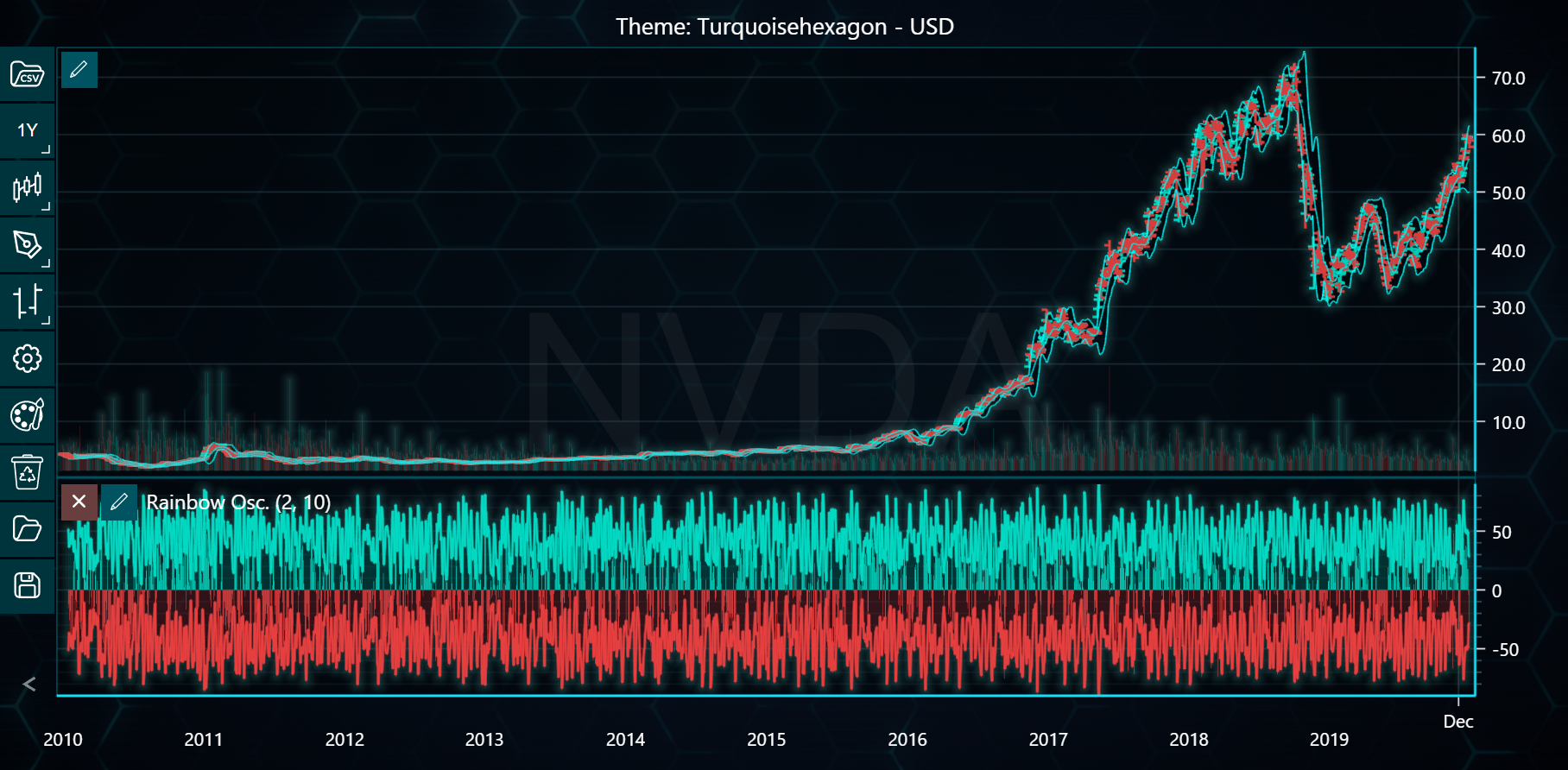
In the example below, you can explore different color themes in LightningChart Python Trader. Full code and dataset are provided at the bottom of the page.
Download 'NVIDIA Corp (NVDA) - 10y.csv'
from lightningchart_trader import TAChart

LICENSE_KEY_PATH = "license_key.txt"
DATA_PATH = "NVIDIA Corp (NVDA) - 10y.csv"

# Load the license key
license_key = open(LICENSE_KEY_PATH).read()

# Define the list of themes
themes = ['cyberSpace', 'darkGold', 'light', 'lightNature', 'turquoiseHexagon']

# Loop through each theme
for theme in themes:
    # Initialize TAChart for each theme
    chart = TAChart(license_key=license_key)

    # Load CSV data
    chart.load_csv(DATA_PATH)

    # Set chart title and theme
    chart.set_chart_title(f'Theme: {theme.capitalize()}')
    chart.set_color_theme(theme)

    # Set the chart type and other display settings
    chart.set_price_chart_type('Bar')  # Set price chart type to 'Bar'
    chart.set_result_table_position(2)  # Position result table at top left
    chart.set_ohlc_cursor_tracking(4)  # Set OHLC tracking for all points
    chart.show_symbol_watermark(True)  # Enable watermark on the chart
    chart.set_watermark_text('NVDA')  # Set watermark text

    # Adding Volume Indicator
    volume_indicator = chart.add_volume()
    volume_indicator.set_bar_color('#03d9c2')  # Set color for volume bars

    # Adding Rainbow Oscillator Indicator
    rainbow_oscillator = chart.add_rainbow_oscillator()
    rainbow_oscillator.set_fill_enabled(True)
    rainbow_oscillator.set_line_width(2)
    rainbow_oscillator.set_moving_average_type(3)
    rainbow_oscillator.set_lookback_periods(10)

    # Adding Bollinger Band with specific settings
    bb = chart.add_bollinger_band(period_count=20)  # Add Bollinger Band with period
    bb.set_standard_deviation_number(2)  # Set standard deviation to 2
    bb.set_line_color('#00FFFF')  # Set line color to cyan
    bb.set_fill_color('#00101010')  # Set fill color with transparency

    # Set currency
    chart.set_currency('USD')

    # Open the chart
    chart.open()