



From Data to Dashboard: Fast Chart Creation with No-Code/Low-Code Tools
Article
An analysis of no-code and low-code tools for creating complex charting controls and dashboards.
Robert Taylor
Regional Account Manager (North America, South America)

Introduction
Building a powerful, data-driven dashboard can be a daunting task, especially if you’re starting from scratch. However, with no-code and low-code tools, creating complex charting controls and dashboards has become faster and easier than ever before.
In this article, we’ll explore how you can leverage these tools to build dynamic data visualizations in record time and go from data to dashboard. Plus, we’ll show you how to use interactive examples to make the process even simpler.
From Data to Dashboard: Accelerating Development with Interactive Examples
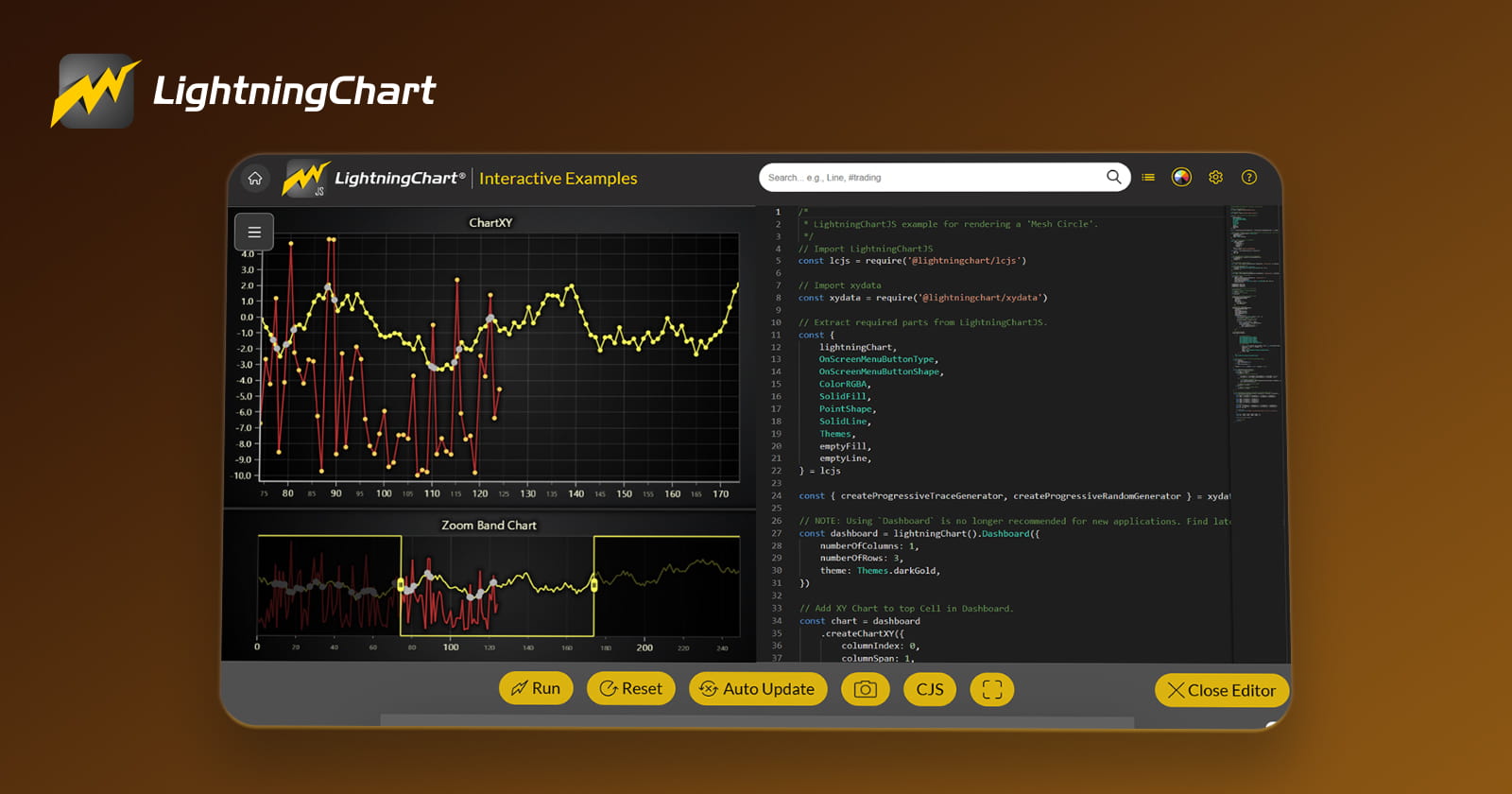
Interactive examples are more than just demos; they are fully functional programs that allow you to see how a charting library works and go easily from data to dashboard. These examples not only showcase the capabilities of the software, but also provide a foundation for developing your own projects. The best part? You can extract the code used in these examples and modify it to fit your specific needs, dramatically speeding up your proof of concept (POC).
Instead of coding from scratch, interactive examples allow you to:
- Evaluate how different chart components will look and behave in your project.
- Generate ready-made code from the examples, saving hours of development time.
- Use the examples as a starting point for a production-level project.
Let’s dive into some of the tools you can use, starting with LightningChart’s no-code and low-code offerings.
No-Code Option: Create Fast Charts with LightningChart .NET SDK
For users who are unfamiliar with coding but still want the power of professional-grade charts, LightningChart provides a no-code solution through its .NET SDK. By downloading this SDK, you gain access to more than 200 interactive examples, each designed to demonstrate different charting functionalities.

Here’s how to get started:
- Download the LightningChart .NET SDK from the product page.
- Launch the Interactive Examples App via the Start menu or the Dev Center.
- Explore and interact with over 200 demos across various categories.
- Modify chart properties in the user interface, or delve deeper by opening the properties tab, which gives you granular control over every chart element.
Once you find an example that fits your needs, you can extract it as a standalone Visual Studio project, which you can modify or use as the basis for your application. This can save hours of development time when building charts for platforms like WinForms, WPF (bindable and non-bindable), and UWP.
Pro Tip: Use the “Properties” tab to tweak chart features instantly and generate code that can be used in your projects.
Low-Code Option: Create High-Performance Charts with LightningChart JS
For those who are comfortable with some coding but want to accelerate the development process, the LightningChart JS library is an excellent low-code solution. It provides the same comprehensive charting capabilities as the .NET SDK, but for JavaScript projects.
The Interactive Examples Tool for JavaScript allows you to:
- Browse and explore chart types like XY charts, candlestick charts, heatmaps, 3D surface charts, scatter charts, and more.
- Edit charts on-the-fly and see real-time changes.
- Access API links and example code conveniently placed next to each chart.
- Extract the code from GitHub and use it to build high-performance financial, fintech, or data visualization applications.
To get started with the JavaScript version, check out these interactive examples:

By using these interactive examples, you can build applications that visualize large amounts of data with real-time rendering, making it ideal for fintech dashboards or any project requiring high-performance charting.
Key Benefits of Using Interactive Examples for Dashboards

- Faster Development – Save time by using pre-built interactive examples as a foundation for your project. You can extract, modify, and build upon these examples rather than starting from scratch.
- No-Code and Low-Code Flexibility – Whether you’re looking for no-code solutions for .NET or low-code options for JavaScript, interactive examples provide the flexibility you need to build dashboards quickly and efficiently.
- High-Performance Visualization – Both LightningChart .NET and JS libraries support real-time chart rendering, allowing you to visualize large datasets (up to 4,000+ charts at once) without compromising on speed or performance.
- Extensive Chart Types – From 2D and 3D line charts to heatmaps and scatter plots, you have access to a wide variety of chart types that cater to different use cases.
- Cross-Platform Compatibility – Develop for different platforms including WinForms, WPF, UWP, and JavaScript, giving you the flexibility to deploy your dashboards across various environments.
Conclusion
Building data-driven dashboards doesn’t have to be a time-consuming or complex task. By utilizing no-code/low-code tools like LightningChart’s interactive examples, you can significantly reduce development time, quickly create a POC, and scale up to production-level projects with ease.
Whether you’re a developer or a business user looking to create visualizations, these tools empower you to build high-performance, dynamic dashboards faster than ever before. Try out the interactive examples today, and unlock the full potential of no-code/low-code charting for your next project.
Continue learning with LightningChart

Trend Lines in Trading
Trend lines are among the simplest yet most powerful tools in technical analysis. They help traders visualize market direction, identify potential support and resistance levels, and make more informed trading decisions. Despite their simplicity, trend lines remain a...

Best Python Charting Library in 2026
Python's charting ecosystem is large, overlapping, and regularly misunderstood. Most comparison guides stop at Matplotlib, Plotly, and Seaborn. This one goes further: it covers what happens when your datasets grow large, your update rates increase, or your chart types...

Best TradingView Charting Library Alternative
TradingView's charting libraries are the most visible option for fintech developers. Visibility is not the same as capability. This guide is for developers who have hit the wall on candle count limits, watermark restrictions, branding requirements, real-time...



If you have any questions, feel free to contact us!



©LightningChart Ltd 2026. All rights reserved.





