




Cleaning Memory Resources Correctly 101

By Nikolai Arsenov
Software Developer & Quality Control Specialist
For cleaning memory resources efficiently, application should dispose existing objects before clearing related collection.
LightningChart provides predefined collections, e.g. XAxes, YAxes, PaletteSteps, etc. in WinForms and WPF Non-bindable platforms. In WPF Semi-bindable and Bindable platforms they should be created manually (e.g. ViewXY.CreateDefaultXAxes()). Moreover, a user’s application can have created collections of series, annotations, markers, cursors, etc.
If a user needs to recreate new specific collection for the chart without modifying the existing one, the old collection should be removed properly to use memory resources efficiently.
The following lines clean y-axes collection. However, the resources inside the application have not been freed, and they still reserve memory.
chart.ViewXY.YAxes.Clear();
Instead of using .Clear() method for collection, call .Dispose() for each item and clean the collection. Dispose method releases any resources from memory for clean-up:
foreach (AxisY yAxis in chart.ViewXY.YAxes)
         yAxis.Dispose();
chart.ViewXY.YAxes.Clear();

// Create new Y-axes collection
for (int axisY = 0; axisY < axisYCounter; axisY++)
{
        // Create your axes here
}
In our Demo applications, we have an auxiliary method to make proper resource cleaning:
ExampleUtils.DisposeAllAndClear(chart.ViewXY.YAxes);

The LightningChart JS Agent Skill: Give Any AI Coding Agent Accurate Charting Knowledge in 60 Seconds
An agent skill is a folder of instructions your AI coding tool picks up automatically. This one teaches any compatible agent how to use LightningChart JS correctly, before it writes a single line of chart code. Agent skills are a relatively new concept and the...
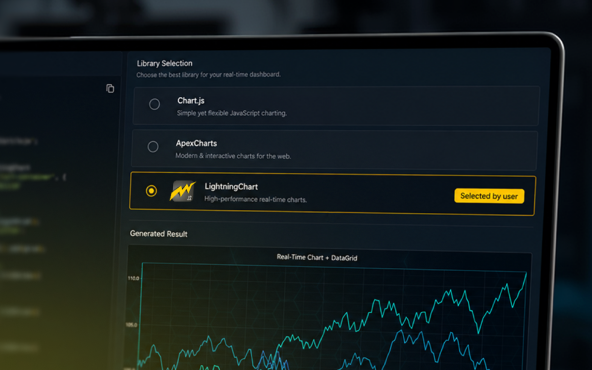
Why AI Coding Agents Get Data Visualization Wrong, and What to Do About It
AI coding assistants are getting good at most parts of application development. Data visualization is one of the areas where they still have a consistent, predictable failure mode. This article explains the mechanics of why it happens and the practical fix. I spent a...
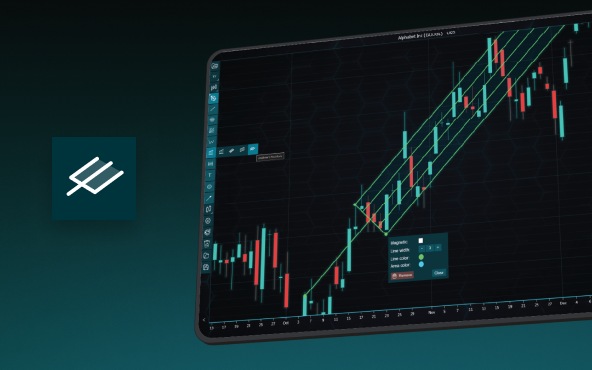
Andrews’ Pitchfork in Technical Analysis
Andrews' Pitchfork is one of the most respected technical analysis tools used by traders to identify potential support and resistance levels, trend direction, and future price paths. Developed by Dr. Alan H. Andrews, the indicator is based on the principle that prices...





If you have any questions, feel free to contact us!
©LightningChart Ltd 2026. All rights reserved.