


Cleaning Memory Resources Correctly 101

By Nikolai Arsenov
Software Developer & Quality Control Specialist
For cleaning memory resources efficiently, application should dispose existing objects before clearing related collection.
LightningChart provides predefined collections, e.g. XAxes, YAxes, PaletteSteps, etc. in WinForms and WPF Non-bindable platforms. In WPF Semi-bindable and Bindable platforms they should be created manually (e.g. ViewXY.CreateDefaultXAxes()). Moreover, a user’s application can have created collections of series, annotations, markers, cursors, etc.
If a user needs to recreate new specific collection for the chart without modifying the existing one, the old collection should be removed properly to use memory resources efficiently.
The following lines clean y-axes collection. However, the resources inside the application have not been freed, and they still reserve memory.
chart.ViewXY.YAxes.Clear();
Instead of using .Clear() method for collection, call .Dispose() for each item and clean the collection. Dispose method releases any resources from memory for clean-up:
foreach (AxisY yAxis in chart.ViewXY.YAxes)
         yAxis.Dispose();
chart.ViewXY.YAxes.Clear();

// Create new Y-axes collection
for (int axisY = 0; axisY < axisYCounter; axisY++)
{
        // Create your axes here
}
In our Demo applications, we have an auxiliary method to make proper resource cleaning:
ExampleUtils.DisposeAllAndClear(chart.ViewXY.YAxes);

Trend Lines in Trading
Trend lines are among the simplest yet most powerful tools in technical analysis. They help traders visualize market direction, identify potential support and resistance levels, and make more informed trading decisions. Despite their simplicity, trend lines remain a...
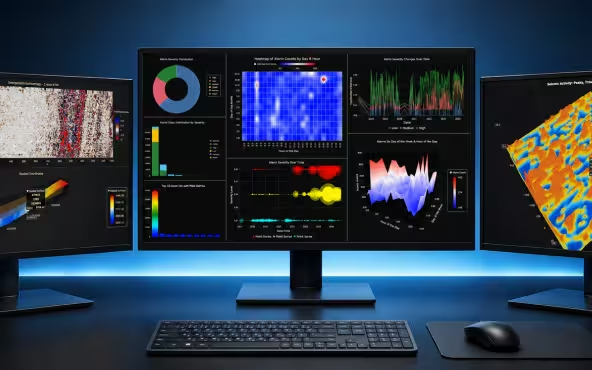
Best Python Charting Library in 2026
Python's charting ecosystem is large, overlapping, and regularly misunderstood. Most comparison guides stop at Matplotlib, Plotly, and Seaborn. This one goes further: it covers what happens when your datasets grow large, your update rates increase, or your chart types...
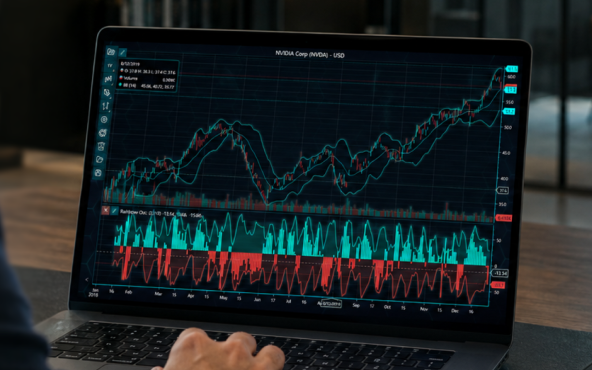
Best TradingView Charting Library Alternative
TradingView's charting libraries are the most visible option for fintech developers. Visibility is not the same as capability. This guide is for developers who have hit the wall on candle count limits, watermark restrictions, branding requirements, real-time...



If you have any questions, feel free to contact us!



©LightningChart Ltd 2026. All rights reserved.