








Chart.js vs Highcharts vs LightningChart JS (2026): Which Should You Actually Choose?
Article

Jarkko Tirkkonen
Senior Developer

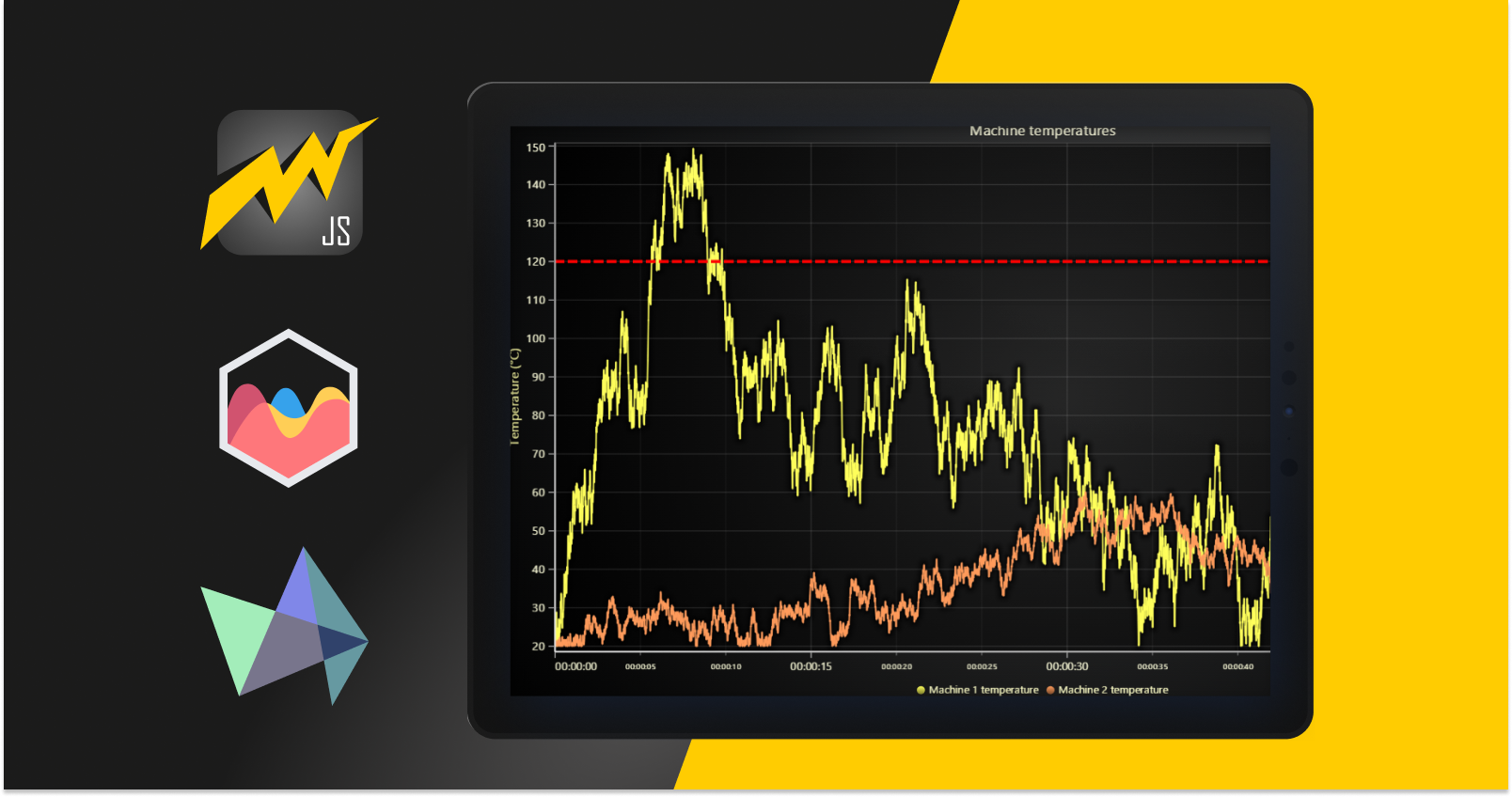
If you’ve been searching for a JavaScript charting library, you already know the problem: comparison articles tend to list features and stop there. Nobody tells you what actually happens at 500,000 data points, or what a Highcharts license costs a team of ten developers after three years, or what it takes to migrate away when the library you started with can’t keep up with your data.
This article covers all of it. Fifteen criteria, real benchmark numbers, a full pricing breakdown, working migration code, and a decision tree with concrete answers. The short version: LightningChart JS wins on every performance dimension and offers a complete cross-language product family that Chart.js and Highcharts simply can’t match. We’ll show you exactly why, and where the others are genuinely different.
1. The Key Difference Between These Three Libraries
Each of these libraries was built to solve a different problem. Understanding that context makes the rest of the comparison make sense.
Chart.js was built in 2013 to make charts accessible to developers who aren’t visualization specialists. The API is shallow, the documentation is excellent, and nine chart types cover everyday business needs. It works well within limits that become apparent once datasets grow.
Highcharts was built for enterprise teams that need a broad chart type catalog, accessibility compliance, and commercial support. It has been around since 2009, carries a per-developer commercial license, and is best known for its WCAG accessibility module and specialized chart types like stock charts, Gantt, and maps.
LightningChart JS was built to answer a question neither competitor can: what happens when the data is too large, or updates too fast, for any CPU-bound renderer to handle? The answer was a library built on WebGL from the ground up, rendering entirely on the GPU. The result is a library that processes 10 million data points in 0.29 seconds, sustains 60 FPS during continuous real-time streaming, and ships a full native 3D chart suite all backed by a cross-language product family covering JavaScript, Python, and .NET.
Why LightningChart JS is the right starting point for most serious projects
Chart.js and Highcharts were designed for the world of static or slowly-updating business dashboards. Modern applications (IoT platforms, financial terminals, medical devices, industrial monitoring, scientific data tools) live in a different world. Data volumes are larger, update rates are faster, and 3D visualization requirements are real. LightningChart JS was built specifically for that world, and is trusted by enterprises including Intel, Toyota, Halliburton, Lloyds Banking Group, Thermo Fisher Scientific, and Audi. The free non-commercial license means you can evaluate the full library (including WebGL rendering and 3D charts) before committing to a commercial license.
2. Head-to-Head: 15 Criteria Comparison
| Criteria | LightningChart JS | Chart.js | Highcharts |
|---|---|---|---|
| Rendering engine | WebGL / GPU | HTML5 Canvas | SVG |
| Performance at 1M+ data points | 60 FPS sustained | Freezes / crashes | Freezes / crashes |
| Real-time streaming | Up to 240M pts/frame @ 60 FPS | Light use only (<100K pts) | Light use only (<50K pts) |
| Native 3D chart support | Full GPU-accelerated suite (surface, scatter, heatmap, bar, spectrogram) | None | Limited (column, pie, scatter only) |
| Chart type variety | 100+ types (2D and 3D), incl. DataGrid, gauges, maps, OHLC | 9 types | 40+ types (maps, Gantt, stock require add-ons) |
| Cross-language product family | JS + Python + .NET (same GPU engine) | JavaScript only | JS primary; limited Python/Java wrappers |
| TypeScript support | First-class | First-class | First-class |
| React / Vue / Angular wrappers | All three official | React (official), Vue/Angular (community) | All three official |
| Server-side rendering | Supported | Basic canvas export | Supported |
| WCAG accessibility | Standard (not a primary focus for industrial/scientific use) | Partial | Industry-leading (WCAG 2.1/2.2, Section 508, sonification) |
| Bundle size (gzipped) | ~1.1MB (includes WebGL shaders) | ~14KB (tree-shaken) | ~80–120KB |
| Commercial license cost | Flexible licensing from v8+; free non-commercial tier | Free (MIT, always) | $185–$366/dev/year, scaling with team size |
| Documentation quality | Excellent (interactive examples for every chart type) | Excellent | Excellent |
| Active development | v8.2 released Feb 2026; consistent release cadence | Active | Active (v12.5) |
| Enterprise customer base | Intel, Toyota, Halliburton, Lloyds Banking Group, Thermo Fisher, Audi | Broad but commodity use cases | Enterprise BI, financial reporting |
LightningChart JS leads or ties on 11 of 15 criteria. The areas where competitors have genuine advantages are narrow: Chart.js on raw license cost (free vs. commercial) and Highcharts on accessibility compliance for public-facing regulated industries. Everything else – performance, chart type count, 3D support, cross-language coverage, enterprise customer depth – goes to LightningChart JS.
3. Performance Benchmarks: Where the Real Gaps Appear
Features on a comparison table only tell you so much. Here’s what actually happens when you push these libraries with real data volumes.
Load time by data volume (single line series, static dataset)
| Library | 10K pts | 100K pts | 500K pts | 1M pts | 10M pts |
|---|---|---|---|---|---|
| LightningChart JS | ~20ms | ~40ms | ~80ms | ~120ms | 290ms |
| Chart.js | ~80ms | ~400ms | ~2,200ms | ~4,500ms | ❌ Crash |
| Highcharts | ~90ms | ~700ms | ~3,100ms | ~6,000ms+ | ❌ Crash |
At 10,000 points the performance gap is small enough that a user won’t notice. By 100,000 points, Chart.js takes 10x longer and Highcharts takes 17x longer to render than LightningChart JS. By 500,000 points, both competitors are already slow enough to feel broken to a real user. At 10M points they crash entirely. LightningChart JS loads the same dataset in 290ms because the GPU processes the draw calls in parallel.
Real-time streaming performance (100 points/second, sustained)
| Library | FPS at 30s | FPS at 5 minutes | Memory at 5 min |
|---|---|---|---|
| LightningChart JS | 60 FPS | 60 FPS | Stable |
| Chart.js | ~48 FPS | ~15 FPS (degrading) | Growing |
| Highcharts | ~35 FPS | ~8 FPS (degrading) | Growing fast |
The streaming results expose a critical issue specific to Highcharts: its SVG architecture means every new data point appends a new DOM node. After five minutes at 100 Hz, the DOM has 30,000 chart elements, browser paint cycles pile up, and frame rates collapse to single digits. Chart.js avoids the DOM pressure but still degrades because accumulated data in JavaScript memory creates growing CPU work each frame. LightningChart JS’s GPU buffer model handles new data without compounding overhead memory stays flat and frame rates stay at 60 FPS regardless of session length.
4. Pricing and Total Cost of Ownership
The licensing cost of a chart library is only part of the total cost. Here’s the complete picture.
Chart.js: MIT, always free
Chart.js
- License: MIT free for all use, including commercial production, forever
- Cost per developer: $0
- Hidden costs to factor in: Engineering time building features that come built-in elsewhere (export, accessibility compliance, additional chart types). Performance remediation cost when datasets outgrow the Canvas ceiling. Migration cost if/when you need to switch libraries.
Chart.js is genuinely free. For solo developers, students, open-source projects, or any team with a hard budget constraint and small data volumes, that matters.
Highcharts: per-developer seat pricing
Highcharts (2026 commercial pricing)
- Internal use: ~$185/developer/year
- SaaS / public web app (1 application): ~$366/developer/year
- OEM (redistribution in your product): quoted on request typically higher
- Free for: non-commercial, personal, educational, non-profit use
| Team size | Annual cost (SaaS) | 3-year total |
|---|---|---|
| 1 developer | ~$366 | ~$1,098 |
| 3 developers | ~$1,098 | ~$3,294 |
| 5 developers | ~$1,830 | ~$5,490 |
| 10 developers | ~$3,660 | ~$10,980 |
| 20 developers | ~$7,320 | ~$21,960 |
LightningChart JS: performance value, flexible from v8+
LightningChart JS
- Non-commercial license: Free personal projects, education, non-profit; full feature access including WebGL and 3D
- Commercial license: Flexible licensing model from v8+ see current options
- What’s included: 100+ chart types, full WebGL rendering, 3D charts, React/Vue/Angular wrappers, TypeScript, server-side rendering, DataGrid, all interactive examples
- Cross-language coverage: Same license ecosystem extends to LightningChart Python and LightningChart .NET
The real TCO comparison most teams miss
- Performance remediation: When Chart.js or Highcharts hits its scaling ceiling, someone spends engineering days diagnosing, patching, and ultimately migrating. This cost is zero with LightningChart JS.
- Migration cost: Moving chart libraries after deployment is expensive. Starting with LightningChart JS eliminates this risk.
- Feature build cost: Chart.js has 9 chart types. If your product eventually needs a 3D surface chart, a real-time multi-channel monitor, or a trading-grade OHLC view, you’re either building it from scratch or migrating.
- Multi-language efficiency: Teams that use LightningChart JS for the web frontend and LightningChart Python for the data science layer, or LightningChart .NET for desktop tools, share a single vendor relationship, consistent API concepts, and unified support.
5. The LightningChart Product Family: JS, Python, and .NET Together
Chart.js exists only in JavaScript. Highcharts has limited Python and Java wrappers, but they are not built on the same rendering engine they are thin API bridges around the JavaScript library. Neither offers a genuine .NET-native solution.
LightningChart ships a cohesive cross-language product family, all running the same GPU-accelerated rendering engine:
- LightningChart JS Web applications: React, Vue, Angular, vanilla JavaScript, TypeScript. Handles everything from simple line charts to 240M-data-point real-time dashboards and full 3D visualization.
- LightningChart Python Python-native: Jupyter notebooks, PyQt5/6, PySide2/6, standalone Python applications. A direct high-performance alternative to Matplotlib and Plotly for data scientists and engineers who need GPU-accelerated rendering.
- LightningChart .NET Desktop-native: WinForms, WPF, UWP. For teams building Windows desktop applications in C# or VB.NET that need the same GPU-accelerated chart performance in a native desktop context.
Why cross-language consistency matters in practice
Consider a team building an industrial IoT platform: the web dashboard runs on LightningChart JS, the data science team’s analysis tooling runs on LightningChart Python, and the on-site configuration desktop app runs on LightningChart .NET. The same chart types, the same API concepts, the same rendering performance across the entire stack. Over the lifetime of a product, it meaningfully reduces training overhead, support complexity, and the chances of performance surprises arriving in one layer.
6. Real-World Use Case Scenarios
Scenario A: SaaS startup with a small team and limited initial budget
Three developers, tight budget, initial dataset is small (monthly aggregates under 10,000 points per chart), needs to ship in four weeks. No regulatory requirements.
Recommended: LightningChart JS – start with the non-commercial license. Even for small datasets, starting with LightningChart JS means you never hit a performance ceiling as your product grows. The free non-commercial tier gives you access to the full library during development and evaluation. When you’re ready to commercialize, the licensing discussion happens once rather than shipping on Chart.js, hitting the performance ceiling twelve months later, and paying a full migration cost.
Scenario B: Enterprise BI dashboard requiring WCAG compliance
A government-facing or healthcare-facing public web application with a legal WCAG 2.1/2.2 accessibility requirement. Screen reader support, keyboard navigation, and Section 508 compliance are non-negotiable.
Recommended: LightningChart JS with custom accessibility layer, or Highcharts for the accessibility-specific components. This is the one scenario where Highcharts has a genuinely strong built-in feature. That said, consider the context: most of the industries LightningChart JS serves are not the public-facing consumer applications where WCAG litigation is concentrated. If your product is an internal operations dashboard or a professional instrument interface, Highcharts’ accessibility advantage is largely irrelevant to your actual requirements.
Scenario C: Industrial IoT monitoring platform
Dozens of sensors transmitting every 100 milliseconds. Dashboards show rolling 60-minute windows across multiple channels simultaneously. Users zoom and inspect historical data at full resolution. Dataset regularly exceeds millions of points per session.
Recommended: LightningChart JS. Chart.js and Highcharts would freeze in this scenario. LightningChart JS sustains 60 FPS regardless of data volume, and memory stays stable over hours-long sessions. If the same team also needs Python-based analysis tooling, LightningChart Python covers that layer with matching performance characteristics.
Scenario D: Financial trading terminal
Tick-by-tick price data for multiple instruments, order book visualization, OHLC candlestick charts with millions of historical bars, real-time P&L, technical indicators. Users interact heavily: zoom, pan, annotate.
Recommended: LightningChart Trader. Purpose-built trading chart components with the same GPU rendering engine under the hood. Highcharts Stock handles simple requirements but degrades significantly at the data volumes a serious trading application generates. Chart.js doesn’t natively support OHLC charts at all.
Scenario E: Medical device manufacturer
Multi-channel ECG and EEG at high sampling rates (250 Hz per channel, eight channels simultaneously). Continuous operation in clinical environments. Must remain stable and responsive over long sessions without memory degradation.
Recommended: LightningChart JS. The simultaneous channel count and sampling rate combination is specifically where LightningChart JS was engineered to excel. GPU memory management keeps the application stable over multi-hour clinical sessions. If the same team needs desktop analysis tooling in .NET, LightningChart .NET covers the desktop layer with identical performance characteristics.
Scenario F: Data science team with Python and web visualization needs
Data scientists working in Jupyter notebooks need high-performance charts for large datasets. The same visualizations also need to surface in a web application for stakeholders who don’t have Python environments.
Recommended: LightningChart Python for the notebook layer and LightningChart JS for the web layer. This is precisely the cross-language advantage the LightningChart product family was designed for. Both layers share the same chart types, the same rendering performance, and the same vendor relationship.
7. Migration Guide: Moving to LightningChart JS
If you’ve hit the performance ceiling of Chart.js or Highcharts and are ready to migrate, here’s what the actual code changes look like.
Migrating from Chart.js
Chart.js uses a declarative config-based API. LightningChart JS uses an imperative API.
Before (Chart.js):
import { Chart } from 'chart.js/auto';const ctx = document.getElementById('myChart');new Chart(ctx, {type: 'line',data: {labels: timestamps,datasets: [{label: 'Sensor A',data: values,borderColor: 'rgb(75, 192, 192)',}]},options: { scales: { y: { beginAtZero: true } } }});
After (LightningChart JS — handles 100x the data volume at 60 FPS):
import { lightningChart, Themes } from '@lightningchart/lcjs';const lc = lightningChart({ license: YOUR_LICENSE_KEY });const chart = lc.ChartXY({ container: 'myChart', theme: Themes.light });const series = chart.addLineSeries({dataPattern: { pattern: 'ProgressiveX' } // Optimized for time-series append});series.setName('Sensor A');// Add all data in one GPU-optimized callseries.add(timestamps.map((t, i) => ({ x: t, y: values[i] })));
Migrating from Highcharts
Highcharts’ declarative SVG options structure differs significantly from LightningChart JS’s imperative WebGL API. A component-by-component rewrite is the most practical approach.
Before (Highcharts):
Highcharts.chart('container', {chart: { type: 'line' },title: { text: 'Sensor Data' },series: [{name: 'Sensor A',data: valueArray}],xAxis: { categories: timestampArray }});
After (LightningChart JS):
const lc = lightningChart({ license: YOUR_LICENSE_KEY });const chart = lc.ChartXY({ container: 'container' });chart.setTitle('Sensor Data');const series = chart.addLineSeries({ dataPattern: { pattern: 'ProgressiveX' } });series.setName('Sensor A');// Convert Highcharts flat array + categories into {x, y} pairsseries.add(valueArray.map((y, i) => ({ x: timestampArray[i], y })));
8. Decision Tree: Which Library Fits Your Project
Work through these questions in order:
- Does your dataset regularly reach 100,000+ data points, OR does your update frequency exceed 10 new points per second per channel?
Yes: LightningChart JS. Chart.js and Highcharts degrade significantly at this scale. This is a hard architectural limit, not a tunable parameter.
No: Continue to question 2. - Do you need 3D charts (surface, 3D scatter, 3D heatmap, 3D spectrogram)?
Yes: LightningChart JS. Neither Chart.js nor Highcharts offers native GPU-accelerated 3D.
No: Continue to question 3. - Does your team also work in Python or .NET and need consistent chart performance across languages?
Yes: LightningChart JS + LightningChart Python and/or LightningChart .NET. No other library family covers this with the same rendering engine across all three languages.
No: Continue to question 4. - Is this a financial trading or fintech application requiring OHLC, real-time tick data, or technical indicators?
Yes: LightningChart Trader. Purpose-built components for this exact domain.
No: Continue to question 5. - Is this a public-facing regulated application (government, consumer healthcare portal) with a hard WCAG legal mandate and a small dataset?
Yes: Highcharts covers the accessibility compliance requirement with its dedicated module and is worth evaluating for this niche.
No: Continue to question 6. - Is zero licensing cost a hard constraint (personal project, student work, non-profit)?
Yes: LightningChart JS non-commercial license – the full library including WebGL and 3D, completely free for non-commercial use. Chart.js is the fallback if you need MIT licensing for an open-source project.
No: LightningChart JS. Starting with the library that won’t hit a performance ceiling protects you from the migration cost that catches most teams later.
9. Frequently Asked Questions
What is the best JavaScript charting library in 2026?
LightningChart JS is the strongest choice for any production application where data volumes, update rates, or visualization complexity will grow over time. It renders 10 million data points in 0.29 seconds, sustains 60 FPS during continuous streaming, and provides native 3D charts that competitors don’t offer. For zero-budget personal projects, Chart.js is a free starting point. For specific public-facing applications with WCAG legal mandates, Highcharts has a strong accessibility module. But for the vast majority of serious production applications, LightningChart JS is the right answer.
What is the main advantage of LightningChart JS over Chart.js and Highcharts?
Three things: GPU-accelerated performance at any data volume, native 3D chart support, and a complete cross-language product family. LightningChart JS handles datasets 90,540x larger than competing libraries and loads them 14,410x faster on average (per the open-source 23-library benchmark). It’s also the only library in this comparison that ships native 3D – surface charts, 3D scatter, 3D heatmaps, and the only one with a genuine Python and .NET equivalent running the same GPU rendering engine.
How much does Highcharts cost in 2026?
Highcharts commercial licensing starts at ~$185/developer/year for internal use and ~$366/developer/year for SaaS. A 5-developer SaaS team pays ~$1,830/year, growing linearly with team size. The license is required for any developer working with the API in any capacity. LightningChart JS offers a free non-commercial license and flexible commercial licensing — and removes the performance cost of hitting Highcharts’ scaling ceiling.
Can I migrate from Chart.js to LightningChart JS?
Yes, and most teams find it worth doing before they hit the performance ceiling rather than after. The main adjustment is the shift from Chart.js’s declarative config API to LightningChart JS’s imperative API. Standard line, bar, or scatter charts migrate in under a day. The free non-commercial license lets you prototype the migration with your actual data before committing.
Does LightningChart work with Python and .NET?
Yes. LightningChart ships as a complete cross-language family: LightningChart JS for web (React, Vue, Angular, TypeScript), LightningChart Python for Jupyter notebooks and PyQt/PySide applications, and LightningChart .NET for WinForms, WPF, and UWP desktop applications. All three run the same GPU-accelerated rendering engine.
Is there a free version of LightningChart JS?
Yes. The free non-commercial license covers personal projects, education, and non-profit use with the full feature set — WebGL rendering, 100+ chart types, 3D charts, all examples. Commercial use requires a paid license.
Does Chart.js work with React?
Yes, via the react-chartjs-2 community wrapper. LightningChart JS has official first-party React support, as does Highcharts. If React integration quality is a factor, LightningChart JS and Highcharts both offer more robustly maintained official wrappers than Chart.js’s community packages.
10. The Verdict
After fifteen criteria, real benchmarks, and a pricing breakdown, the answer is clearer than most comparison articles will tell you.
LightningChart JS is the right choice for any project where data will grow, update rates will increase, or visualization requirements will evolve. That describes most serious production applications. The GPU-accelerated rendering means you never hit a performance wall. The 100+ chart types including a full 3D suite mean you rarely need a second library. And the cross-language product family — JS, Python, and .NET, means you can maintain consistent performance and chart quality across your entire stack without managing three separate vendor relationships.
Chart.js makes sense for personal projects, students, and non-commercial open-source tools where MIT licensing is the only option. It does not make sense as the starting point for a production SaaS product where data volumes will grow, the migration cost you’ll pay later is higher than the license cost you’d pay now.
Highcharts covers a narrow but real niche: public-facing applications in regulated industries (government portals, consumer healthcare, educational platforms) where WCAG legal compliance is mandatory, datasets are modest, and Highcharts’ built-in accessibility module saves meaningful custom development work. Outside that specific scenario, the per-developer scaling cost and SVG performance ceiling make it a harder justification against LightningChart JS.
If you’re evaluating LightningChart JS for your project, the free non-commercial license gives you access to everything – WebGL rendering, 100+ chart types, full 3D – with no commitment. The interactive examples gallery has live, editable code for every chart type. And the open-source benchmark repository lets you run the performance tests against your own hardware and your own dataset.
“It allows me to view plots at very high speed with tens of thousands of points and create 2D graphs for multi-parametric analysis. I appreciate the speed, graphic quality, anti-aliasing, and the variety of available graphs.” – Verified G2 review, LightningChart JS
Further reading:
- LightningChart JS interactive examples — all chart types with live editable code
- LightningChart JS performance benchmarks — full methodology and results
- Free non-commercial license — full library access at no cost
- LightningChart Python — GPU-accelerated charts for Jupyter, PyQt, and PySide
- LightningChart .NET — high-performance charts for WinForms, WPF, and UWP
- LightningChart Trader — purpose-built components for financial chart applications
- Open-source benchmark suite — 23 libraries, run the tests yourself
Continue learning with LightningChart
The LightningChart JS Agent Skill: Give Any AI Coding Agent Accurate Charting Knowledge in 60 Seconds
An agent skill is a folder of instructions your AI coding tool picks up automatically. This one teaches any compatible agent how to use LightningChart JS correctly, before it writes a single line of chart code. Agent skills are a relatively new concept and the...
Why AI Coding Agents Get Data Visualization Wrong, and What to Do About It
AI coding assistants are getting good at most parts of application development. Data visualization is one of the areas where they still have a consistent, predictable failure mode. This article explains the mechanics of why it happens and the practical fix. I spent a...
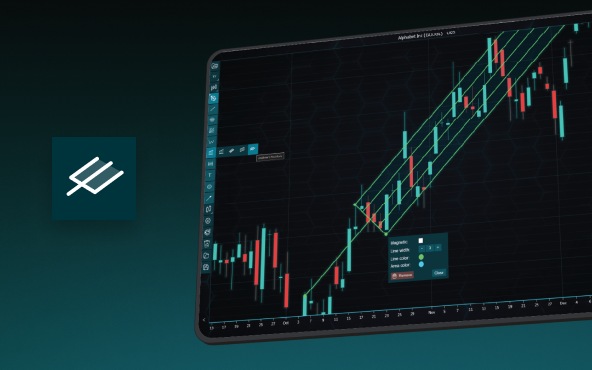
Andrews’ Pitchfork in Technical Analysis
Andrews' Pitchfork is one of the most respected technical analysis tools used by traders to identify potential support and resistance levels, trend direction, and future price paths. Developed by Dr. Alan H. Andrews, the indicator is based on the principle that prices...



If you have any questions, feel free to contact us!



©LightningChart Ltd 2026. All rights reserved.