








Best Apache ECharts Alternative in 2026: When Canvas Hits Its Ceiling
Article

Jarkko Tirkkonen
Senior Developer

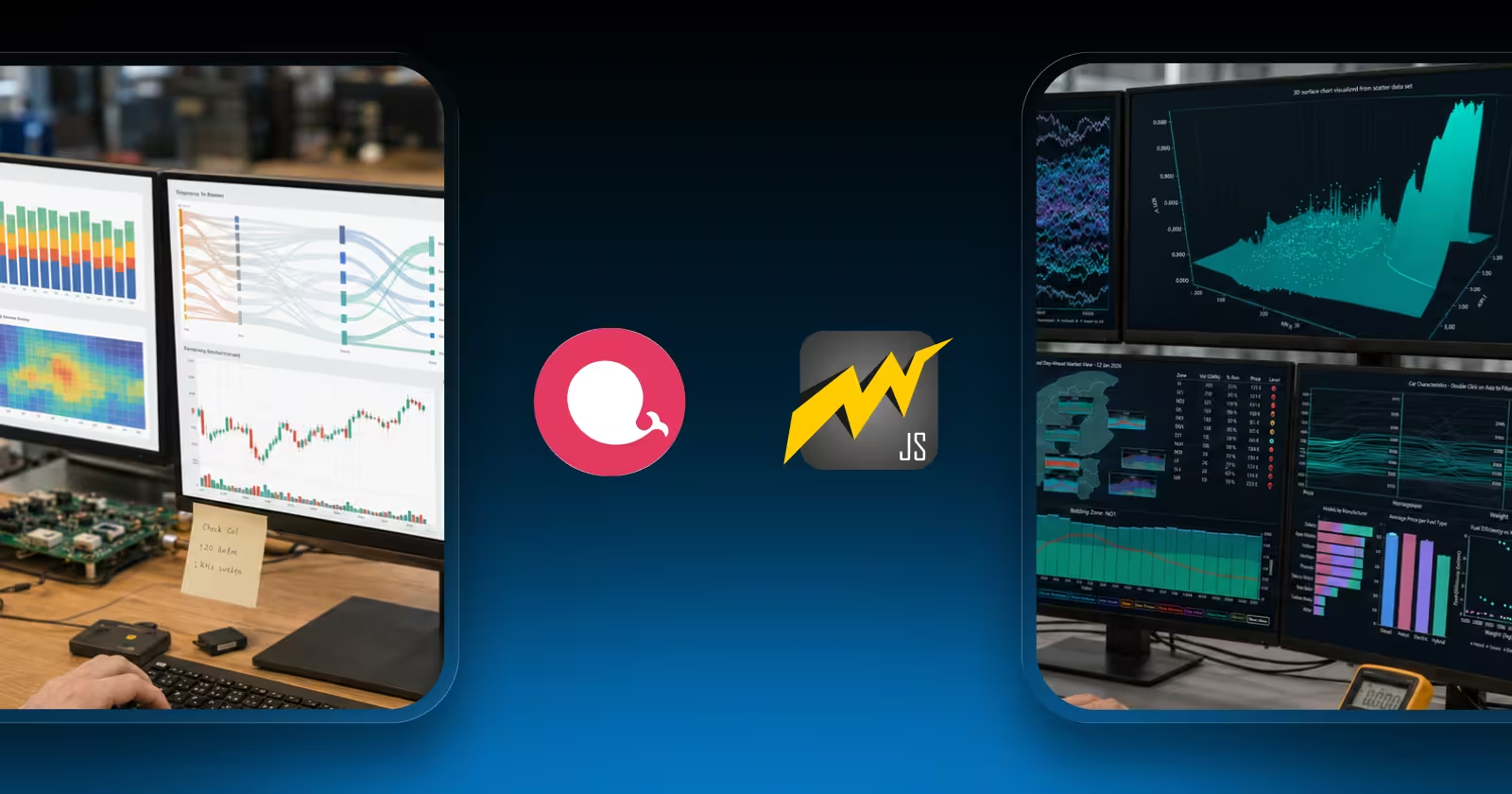
Apache ECharts is an excellent charting library that’s the honest starting point, and it’s worth saying clearly. Free under the Apache 2.0 license, actively maintained by one of the most active open-source communities in data visualization, with 60,000+ GitHub stars and a chart type catalog that covers Gantt charts, geographic maps, sankey diagrams, statistical charts, financial OHLC, and more. For most JavaScript charting projects business dashboards, analytics platforms, reporting tools ECharts is a genuinely strong choice that we recommend without hesitation when it fits the use case.
This article is specifically for the teams where it doesn’t fit. There are three well-defined scenarios: datasets that consistently push past 500K–1M data points, where Canvas CPU rendering becomes the bottleneck regardless of how ECharts is configured. Real-time streaming applications that need sustained 60 FPS over extended periods that Canvas cannot maintain as memory accumulates. And applications requiring production-grade 3D visualization surface charts, 3D scatter analysis, 3D heatmaps where echarts-gl provides a starting point that doesn’t reach the performance or depth that engineering, scientific, or industrial applications require.
1. When Apache ECharts Is Not Enough
The Canvas CPU rendering ceiling
ECharts’ Canvas renderer is a significant step forward from SVG-based libraries like Highcharts and amCharts. At 100,000 data points, ECharts Canvas loads in approximately 350ms roughly 5–8x faster than SVG alternatives. At 500,000 points, it takes around 2,800ms. At 1,000,000 points, approximately 6,000ms. At 10 million points, it crashes. These numbers aren’t configuration problems they reflect the fundamental throughput of 2D Canvas CPU rendering, where the browser’s main thread performs every calculation serially.
LightningChart JS at 10 million points: 290ms. The gap at 1 million points is 50x. The gap at 10 million is the difference between a working chart and a browser crash. This is the architectural difference between CPU Canvas rendering and GPU WebGL rendering.
Real-time streaming degradation over time
ECharts streaming works by calling chart.appendData() or equivalent update methods. As data accumulates over a session, the Canvas redraw work per frame grows. A streaming chart that renders at 45 FPS at session start may be at 15–20 FPS after 30 minutes of continuous data ingestion. LightningChart JS uses GPU vertex buffers new data overwrites the oldest data in GPU memory, keeping per-frame work flat regardless of how long the session runs.
The echarts-gl limitation for 3D work
The echarts-gl extension adds 3D chart types scatter3D, bar3D, surface3D, map3D. This is a separate npm package from core ECharts, has significantly thinner documentation, receives updates on a slower schedule, and relies on WebGL in a way that layers on top of ECharts’ 2D architecture rather than rearchitecting around GPU rendering. For exploratory data analysis where 3D charts are occasional, echarts-gl works. For production applications where 3D visualization is a primary feature and performance matters engineering dashboards, scientific analysis tools, financial risk surfaces echarts-gl’s performance tier and maintenance status are limiting factors.
No native Python or .NET equivalent
ECharts is JavaScript-only with its native implementation. Python wrappers like pyecharts generate ECharts JSON configurations rendered in a browser context they are not native Python visualization libraries with direct numpy/pandas integration or native GUI toolkit rendering. Teams that need consistent GPU-accelerated visualization across JavaScript web frontends, Python data science workloads, and .NET desktop tools have no ECharts-based solution for the Python and .NET layers.
2. Comparison Table
| Library | Rendering | 1M pts | 10M pts | Native 3D | Python native | License |
|---|---|---|---|---|---|---|
| LightningChart JS | WebGL/GPU | ~120ms | 290ms | Full GPU suite | LightningChart Python | Free non-commercial; commercial |
| Apache ECharts | Canvas (CPU) | ~6,000ms | Crash | echarts-gl ext. | Thin wrapper only | Apache 2.0 (free) |
| Chart.js | Canvas | ~4,500ms | Crash | No | No | MIT (free) |
| Highcharts | SVG | ~6,000ms+ | Crash | Limited | No | $185–366/dev/yr |
| Plotly.js | SVG + partial WebGL | ~12,000ms | Crash | Partial, 4–8 chart limit | Plotly.py (lower perf) | MIT (free) |
| D3.js | SVG primary | SVG fails | Crash | Via plugin | No | BSD-3 (free) |
3. The Alternatives In Depth
1. LightningChart JS (Recommended when ECharts’ ceiling is reached)
Rendering: WebGL/GPU | License: Free non-commercial; commercial | 3D: Full GPU suite | Python: LightningChart Python
LightningChart JS is the natural destination when ECharts has been outgrown on data volume, streaming duration, or 3D requirements. The performance difference at 1 million data points is approximately 50x. At 10 million points it is the difference between a functional chart and a browser crash. The 3D chart suite surface charts, 3D scatter, 3D heatmaps, 3D spectrograms is GPU-native throughout, not an extension added on top of a 2D architecture. Real-time streaming sustains 60 FPS indefinitely because the GPU vertex buffer model doesn’t accumulate state as sessions run.
The cross-language family closes the gap that ECharts leaves: LightningChart Python brings the same GPU engine to Jupyter notebooks, PyQt5/6, and PySide2/6. LightningChart .NET covers WinForms, WPF, and UWP. All three share the same chart type catalog and rendering architecture, giving teams consistent visualization performance across their full stack. The free non-commercial license provides full access for evaluation with real production data before any commercial commitment.
2. Highcharts (for enterprise accessibility)
Rendering: SVG | License: $185–366/developer/year
If the reason for looking beyond ECharts is not performance but enterprise features WCAG 2.1/2.2 accessibility compliance is the most common Highcharts has the strongest accessibility module in the JavaScript charting space. Keyboard navigation, ARIA roles, screen reader support, and audio sonification of chart data. For regulated-industry public-facing applications with accessibility requirements that ECharts doesn’t meet, Highcharts covers them. SVG rendering means the same data volume ceiling applies; the value is accessibility and commercial support, not performance headroom.
3. Chart.js (for simplicity)
Rendering: Canvas | License: MIT – always free
If ECharts’ broad configuration API and chart type range create complexity overhead for a project that only needs standard charts, Chart.js offers a simpler path. Shallower API, nine chart types, the largest StackOverflow community of any chart library, and excellent documentation. Not a performance upgrade over ECharts Canvas performance at equivalent data volumes is comparable or slightly lower. The value is developer experience simplification and minimal learning curve, not capability or performance.
4. LightningChart Python (for the Python layer)
Platform: Python – Jupyter, PyQt, PySide | License: Commercial
If the project uses ECharts on the web layer and pyecharts or Plotly.py in Python, and the bottleneck is in the Python visualization layer slow rendering with large numpy arrays, Jupyter notebooks lagging LightningChart Python replaces the Python-side library specifically. Not a JavaScript library: a native Python library that accepts numpy arrays directly and renders via GPU in Jupyter, PyQt5/6, and PySide2/6. The same 100+ chart catalog and rendering performance as LightningChart JS, in native Python.
5. Plotly.js
Rendering: SVG + partial WebGL | License: MIT – always free | 3D: Partial
Plotly.js has partial WebGL support for scatter and heatmap traces and genuine 3D chart types (scatter3d, surface, mesh3d). If the trigger is 3D visualization and Python cross-language consistency via Plotly.py matters and datasets stay under ~500K points Plotly.js is a viable free alternative. Hard limitations: 4–8 WebGL chart-per-page limit before context exhaustion, 3.6MB+ bundle requiring lazy loading, and significant performance degradation above 100K points with annotations and overlays active.
6. Observable Plot
Rendering: SVG + Canvas | License: ISC – always free
Observable Plot, from D3.js’s original author Mike Bostock, offers a concise declarative grammar-of-graphics API that produces analytical charts with far less code than D3 and a more explicit data-transform model than ECharts’ option object. Recent versions use Canvas rendering for better performance. Good for exploratory data analysis in browser-based notebook environments. No production streaming, no 3D, no geographic map coverage comparable to ECharts.
7. D3.js
Rendering: SVG primary | License: BSD-3 – always free
D3 gives you what ECharts cannot: unlimited visualization flexibility. If the project’s visualization requirement is genuinely novel a chart type that ECharts’ broad catalog still doesn’t cover D3 provides the primitives to build it. Every SVG performance limitation of ECharts applies to D3’s SVG mode. Significant development time investment; suitable for genuinely bespoke visualizations.
4. Performance Benchmarks: ECharts vs LightningChart JS
Load time – line series
| Library | 10K pts | 100K pts | 500K pts | 1M pts | 10M pts |
|---|---|---|---|---|---|
| LightningChart JS | ~20ms | ~40ms | ~80ms | ~120ms | 290ms |
| Apache ECharts | ~70ms | ~350ms | ~2,800ms | ~6,000ms | Crash |
| Chart.js | ~80ms | ~400ms | ~2,200ms | ~4,500ms | Crash |
| Highcharts | ~90ms | ~700ms | ~3,100ms | ~6,000ms+ | Crash |
| D3.js (SVG) | ~120ms | ~9,000ms | Crash | Crash | Crash |
The specific ECharts vs LightningChart JS gap
| Scenario | Apache ECharts | LightningChart JS | Ratio |
|---|---|---|---|
| 100K pts load time | ~350ms | ~40ms | 8.75x faster |
| 1M pts load time | ~6,000ms | ~120ms | 50x faster |
| 10M pts load time | Crash | 290ms | Only LightningChart |
| Streaming (30 min) | ~20 FPS degrading | 60 FPS stable | 3x + indefinitely stable |
| 3D surface (1M pts) | echarts-gl slow | Sub-second GPU | GPU vs CPU |
| Python native equiv. | None (pyecharts wraps JS) | LightningChart Python | True native Python |
5. Migration Guide
// Apache ECharts — option-based configuration
var chart = echarts.init(document.getElementById('chart'));
chart.setOption({
  title: { text: 'Sensor Data Stream' },
  xAxis: { type: 'value' },
  yAxis: { type: 'value' },
  series: [{ type: 'line', data: dataPoints }]
});
// LightningChart JS — GPU-accelerated, same result at any data volume
import { lightningChart, Themes } from '@lightningchart/lcjs';
const lc = lightningChart({ license: 'YOUR_LICENSE_KEY' });
const chart = lc.ChartXY({ container: 'chart', theme: Themes.light });
chart.setTitle('Sensor Data Stream');
const series = chart.addLineSeries({ dataPattern: { pattern: 'ProgressiveX' } });
// Accepts {x, y} objects or typed arrays — for best performance at scale:
series.addArrayY(new Float32Array(yValues), xStart, xStep);
// Handles 10M+ points — no crash at the volumes that break EChartsKey differences from ECharts:
- Configuration vs imperative: ECharts uses a declarative
setOption()model. LightningChart JS uses imperative method callschart.addLineSeries(),series.add(). Both can produce equivalent results; the imperative model gives more direct control over rendering behavior. - Data format: ECharts accepts many formats including raw arrays, datasetIndex, and transforms. LightningChart JS accepts
{x, y}object arrays or typed arrays. TheaddArrayY()method acceptsFloat32Arraydirectly for maximum throughput at scale. - Reactive updates: ECharts’
appendData()accumulates data in memory. LightningChart JS real-time series use a scrolling buffer that maintains a fixed memory footprint regardless of how long streaming runs. - Cleanup: Call
lc.dispose()on chart destroy this releases GPU resources that browser garbage collection doesn’t handle automatically.
6. Decision Tree
- Is your dataset consistently above 500K data points?
Yes: LightningChart JS. ECharts Canvas degrades significantly above this threshold and crashes above 10M.
No: ECharts may still be the right choice continue. - Does real-time streaming need stable 60 FPS over sessions longer than a few minutes?
Yes: LightningChart JS. GPU vertex buffers maintain flat per-frame cost regardless of session duration.
No: Continue. - Do you need production-quality 3D charts beyond what echarts-gl delivers?
Yes: LightningChart JS GPU-native 3D architecture, not an extension layer.
No: Continue. - Does your team need GPU-accelerated Python visualization (not pyecharts)?
Yes: LightningChart Python.
No: Continue. - Is enterprise WCAG accessibility compliance the requirement?
Yes: Highcharts has the strongest accessibility module for this specific requirement.
No: ECharts remains an excellent free choice for datasets under ~500K points.
7. FAQ
What is the best Apache ECharts alternative for large datasets?
LightningChart JS. At 1 million data points, LightningChart JS loads approximately 50 times faster than ECharts’ Canvas renderer. At 10 million points, LightningChart JS delivers a fully interactive chart in 290ms while ECharts crashes the browser tab. The GPU rendering architecture is the reason no CPU Canvas implementation can match GPU parallel processing at these data volumes.
Is there a Python alternative to Apache ECharts?
LightningChart Python provides native GPU-accelerated charting in Jupyter notebooks, PyQt5/6, and PySide2/6. It accepts numpy arrays directly and renders via the GPU it is not a wrapper that generates JavaScript configuration. For scientific Python with cross-language JavaScript consistency at lower performance, Plotly.py (with Plotly.js on the web side) is the alternative.
Does LightningChart JS replace ECharts for all use cases?
For the majority of production use cases, yes with substantially better performance. ECharts remains a strong choice when: the project is free-tier only and LightningChart’s non-commercial license doesn’t apply, data volumes are comfortably under 500K points, or specific ECharts geographic map projections are needed and LightningChart’s map approach isn’t a match.
Why is echarts-gl not sufficient for production 3D charts?
echarts-gl is a separately maintained package with thinner documentation and slower update cadence than core ECharts. It adds WebGL rendering for 3D geometry on top of ECharts’ 2D architecture rather than building from a GPU-first foundation. For exploratory 3D data analysis it works adequately. For production applications where 3D is a primary feature, GPU-native architecture like LightningChart JS provides significantly better performance and more reliable rendering behavior.
What is the difference between ECharts Canvas renderer and LightningChart JS?
Both use the browser’s rendering stack, but at different layers. ECharts Canvas draws chart geometry sequentially on the CPU and paints a 2D canvas bitmap. LightningChart JS uploads geometry to the GPU as vertex buffers and executes rendering in parallel across thousands of GPU cores. At 1 million data points the difference is approximately 6,000ms versus 120ms. At 10 million points, ECharts crashes and LightningChart JS renders in 290ms.
Further reading: LightningChart JS performance benchmarks · Free non-commercial license · Interactive examples gallery · LightningChart Python · Open-source 23-library benchmark
Continue learning with LightningChart
The LightningChart JS Agent Skill: Give Any AI Coding Agent Accurate Charting Knowledge in 60 Seconds
An agent skill is a folder of instructions your AI coding tool picks up automatically. This one teaches any compatible agent how to use LightningChart JS correctly, before it writes a single line of chart code. Agent skills are a relatively new concept and the...
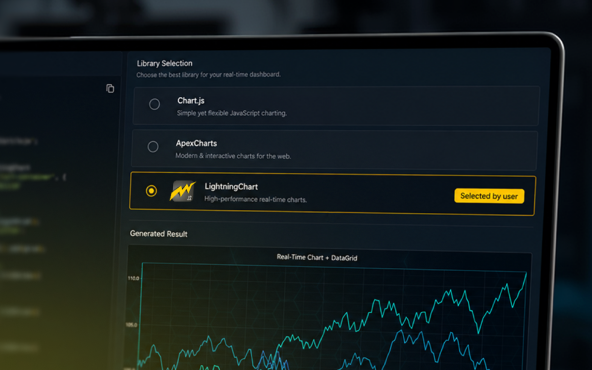
Why AI Coding Agents Get Data Visualization Wrong, and What to Do About It
AI coding assistants are getting good at most parts of application development. Data visualization is one of the areas where they still have a consistent, predictable failure mode. This article explains the mechanics of why it happens and the practical fix. I spent a...
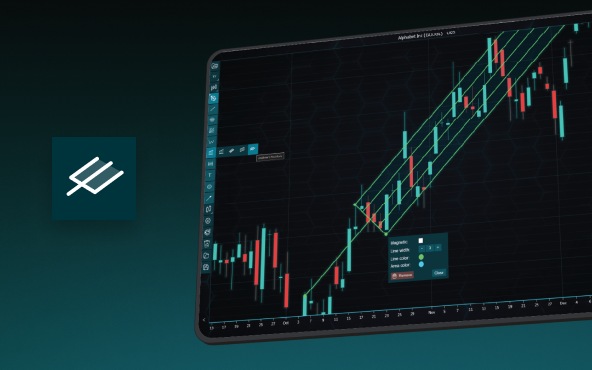
Andrews’ Pitchfork in Technical Analysis
Andrews' Pitchfork is one of the most respected technical analysis tools used by traders to identify potential support and resistance levels, trend direction, and future price paths. Developed by Dr. Alan H. Andrews, the indicator is based on the principle that prices...



If you have any questions, feel free to contact us!



©LightningChart Ltd 2026. All rights reserved.