





Cleaning Memory Resources Correctly 101

By Nikolai Arsenov
Software Developer & Quality Control Specialist
For cleaning memory resources efficiently, application should dispose existing objects before clearing related collection.
LightningChart provides predefined collections, e.g. XAxes, YAxes, PaletteSteps, etc. in WinForms and WPF Non-bindable platforms. In WPF Semi-bindable and Bindable platforms they should be created manually (e.g. ViewXY.CreateDefaultXAxes()). Moreover, a user’s application can have created collections of series, annotations, markers, cursors, etc.
If a user needs to recreate new specific collection for the chart without modifying the existing one, the old collection should be removed properly to use memory resources efficiently.
The following lines clean y-axes collection. However, the resources inside the application have not been freed, and they still reserve memory.
chart.ViewXY.YAxes.Clear();
Instead of using .Clear() method for collection, call .Dispose() for each item and clean the collection. Dispose method releases any resources from memory for clean-up:
foreach (AxisY yAxis in chart.ViewXY.YAxes)
         yAxis.Dispose();
chart.ViewXY.YAxes.Clear();

// Create new Y-axes collection
for (int axisY = 0; axisY < axisYCounter; axisY++)
{
        // Create your axes here
}
In our Demo applications, we have an auxiliary method to make proper resource cleaning:
ExampleUtils.DisposeAllAndClear(chart.ViewXY.YAxes);
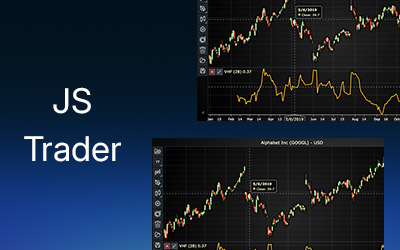
Vertical Horizontal Filter
Learn how to integrate the vertical-horizontal filter indicator in your financial and trading applications using LightningChart JS Trader.
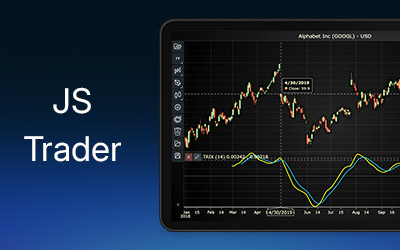
Triple Exponential Average
Discover how to integrate the triple exponential average (TRIX) indicator in your financial and trading applications using LightningChart JS Trader.
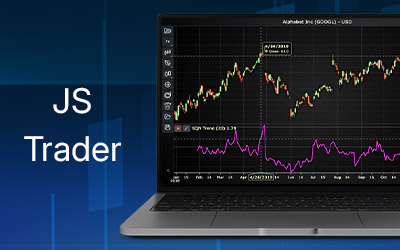
System Quality Number
Create a System Quality Number indicator in LightningChart JS Trader and add SQN analysis to your trading app projects.





If you have any questions, feel free to contact us!
©LightningChart Ltd 2026. All rights reserved.