








Reviewing MS WPF Chart Controls & LightningChart .NET
Article
Written by a Human
Explore our review comparing MS WPF Chart Controls with LightningChart .NET to find the right charting solution for your projects.
Omar Urbano
Software Engineer

Introduction
Hello, I’m Omar and in this article, we’ll focus on the Microsoft WPF chart controls library, review its technical specifications, advantages, and disadvantages. We’ll also briefly compare it with the LightningChart .NET library.
If you’re not familiar with WPF on a thorough level, I recommend you look at the following articles that complement this one very well:
With this brief introduction, let’s begin!
What are MS WPF chart controls?
Microsoft’s WPF chart controls allow you to visually represent data in desktop applications built with WPF (Windows Presentation Foundation). These controls are useful when you need to display information in an easy-to-understand way, like showing sales trends or sensor data over time in your app.
Originally, Microsoft offered a library called WPF Toolkit, which provided some basic charting controls like bar charts, pie charts, and line charts. These were straightforward controls that worked well for simple charting needs in WPF apps.
However, the WPF Toolkit isn’t actively maintained anymore, and Microsoft didn’t include more advanced charting features in the standard WPF library. For developers who want more sophisticated charts or interactive visuals, many have turned to third-party charting libraries. Options like LightningChart .NET give you access to a much wider range of chart types and features, such as interactive data points, real-time updates, and more customizable designs. LightningChart .NET offers a more modern and feature-rich experience compared to the old MS WPF chart controls toolkit.
That said, if you’re working on a project that just needs basic charting, System.Windows.Controls.DataVisualization can still handle things like pie charts and line charts. But for anything beyond the basics, it’s often a good idea to explore a third-party solution.
Reviewing MS WPF Chart Controls Features
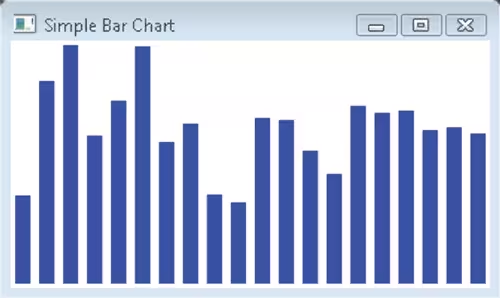
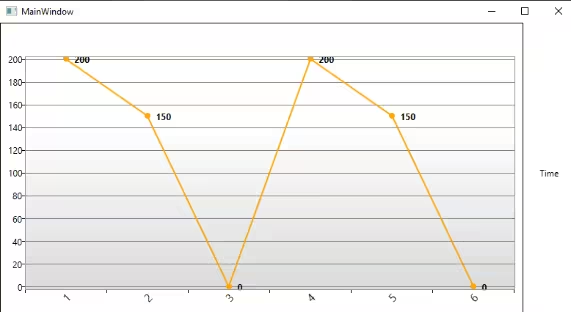
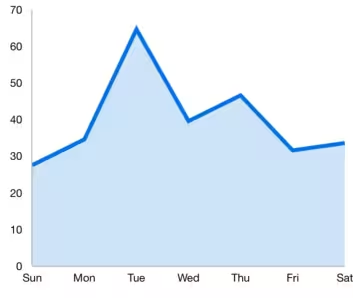
The WPF Toolkit Extended (which you can find on NuGet as System.Windows.Controls.DataVisualization.Toolkit) includes the main Chart control and some basic chart types:
Column (vertical bars)
Line (lines)
Area (area)
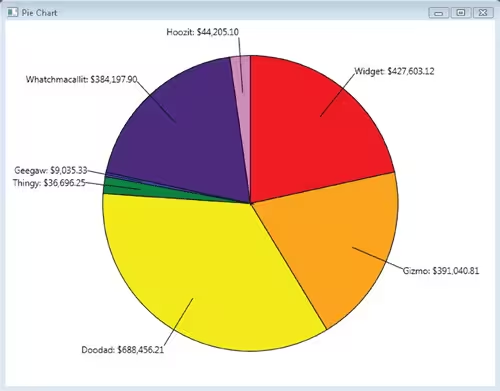
Pie (pie chart)
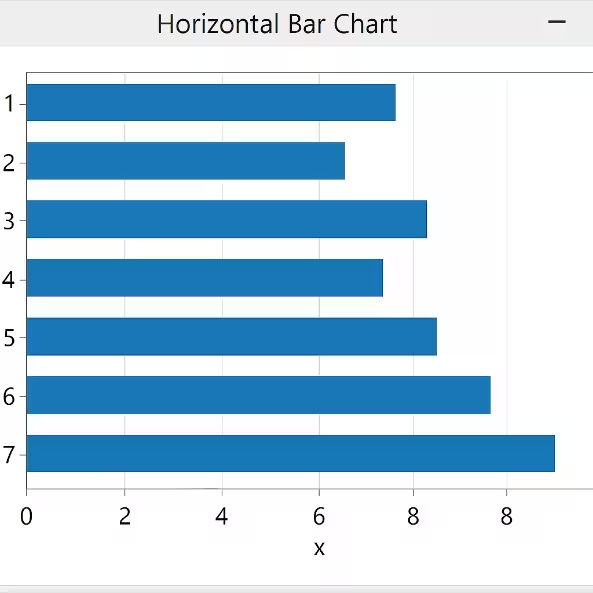
Bar (horizontal bars)
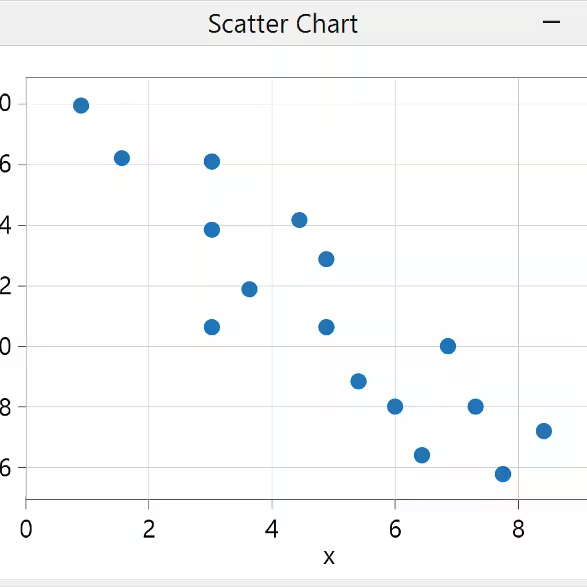
Scatter (scatter plot)
This library is easy to use and convenient for basic needs, but it’s somewhat outdated and limited in performance and options. For more advanced features, libraries like LightningChart .NET are now more commonly used.
Microsoft WPF Charts Limitations
Although there is little to almost no official performance information available for Microsoft’s chart library, after a brief investigation, I’ve reached the following conclusion:
MS WPF Charts Toolkit:
- The charts are free and easy to use if your needs are basic.
- The charts are somewhat outdated and limited in both performance and features.
- For more advanced scenarios, libraries like LightningChart .NET are more commonly used today.
This library is ideal for small datasets, especially if your application deals with a few series or static data; you shouldn’t experience performance issues. However, its main limitation is the performance when working with dynamic charts or large volumes of data. In scenarios involving many data points or real-time updates (such as sensor graphs or business metrics), this library can become slow. Now, very briefly, I’ll mention that the LightningChart .NET library overcomes all the previously mentioned limitations of the MS WPF Charts Toolkit.
LightningChart .NET
LightningChart .NET is a commercial library that provides extensive documentation, articles, tutorials, and sample projects. Here’s a breakdown of some of its technical capabilities:
2D Charts
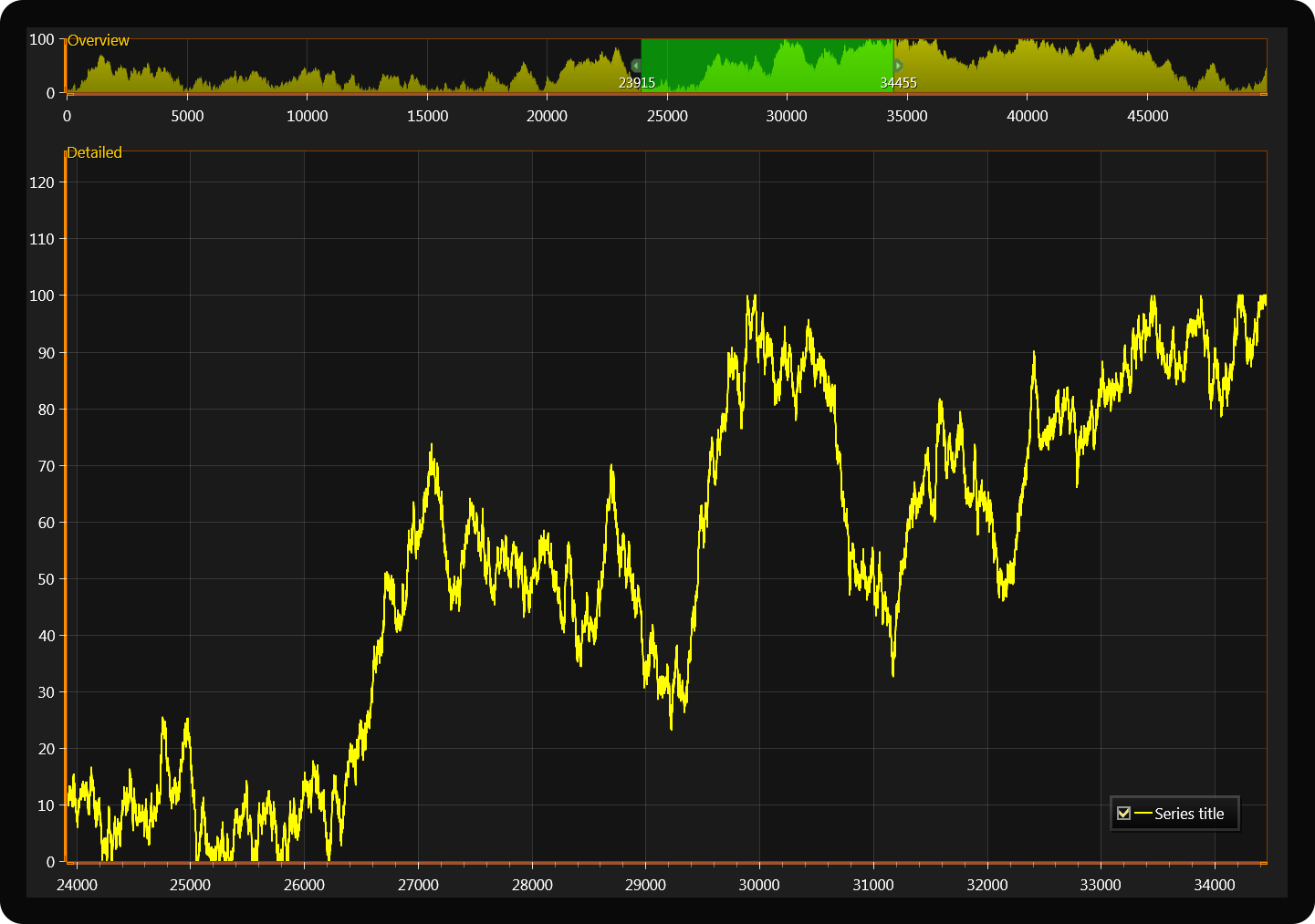
- Line, area, bar, point, column, bubble, candlestick, etc.
- Supports millions of points per series without performance loss.
- GPU-accelerated optimization.
3D Charts
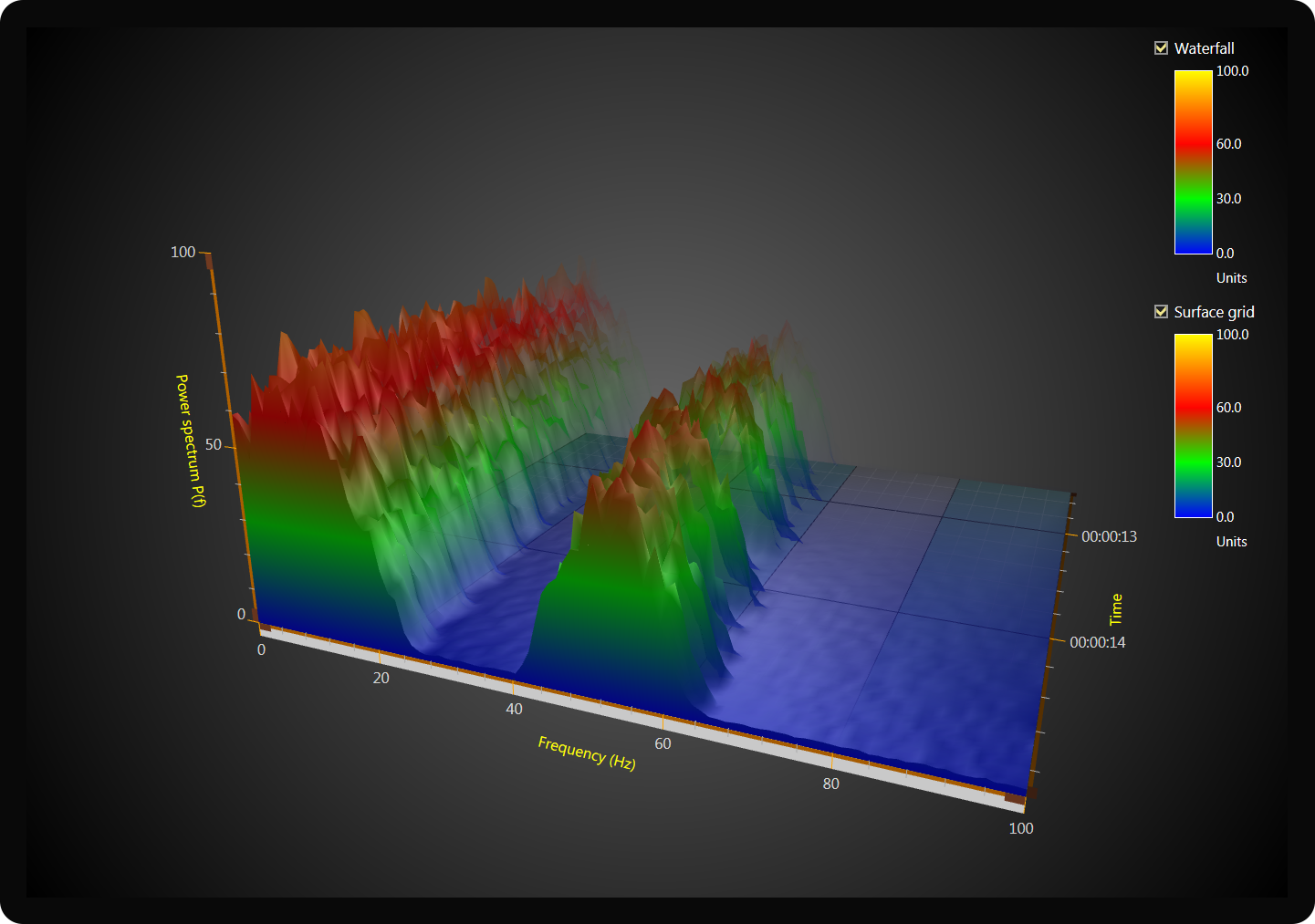
- 3D surfaces (Surface Mesh, Waterfall, PointCloud, 3D Heatmaps).
- Support for rotation, zoom, and camera panning.
- Volumetric rendering, interactive 3D axes, and customizable perspective.
Scientific / Medical Visualization
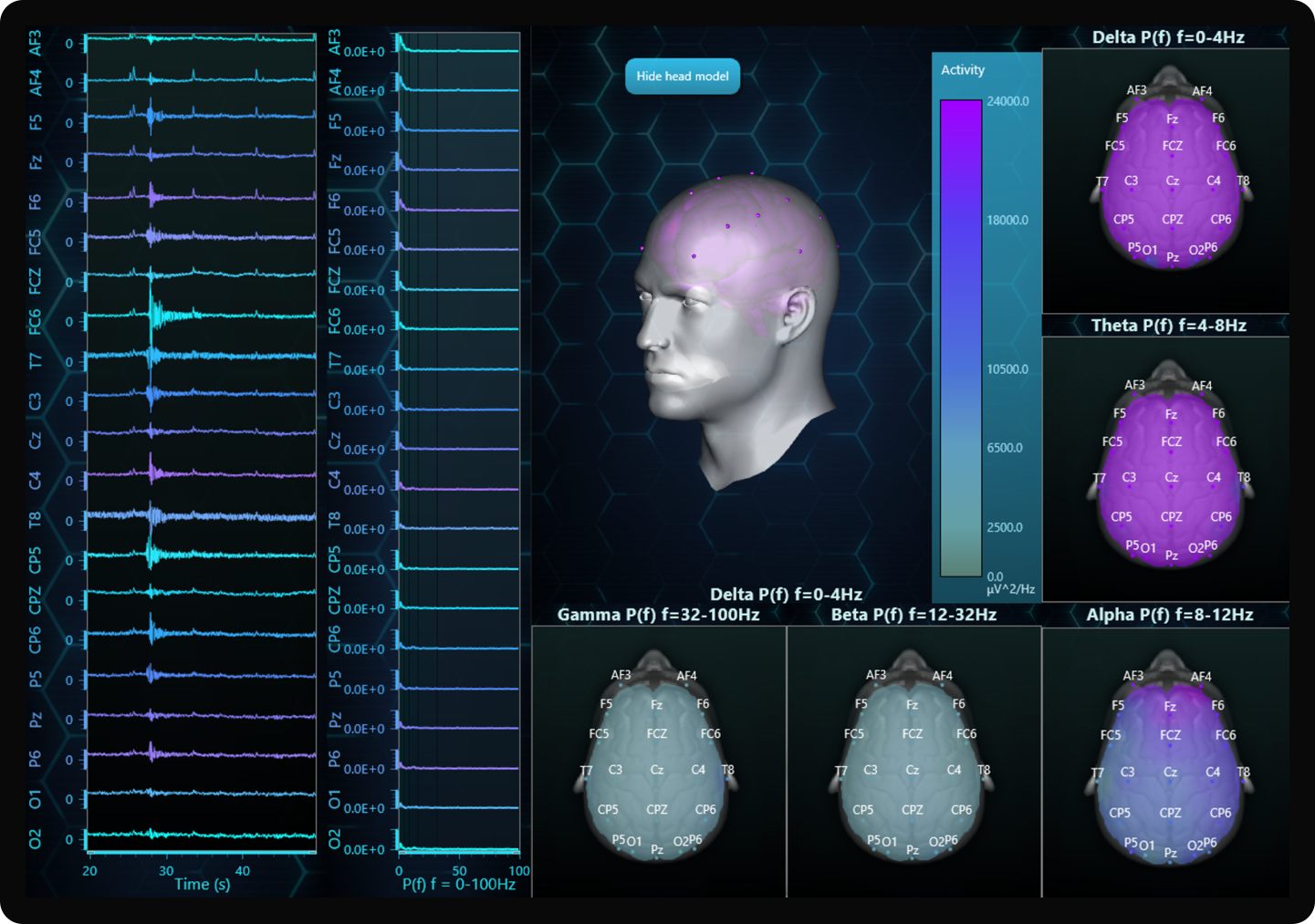
- ECG, EMG, real-time signal monitoring.
- Oscilloscope mode with auto axis adjustment.
- Frequency spectra, FFT (Fast Fourier Transform).
Geospatial Mapping (Maps and GIS)
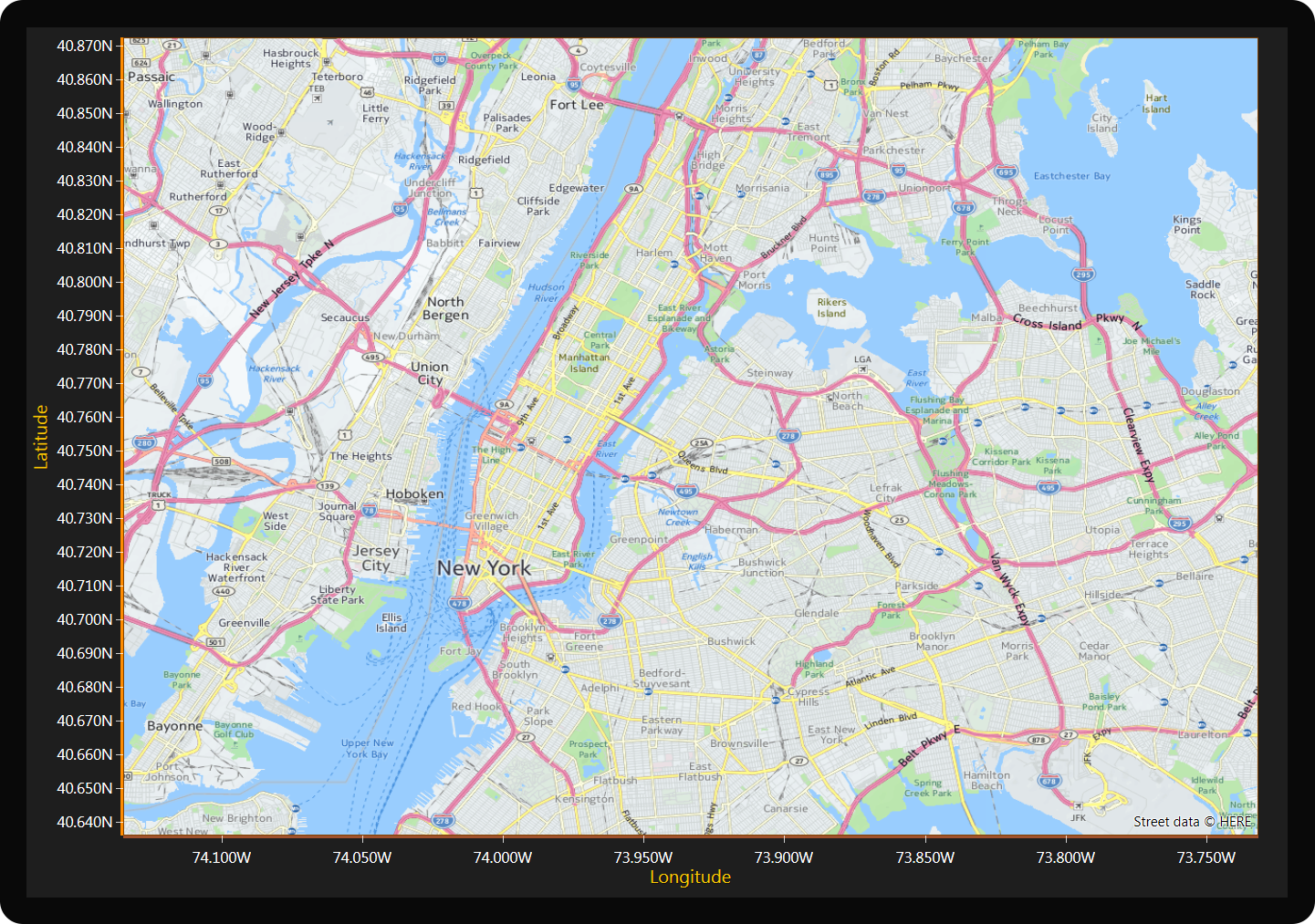
- Display data over heatmaps and geographic data layers.
- Support for Cartesian and geographic coordinates (lat/lon).
Advanced Series Types
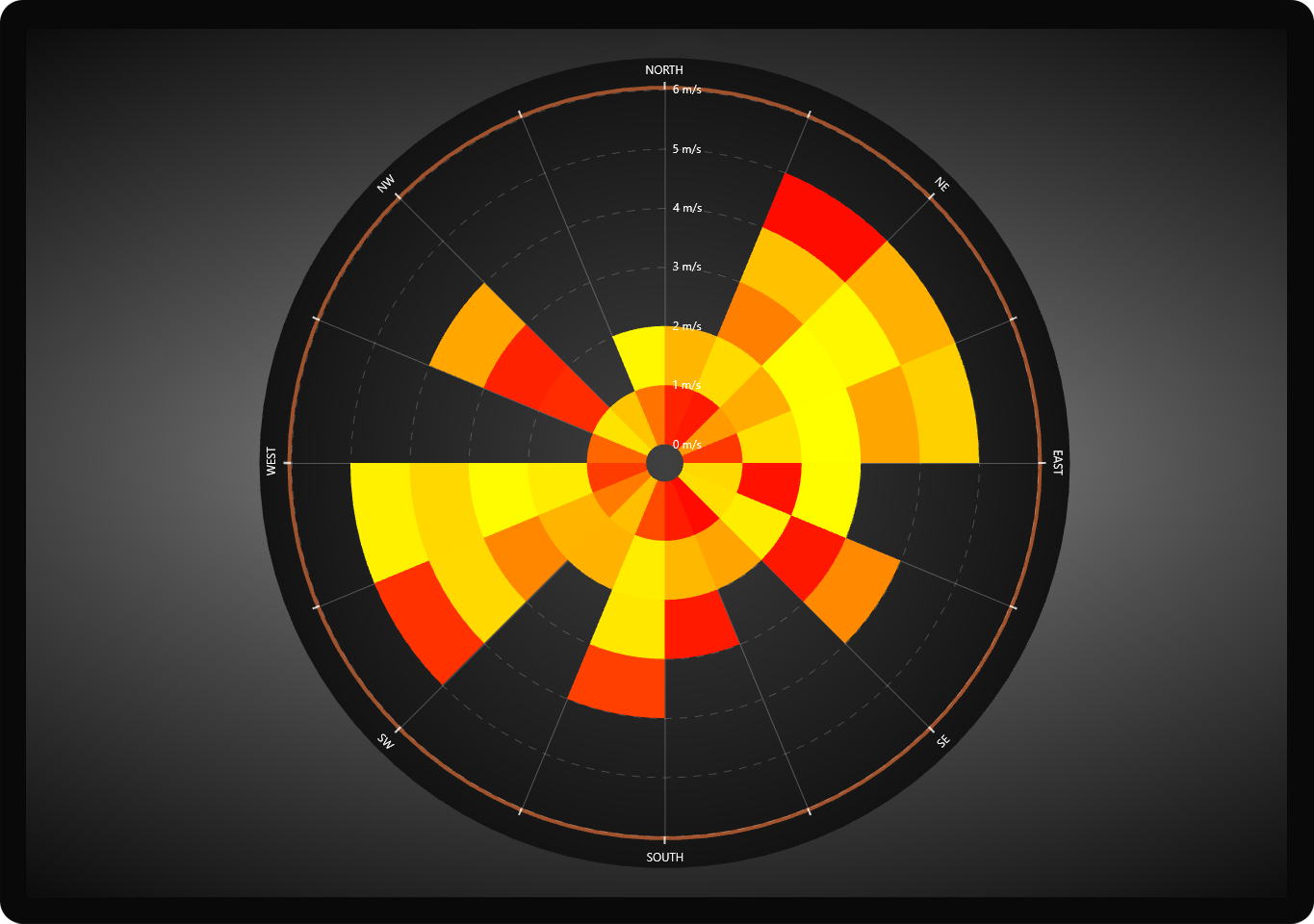
- Polar series, radial series, spline series, Gantt charts, etc.
- Gauges, speedometers, radar charts.
Multichannel / Real-Time

- Simultaneous visualization of hundreds of series or signals.
- Ultra-low latency, ideal for live monitoring and data acquisition systems.
Advanced Interaction
- Tooltips, zoom, pan, point selection.
- Synchronized coordinates, smart cursors, linked charts.
- Nested charts and floating visual windows.
Export
- Export to images, video, or raw data.
- Real-time chart captures for reports or streaming.
Rendering Engine
- Rendering based on DirectX (not just GDI+ or CPU).
- This enables extreme performance, even with millions of visible data points.
Use LightningChart .NET if you need:
- Extreme performance with millions of points.
- Real-time telemetry, oscilloscopes, or signal processing.
- Interactive 3D visualization.
- Scientific or medical visualization tools.
- Professional data analysis capabilities.
LC .NET Performance
LightningChart .NET excels in performance tests.
- Rendering capability: It can display billions of data points in real-time, maintaining update rates of at least 30 FPS on mid-range PCs.
- Performance comparisons: In tests against SciChart, LightningChart has proven to be up to 3000 times faster in certain scenarios and maintains a significant advantage even when SciChart uses resampling techniques.
- 3D chart performance: In visualizations like 3D meshes (MeshModel) and heatmaps, LightningChart has achieved speeds up to 13 times faster than its competitors, with an average of 90 FPS compared to 39.28 FPS in specific tests.
You can read more about performance tests.
Conclusion
When working with charts in a WPF application, you can choose what’s already included (such as Microsoft WPF Chart Controls), or you can go for a high-performance solution like LightningChart .NET. At first glance, it may seem like both do the same thing (display data in a chart), but there is actually a big difference. Let’s see it.
Continue learning with LightningChart

Trend Lines in Trading
Trend lines are among the simplest yet most powerful tools in technical analysis. They help traders visualize market direction, identify potential support and resistance levels, and make more informed trading decisions. Despite their simplicity, trend lines remain a...

Best Python Charting Library in 2026
Python's charting ecosystem is large, overlapping, and regularly misunderstood. Most comparison guides stop at Matplotlib, Plotly, and Seaborn. This one goes further: it covers what happens when your datasets grow large, your update rates increase, or your chart types...

Best TradingView Charting Library Alternative
TradingView's charting libraries are the most visible option for fintech developers. Visibility is not the same as capability. This guide is for developers who have hit the wall on candle count limits, watermark restrictions, branding requirements, real-time...



If you have any questions, feel free to contact us!
©LightningChart Ltd 2025. All rights reserved.