





Redefining Python Data Viz: The Evolution of LightningChart Performance
Article
Assisted by AI
Discover why LightningChart Python is the fastest data visualization library in 2026. Render 100M+ points in real-time with GPU-accelerated performance.
Jarkko Tirkkonen
Senior Developer


The Evolution of Python Data Performance
For years, the Python ecosystem has been the undisputed home of data science and machine learning. However, developers long faced a frustrating performance wall when it came to visualizing the massive datasets they were processing. Traditional libraries often struggled with real-time updates or datasets exceeding a few thousand points, leading to laggy, unresponsive applications.
LightningChart Python was born to shatter that wall. Its journey from a groundbreaking Beta to the powerhouse version 2.1 is a story of relentless innovation in speed and capability, redefining Python data viz by enabling the fluid rendering of millions of data points in real-time. This evolution ensures that the visualization layer is no longer the bottleneck in the data science pipeline, but rather its greatest asset.
Breaking the Speed Barrier with GPU Acceleration

The journey began with a clear mission: to bring the world’s fastest charting engine to the Python community. When the Beta was first introduced, it leveraged a unique high-performance engine entirely powered by GPU acceleration.
Unlike traditional libraries that rely heavily on the CPU for rendering, LightningChart Python offloads the heavy lifting to the graphics processor. This architectural shift meant that, for the first time, Python developers could visualize millions of data points without the stutter that had previously been considered an unavoidable limitation. With the official launch of version 1.0, this promise became a reality. By integrating seamlessly with NumPy and Pandas, it allowed developers to keep their existing workflows while gaining access to 2D and 3D charts that could handle real-time monitoring and massive historical analysis simultaneously.
Expanding the Horizon: Heatmaps and Complex Surfaces
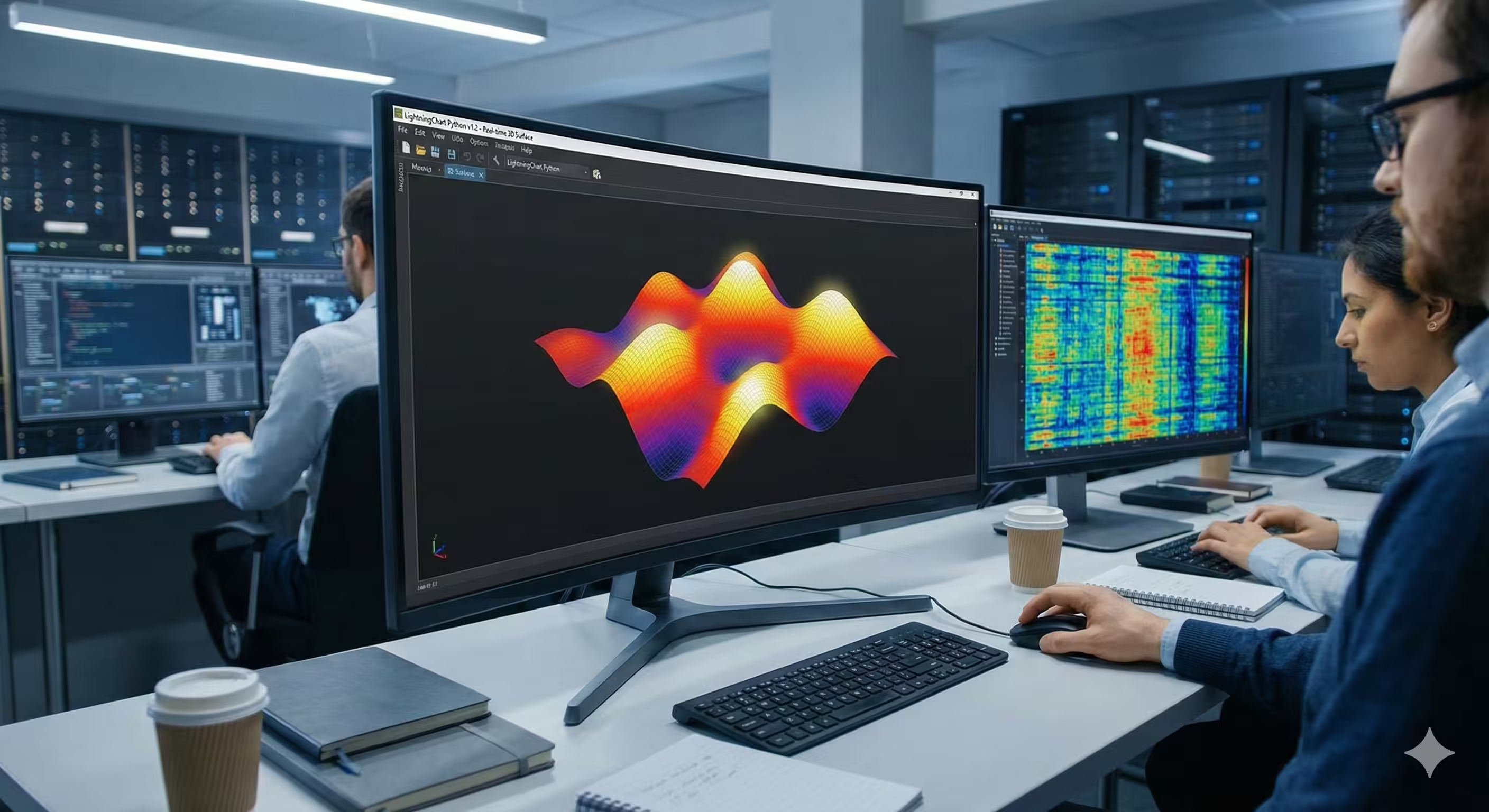
As the library matured, the focus shifted from pure speed to versatility across complex data types. The releases leading up to version 1.2 marked a significant expansion of the toolkit. Recognizing that data is often multi-dimensional and dense, LightningChart introduced advanced capabilities like high-performance heatmaps and intricate 3D surface charts.
These weren’t just standard chart implementations they were built with the same performance-first philosophy. Developers could now visualize intense, rapidly changing data streams and identify patterns in sprawling datasets using spectacular 3D visualizations. This was achieved without sacrificing fluid interactivity—zooming, rotating, and panning—that users had come to expect from professional tools.
The Quantum Leap to Version 2.0 and 100M Data Points
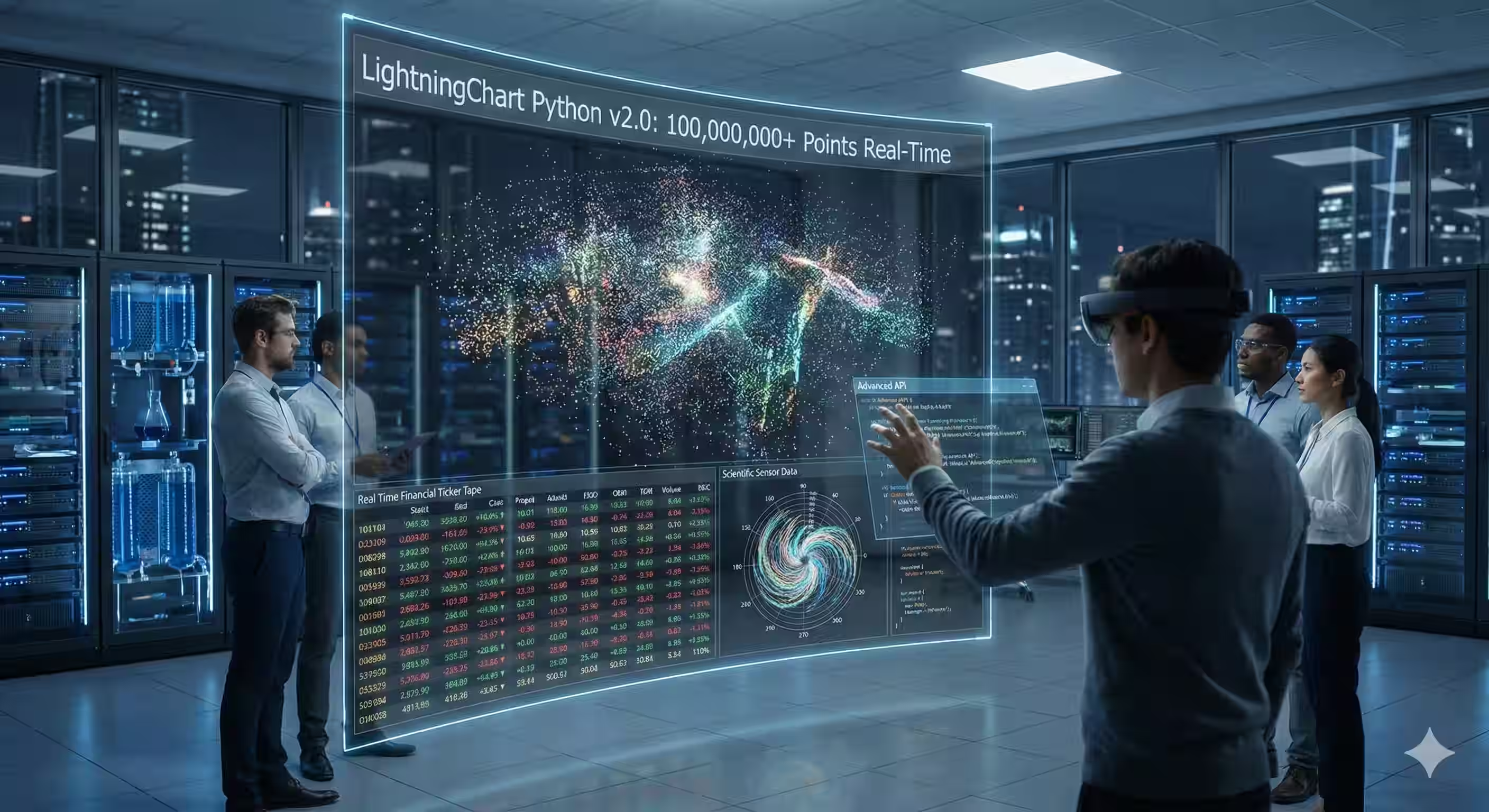
The release of LightningChart Python 2.0 represented a true generational shift. This version introduced the Advanced API, a sophisticated layer designed for those who need to push the absolute limits of hardware.
While the library was all ready fast, version 2.0 pushed the boundaries to over 100 million data points in real-time. This level of performance is virtually unheard of in the Python space, positioning LightningChart as the fundamental engine capable of meeting the extreme demands of high-frequency financial data analysis, microsecond-level sensor monitoring, and large-scale scientific research. In addition to raw power, version 2.0 brought much-requested features like grouped charts and polar charts, allowing for more complex data storytelling.
Precision and Professionalism in Version 2.1
The latest evolution, version 2.1, focuses on the Professional Dashboard experience. It’s no longer just about individual high-speed charts; it’s about creating comprehensive, high-performance monitoring environments. This update brought significant enhancements to dashboard layouts, custom themes, and refined real-time performance stability.
Version 2.1 ensures that your data visualization looks as professional as it performs. With enhanced styling options and smoother integration of various 2D and 3D chart types into a single interface, developers can build executive-level dashboards that react to live data with zero latency. It represents the culmination of a journey from a high-speed engine to a complete, professional-grade visualization ecosystem.
Why Settle for Less in 2026?
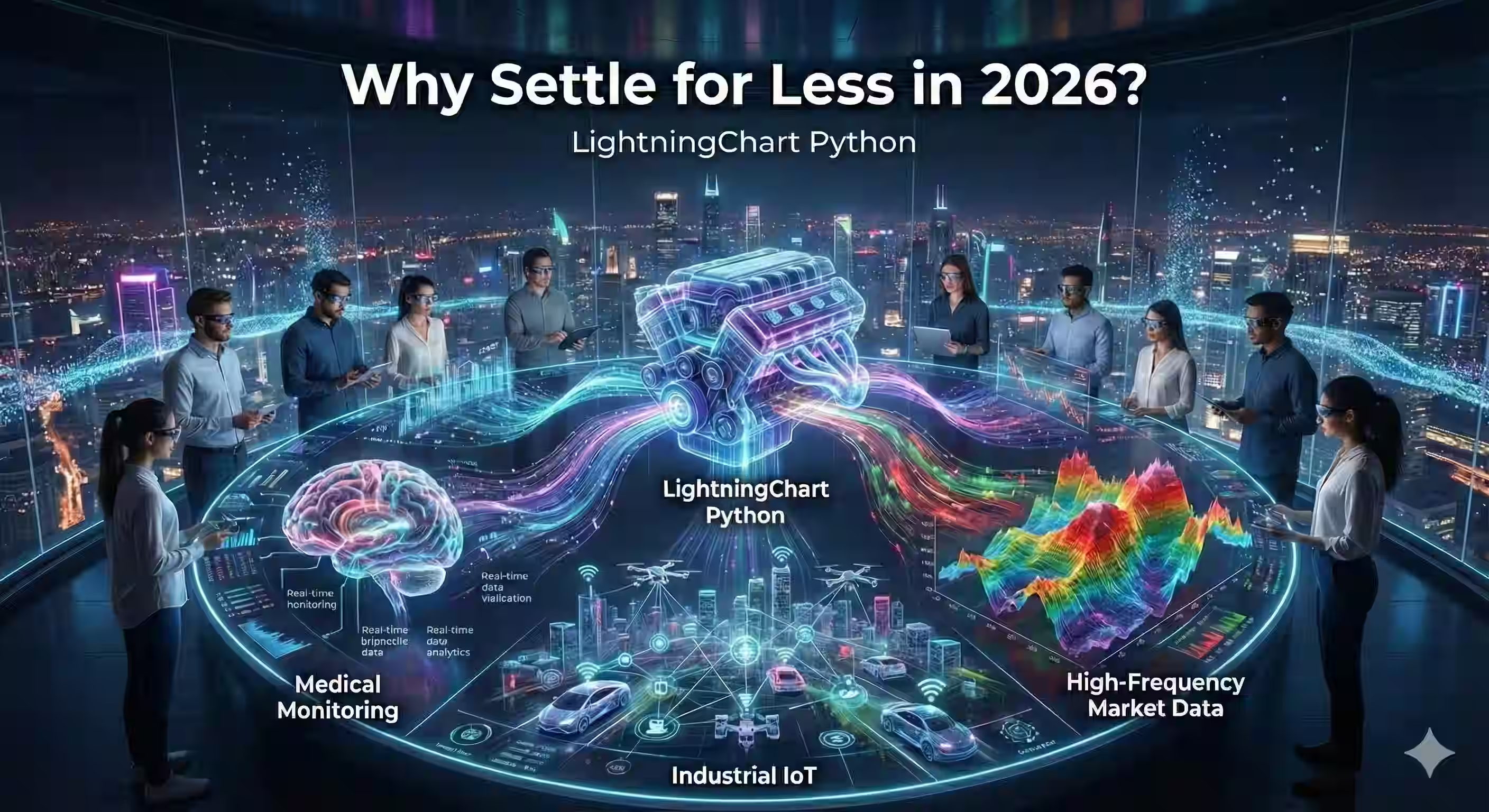
Whether you are building a real-time medical monitoring system, analyzing massive streams of market data, or visualizing heavy industrial IoT datasets, LightningChart Python provides the tools to see your data in a way that was previously impossible. It is not just another charting library, it is the performance engine that your data deserves.
| Library | Max Data Points (Smooth) | Rendering Technology | Real-Time Support |
| Matplotlib | ~10k – 50k | CPU-bound | Limited / Static |
| Plotly | ~50k – 100k+ | CPU/GPU | Moderate |
| LightningChart Python | 100M+ | GPU-accelerated | Excellent (kHz) |
Continue learning with LightningChart

Visualizing 10 Million Data Points in the Browser (2026): The Technical Deep-Dive
Ten Million Data Points in the Browser: How WebGL Makes Mass Datasets Interactive Ten million data points. That number used to mean a database problem, not a front-end problem. Now research teams want to explore it interactively in a browser. Trading desks want...
Elliott Wave Theory in Trading
Financial markets often appear chaotic, but many traders believe that price movements follow recurring patterns driven by human psychology. One of the most influential approaches based on this idea is the Elliott Wave Theory. Developed nearly a century ago, it remains one of the most widely studied methods of technical analysis.
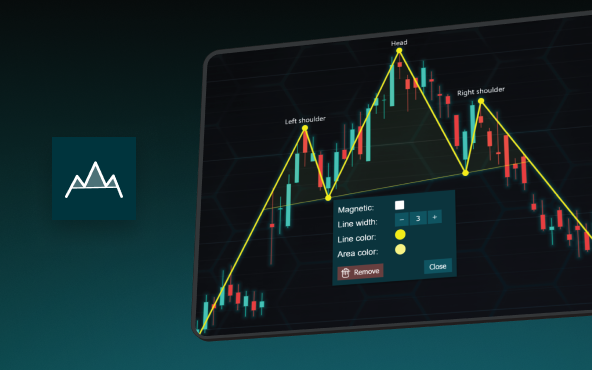
The Head and Shoulders Pattern in Technical Analysis
The Head and Shoulders Pattern in Technical Analysis The Head and Shoulders Pattern in Technical Analysis The Head and Shoulders pattern is one of the most recognized and widely used chart patterns in technical analysis. It is considered a reliable reversal pattern...



If you have any questions, feel free to contact us!
©LightningChart Ltd 2025. All rights reserved.