AutoPadding
From version 12.5 ViewXY has AutoPadding property. This is the padding in PXs for control's edges, i.e. the outer edge or rim of the chart, which encloses ViewXY Margins. AutoPadding can be used when Margins are auto-adjusted (AxisLayout. AutoAdjustMargins is enabled). Chart objects like Annotations and LegendBoxes can be placed in the padded area.
AutoPadding is Padding-structure in WinForms and Thickness-structure in WPF. For example,
_chart.ViewXY.AutoPadding = new Padding(iLeftPadding, iTopPadding, iRightPadding, iBottomPadding);
AutoPadding area is colored with same color as chart background. Therefore, there is no visible boundary between AutoPadding and Margins. However, it is possible to outline/color those areas with Annotation (as done in ExampleAutoPadding from our Demo).
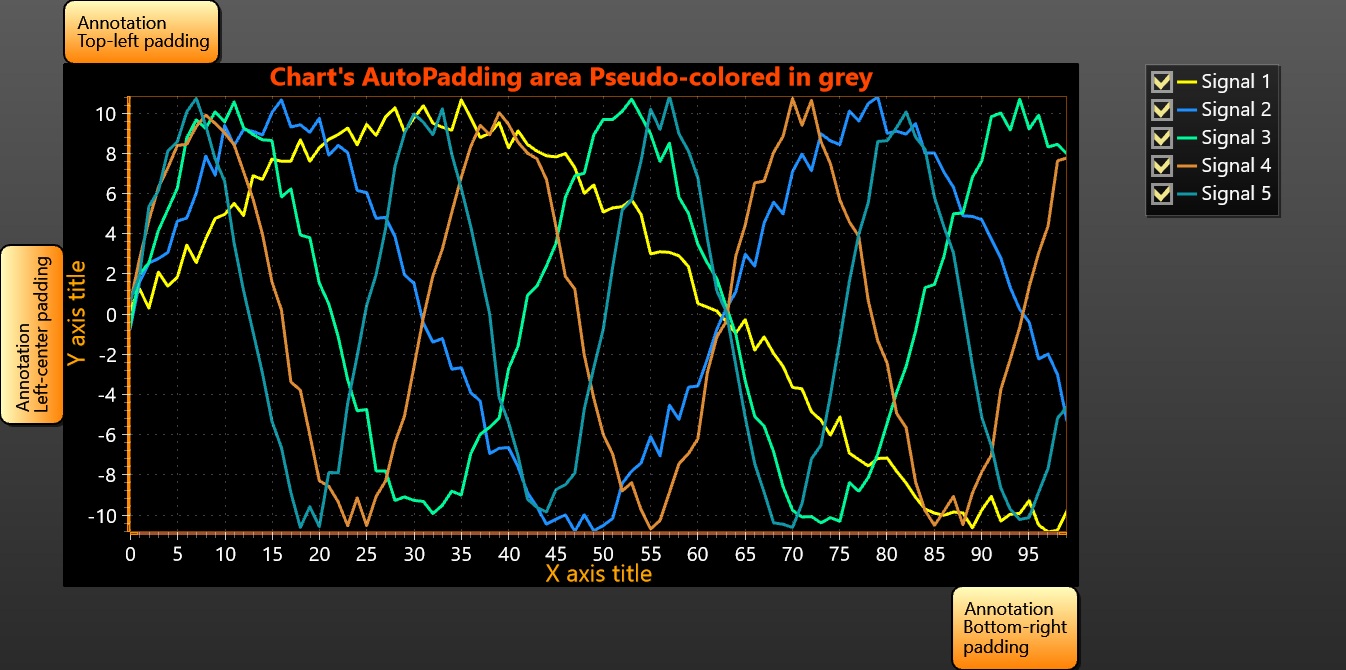
A simple ViewXY.AutoPadding usage example. Padded area is pseudo-colored differently [in grey] for clarity (with Annotation help).