CustomMessage
From version 12.4 each View has CustomMessage property to draw text box in the top-left corner.
User can have custom message written on the chart (as text box in the top-left corner). Chart. CustomMessageOptions properties allow to change colors, font and offset of the message box. Custom message will be shown until View. CustomMessage property is set to empty/white-space string.
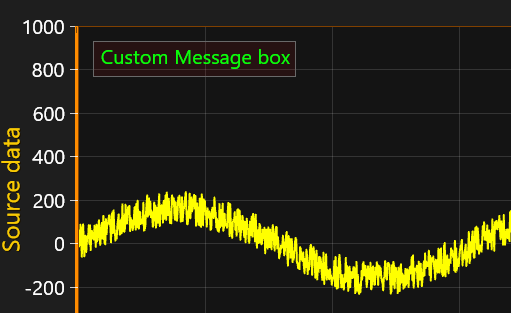 CustomMessage in ViewXY.
In addition, by enabling CustomMessageOptions. SetChartMessageAsCustomMessage property user can pass all internal LightningChart messages to this CustomMessage (severity defined by CustomMessageOptions. CustomMessageSeverity property). This can be handy during application debugging.
Note, that each internal ChartMessage will be shown in message box for 10 seconds and multiple messages will be displayed in order they have been raised (top line in message box will be telling how many messages are still in the queue).
 Example of Internal ChartMessages as CustomMessage in ViewXY (CustomMessageOptions. SetChartMessageAsCustomMessage is enabled).