Heatmap
LightningChart JS has a powerful feature for displaying high resolution heatmaps. This can mean up to millions or even billions data points displayed at high speed and colored according to user configured color rules.
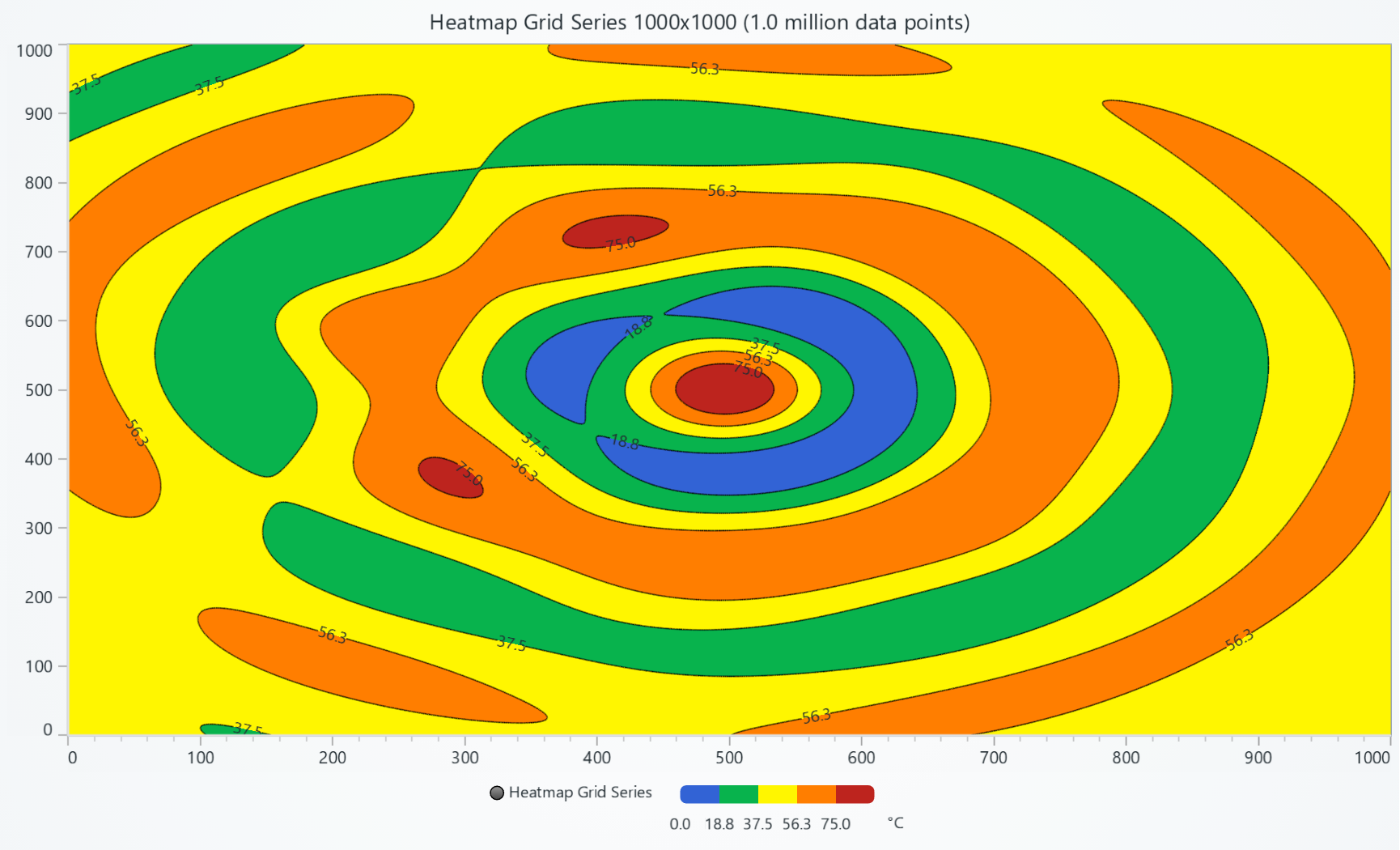
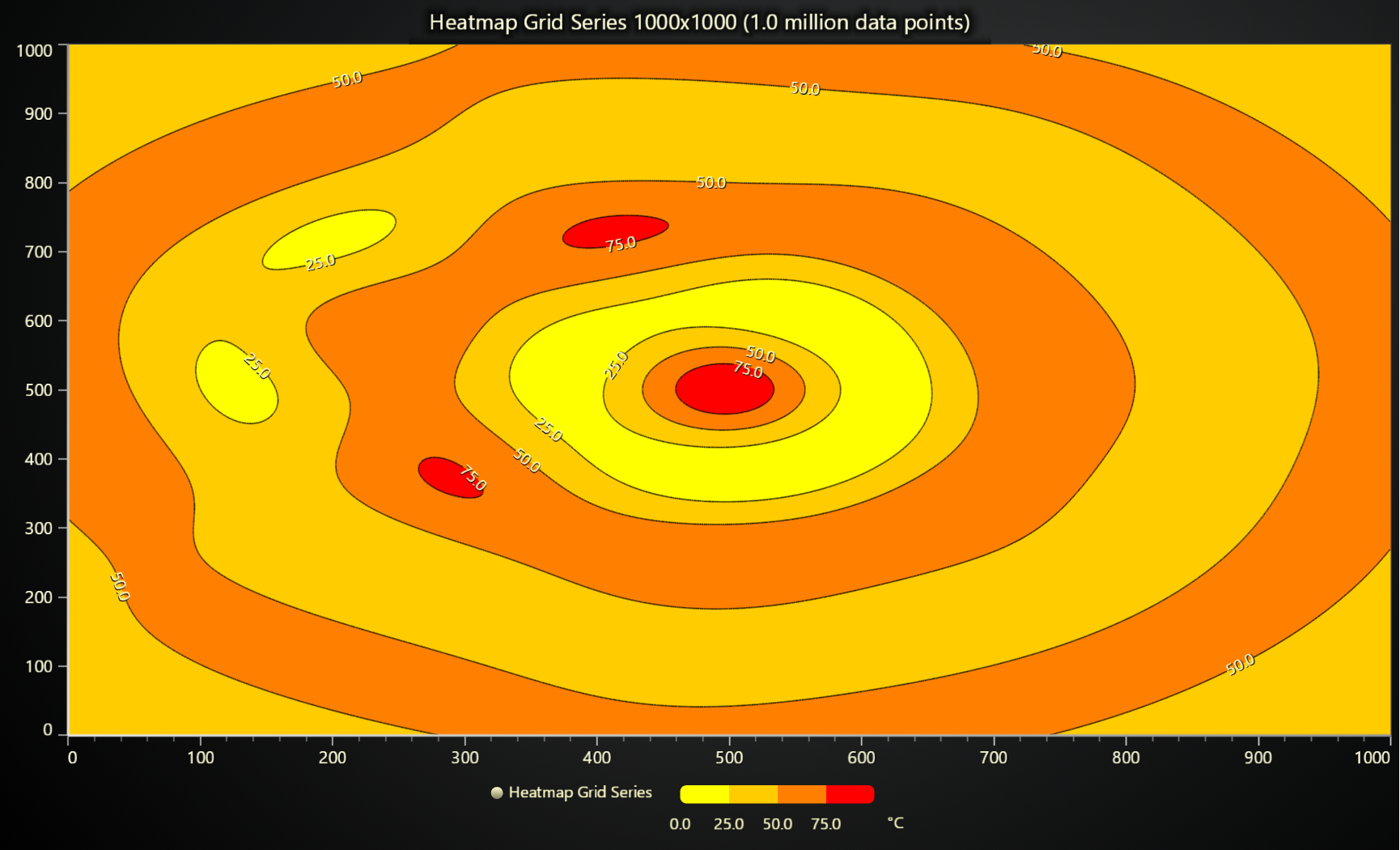
This section is about so called "static heatmaps", for scrolling and time heatmaps see Scrolling heatmap.
// Creation of heatmap series
const heatmapSeries = chart.addHeatmapGridSeries({
    columns: 3,
    rows: 4,
    dataOrder: 'columns',
})
    .setStart({ x: 0, y: 0 })
    .setStep({ x: 1, y: 1 })
Data input
Heatmaps consume data as uniform number matrixes. You can imagine this as a table of numbers:
| column 0 | column 1 | column 2 | |
|---|---|---|---|
| row 0 | 0 | 4 | 8 |
| row 1 | 1 | 5 | 9 |
| row 2 | 2 | 6 | 10 |
| row 3 | 3 | 7 | 11 |
heatmapSeries.invalidateIntensityValues([
    [0, 1, 2, 3],
    [4, 5, 6, 7],
    [8, 9, 10, 11],
])
"uniform" means that when you attach this data table to a pair of X and Y axes, the X and Y step between each column and row is always the same.


Partial data supply
Heatmap also supports modifying only a sub set of the entire data array.
HeatmapGridSeries.invalidateIntensityValues(value: {
    iColumn: number;
    iRow: number;
    values: number[][]
})
Flat data input
Heatmaps also support data input in flat format. This means that instead of supplying an array of arrays, you provide just one flattened array.
// Example, provide entire heatmap dataset as single flat array
const heatmap = chart.addHeatmapGridSeries({
    columns: 3,
    rows: 4,
    dataOrder: 'columns',
})
heatmap.invalidateIntensityValues([
    // column 0 values
    0, 1, 2, 3,
    // column 1 values
    4, 5, 6, 7,
    // column 2 values
    8, 9, 10, 11
])
Partial ranges of data can also be loaded as flat arrays:
HeatmapGridSeries.invalidateIntensityValues(value: {
    iColumn: number;
    iRow: number;
    columns: number;
    rows: number;
    values: TypedArray | number[]
}): this
Color lookup
Heatmaps are colored using a LUT (value <-> color lookup table).
This defines the rules for picking a color from a data value.
heatmapSeries.setFillStyle(new PalettedFill({
    lut: new LUT({
        interpolate: true,
        steps: [
            { value: 0, color: ColorRGBA(255, 0, 0) },
            { value: 10, color: ColorRGBA(0, 0, 255) },
        ],
    }),
}))


For more details about style API, please see Styles, colors and fonts.
Percentage color lookup
LUT has also a percentageValues option, which you can use if you want to use % values of the present min-max lookup value range, rather than specific value steps:
new LUT({
    percentageValues: true,
    interpolate: true,
    steps: [
        // 0 = 0 %, 1 = 100%
        { value: 0, color: ColorCSS('red') },
        { value: 1, color: ColorCSS('green') },
    ]
})
For more details about style API, please see Styles, colors and fonts.
Intensity interpolation
// Enable intensity interpolation
heatmapSeries.setIntensityInterpolation('bilinear')


// Disable intensity interpolation
heatmapSeries.setIntensityInterpolation(undefined)
Aggregation
By default, heatmaps display the closest heatmap cell value to each pixel that is rendered on the screen. With dense, high resolution heatmaps, this can mean that there is no guarantee which data value is displayed in a pixel.
Heatmap aggregation can be enabled to specify this behavior (which value to show when multiple cell values are contained by single pixel) at the expense of a performance hit.
// Enable heatmap aggregation (max/min)
heatmapSeries
    .setAggregation('max')
    // Bilinear interpolation is not supported simultaneously
    .setIntensityInterpolation('disabled')
Disable wireframe
heatmapSeries.setWireframeStyle(emptyLine)
Contours
Contour lines and or labels can be enabled with setContours method:
heatmapSeries.setContours({
    levels: [
        { value: 25, label: 'warning' },
        { value: 50 },
        { value: 75, strokeStyle: new SolidLine({ thickness: 1, fillStyle: new SolidFill({ color: ColorRGBA(255, 0, 0) }) }) }
    ]
})
Each contour level can have individual stroke style, label formatting, label styling etc.
Partial data supply
Heatmap also supports modifying only a sub set of the entire data array.
HeatmapGridSeries.invalidateIntensityValues(value: {
    iColumn: number;
    iRow: number;
    values: number[][]
})
Connecting to non-default axis
This section works the same as for Line, to avoid duplication of guides, please refer to the section under Line
Solve nearest from location
This section works the same as for Line, to avoid duplication of guides, please refer to the section under Line
Interactions with data points
This section works the same as for Line, to avoid duplication of guides, please refer to the section under Line
Extrapolating heatmap data from scatter data set
One common way of using heatmap charts is to extrapolate an uniform matrix from a scatter polar data set (something you would visualize with Scatter Chart). For example, see the picture below, which displays both Raw samples (as scatter points) and the extrapolated heatmap:


We have computation algorithms for performing this extrapolation, but they are not publicly exposed. If you would be interested in testing this, then please get in touch.